
Showing customers what they need before they even know it.
Personal styling: online, in CRM and in your store
Personalisation is the mixNmatch building block that styles for each customer: looks and suggestions based on profile, likes and past purchases, in your shop, in 1:1 newsletters and WhatsApp, in your brand app, in the print catalogue and on a tablet in your store.
From one catalogue for everyone to a personal capsule for each customer, under your brand and on your own range.
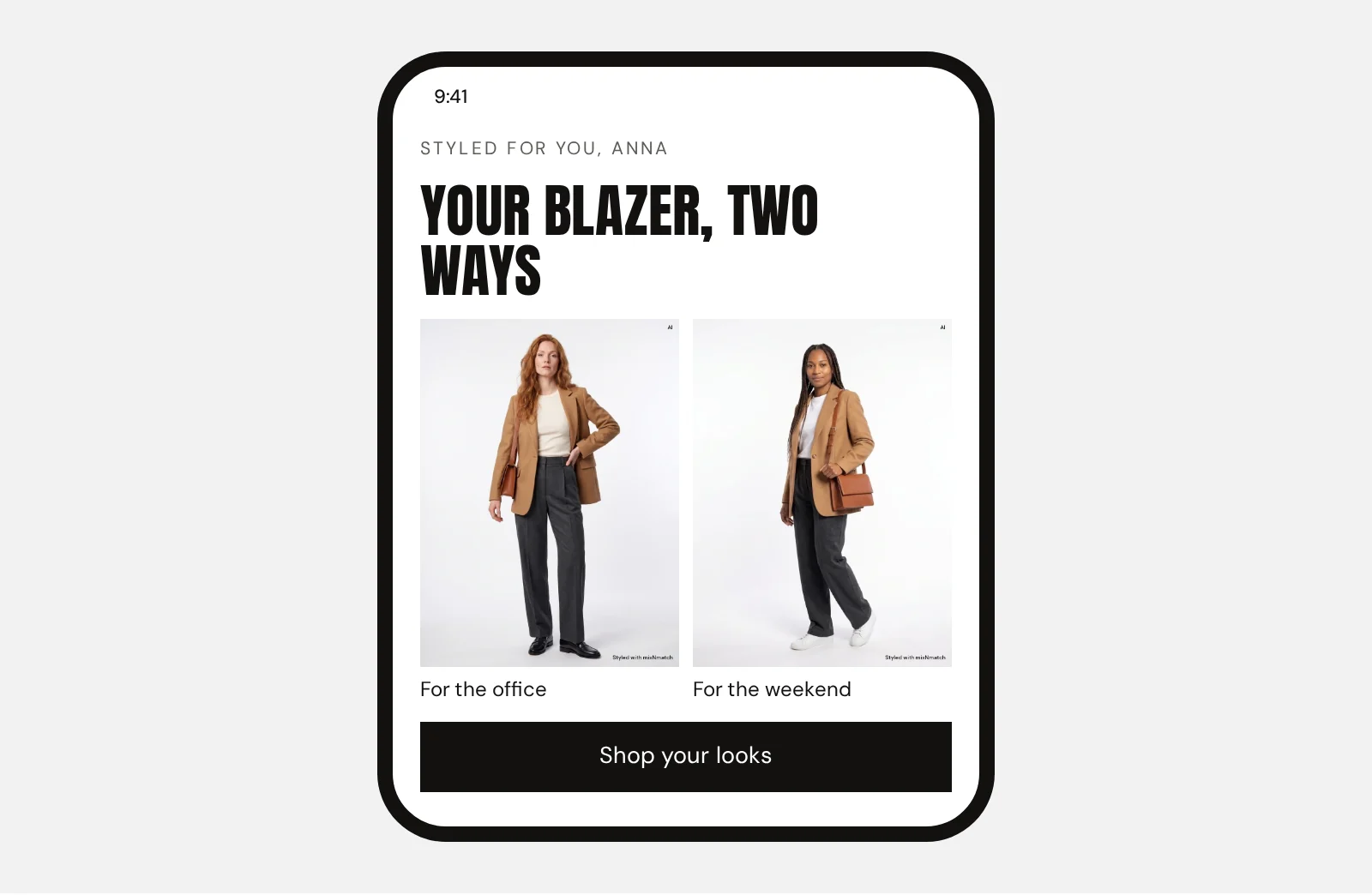
In and out
What your shop already has goes in. What mixNmatch adds comes out, marked in yellow.
InCustomer data
Bought: camel blazer
Likes: 12 pieces
Searched: office looks
OutA personal suggestion
How does personalisation show customers what they need before they know it?
Most shops push: one catalogue for everyone.
Read more
Personalisation turns this into pull. A style profile of needs, taste and purchases leads to a personal capsule: looks that build on what she already owns, suggestions for the next season, and pieces she would not have searched for.
It takes profile data such as purchases, searches and likes, styling logic that knows which pieces make a look, and product data with material, fit, occasion and style per item. Personalised Content uses the same signals by email and WhatsApp, for example “how to style your new trousers”.
Can personal styling work in a store, an app or a print catalogue?
Yes, the same engine works beyond the shop.
Read more
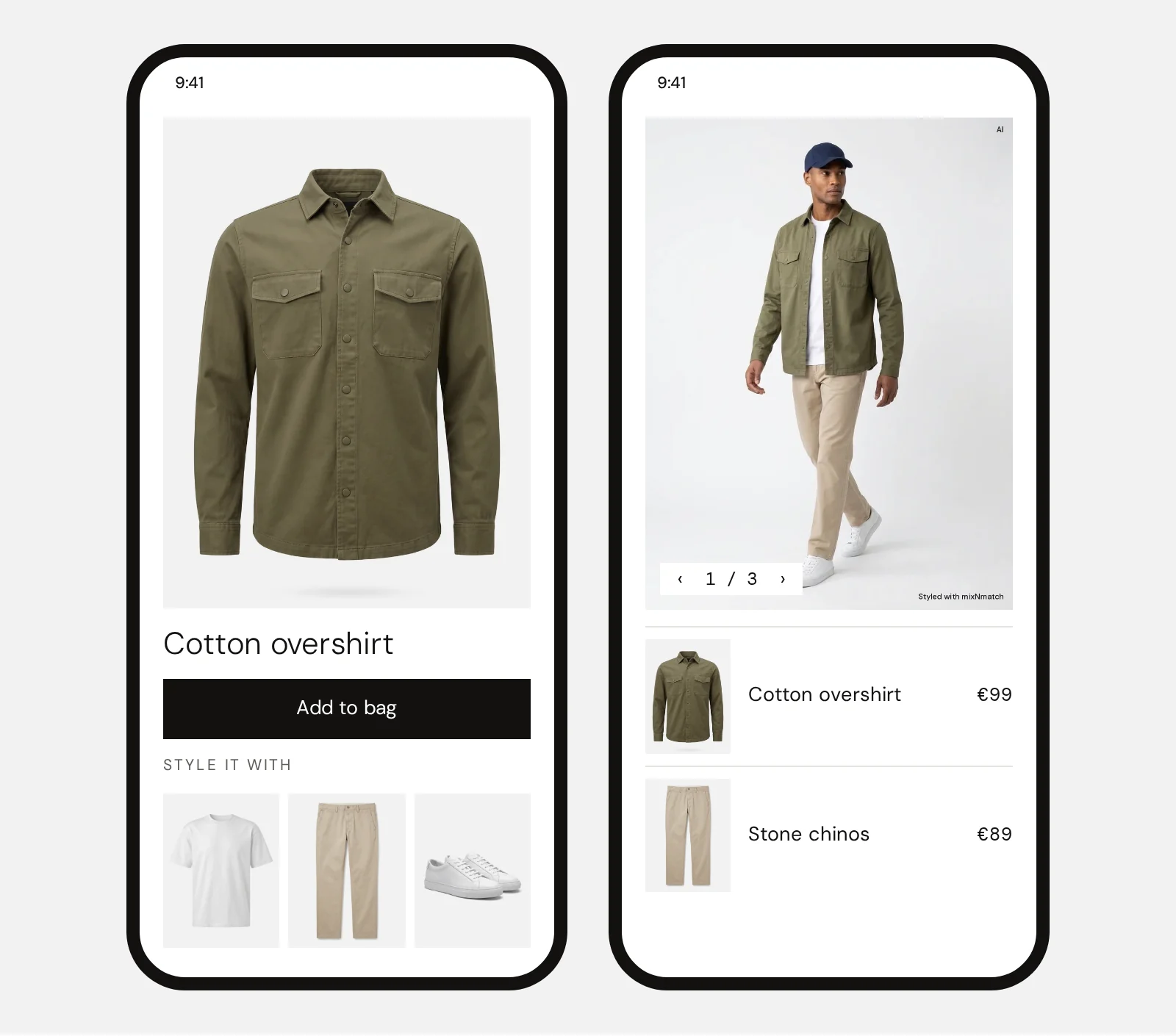
In the store, on a tablet for the sales team or the customer: pick or scan an item and see looks from the store’s range, with answers to “What do I wear with these boots?”. In your brand app: “Style it with” on every product, with try-on and new looks for pieces she already bought.
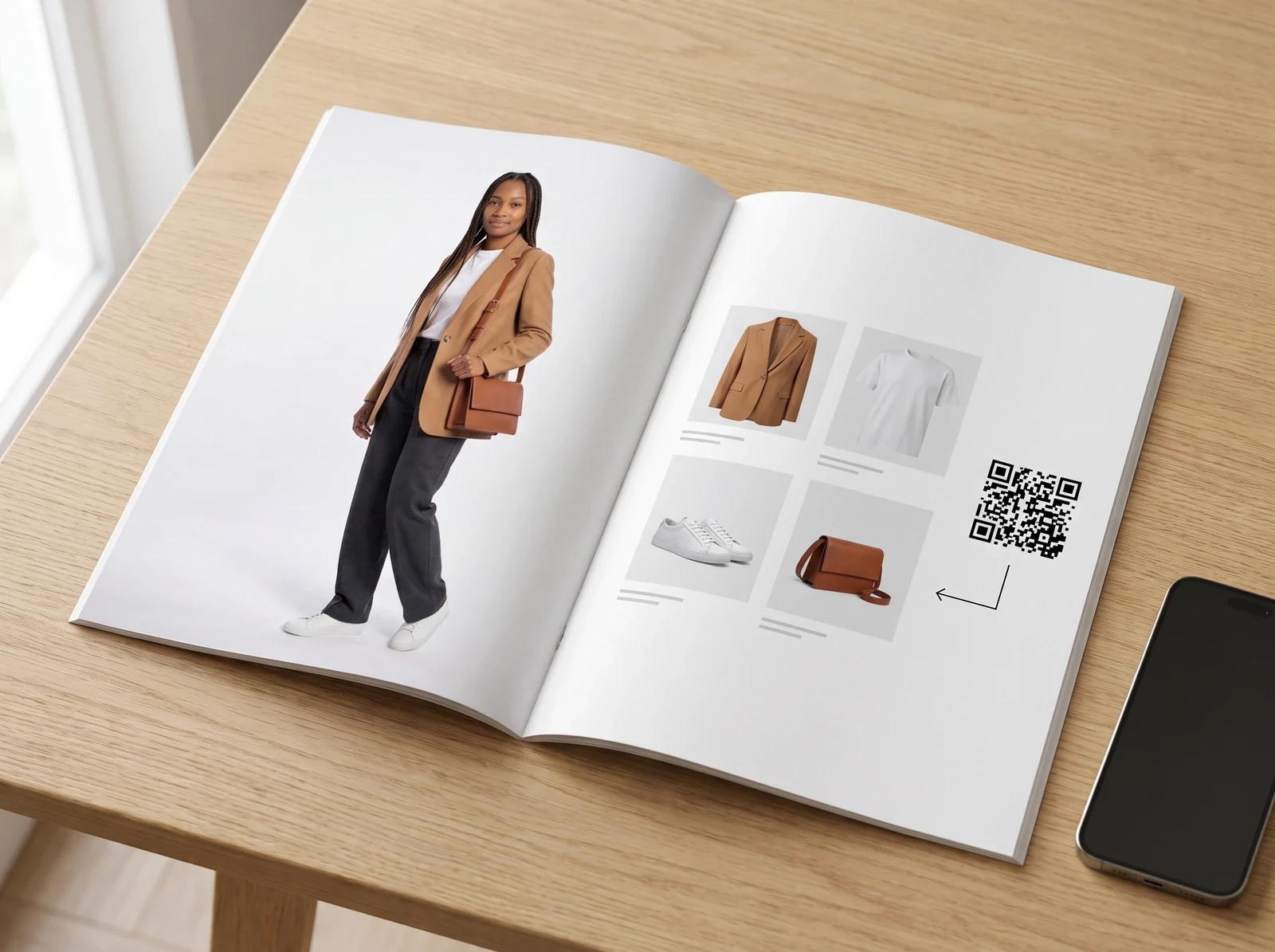
In the print catalogue: a QR code next to every look leads to the product page with the whole look. Advice follows the same style logic everywhere.
Why build styling into your own shop instead of a third-party app?
Consumer styling apps move discovery to their own platform: the shopper’s attention, the relationship and the data end up there.
Read more
With mixNmatch, styling runs inside your shop, under your brand, on your catalogue. The customer stays with you, and so do the conversations, which tell you what shoppers actually ask for: occasions, styles and gaps in the range.
European brands win on advice and experience, not on price; styling that knows your full range offers both, online and in the store.
How it works
It moves Repeat purchase Retention
Also called: personal shopper, 1:1 styling, clienteling, personal capsule
- 01
Use the signals you have
Purchases, likes, searches or a short style-profile form.
- 02
Build a style profile
Needs and taste, combined with the styling logic and your product data.
- 03
Style for one customer
Looks that build on what the customer already owns.
- 04
Meet them everywhere
In the shop, in 1:1 newsletters and WhatsApp, in your app, in print and in the store.
Compared with
today
| mixNmatch | One newsletter for all | Consumer styling apps | |
|---|---|---|---|
| Builds on what the customer already owns | Yes | No | Yes |
| Under your brand, on your range | Yes | Yes | No |
| The customer relationship stays with you | Yes | Yes | No |
| The same advice in shop, app and store | Yes | No | No |
What a shop could do with it
From push to pull
A personal styling system, usable in every channel, and also for demand and collection planning.
Today: push
One catalogue for everyone. Everyone gets the same range and has to find the right pieces alone.
Next: pull
Her needs come first. A style profile of needs, taste and purchases leads to a personal capsule.
What it takes
- Profile datapreferences, purchases, searches, likes
- Styling logicwhich pieces make a look together
- Product datamaterial, fit, occasion and style per item
Beyond the shop
The same styling logic and API as the shop, wherever your customers meet your brand.
Newsletter and WhatsApp
1:1 styled mailings, e.g. “how to style your new trousers”, based on purchases.
In the store
On a tablet, for the sales team or the customer: pick or scan an item and see looks from the store’s range.
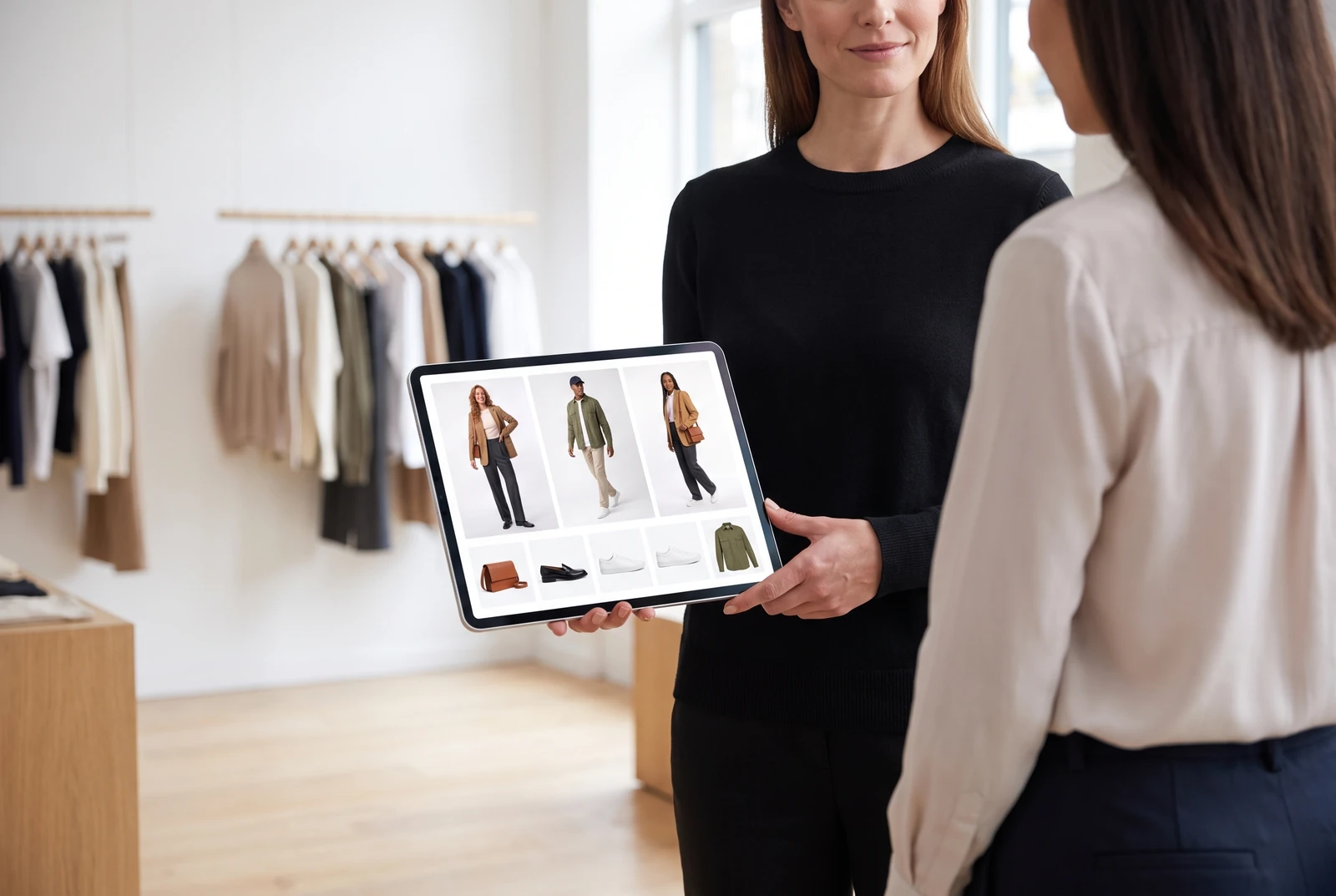
In the brand app
For regular customers who open it often: “Style it with” on every product, with try-on.
In the print catalogue
A QR code next to every look: scan it and land on the product page with looks.
Personal looks for every customer
New in, already yours
Inspiration from the new collection, combined with the pieces each customer already owns. In the online shop, the newsletter, the app and other 1:1 channels: the new arrivals sell because they make her wardrobe better.
After sign-in, on the home page: “New in, styled with your pieces”
New collection
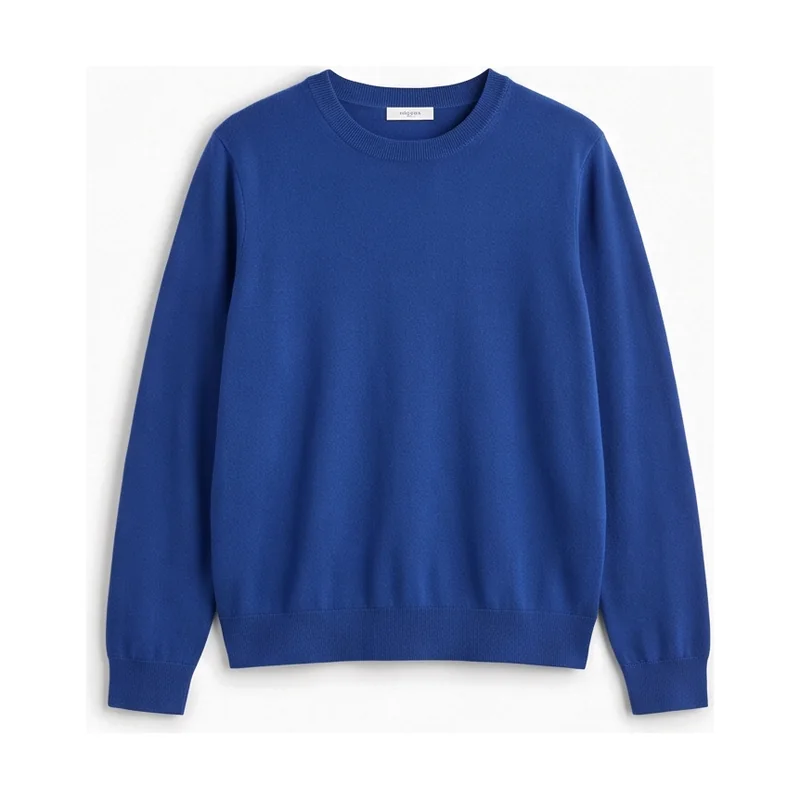
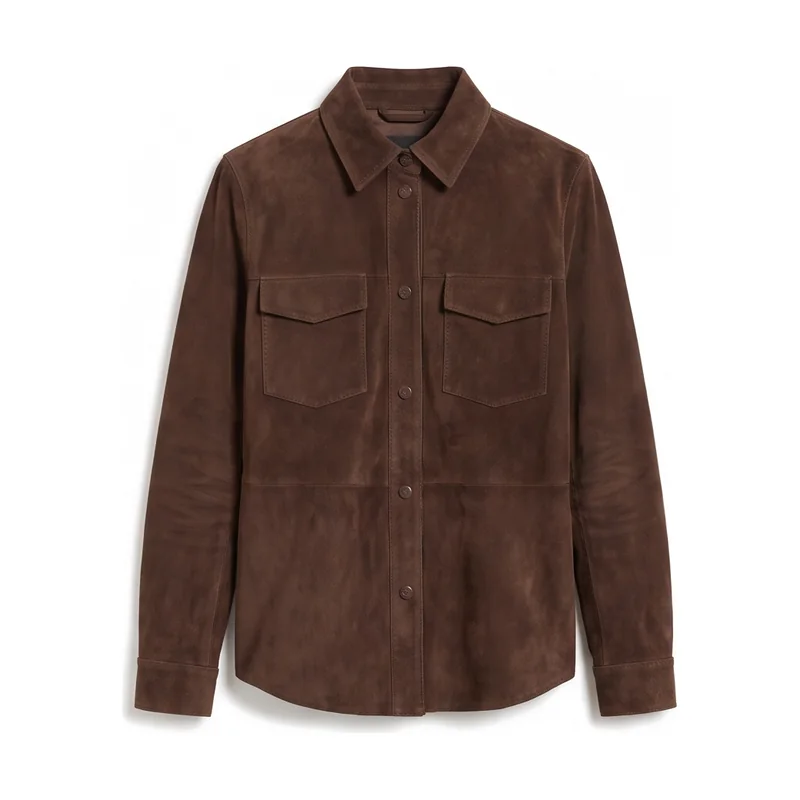
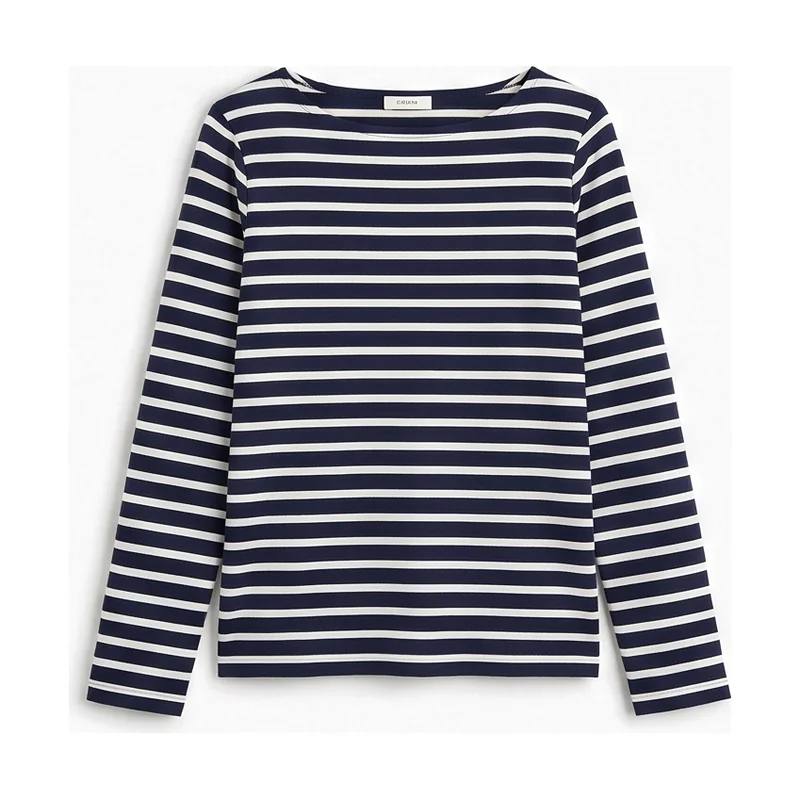
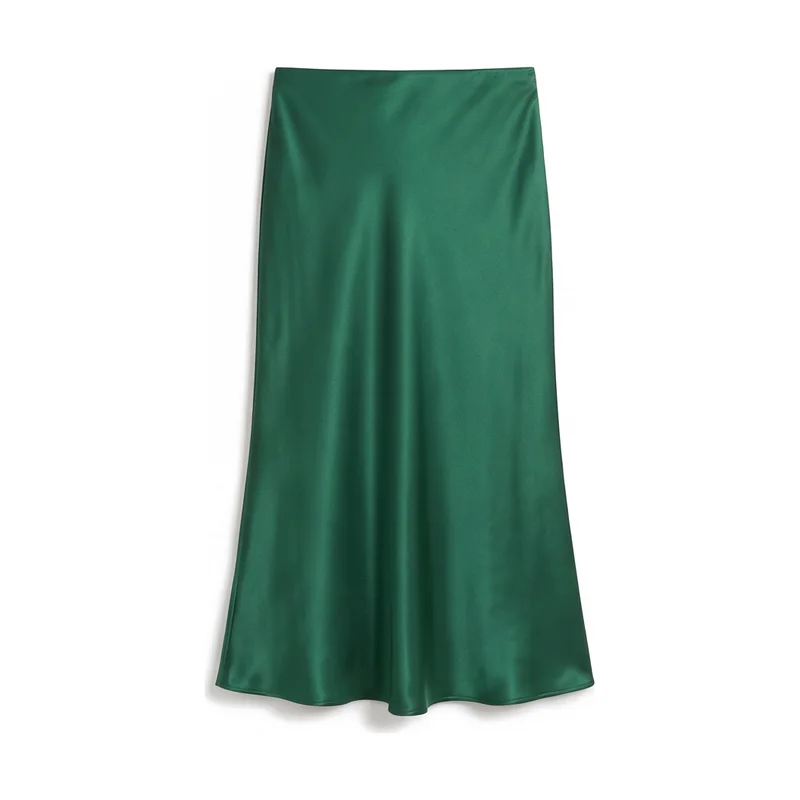
Look 1 of 4 · Weekend
Your shirt and jeans, a new trench
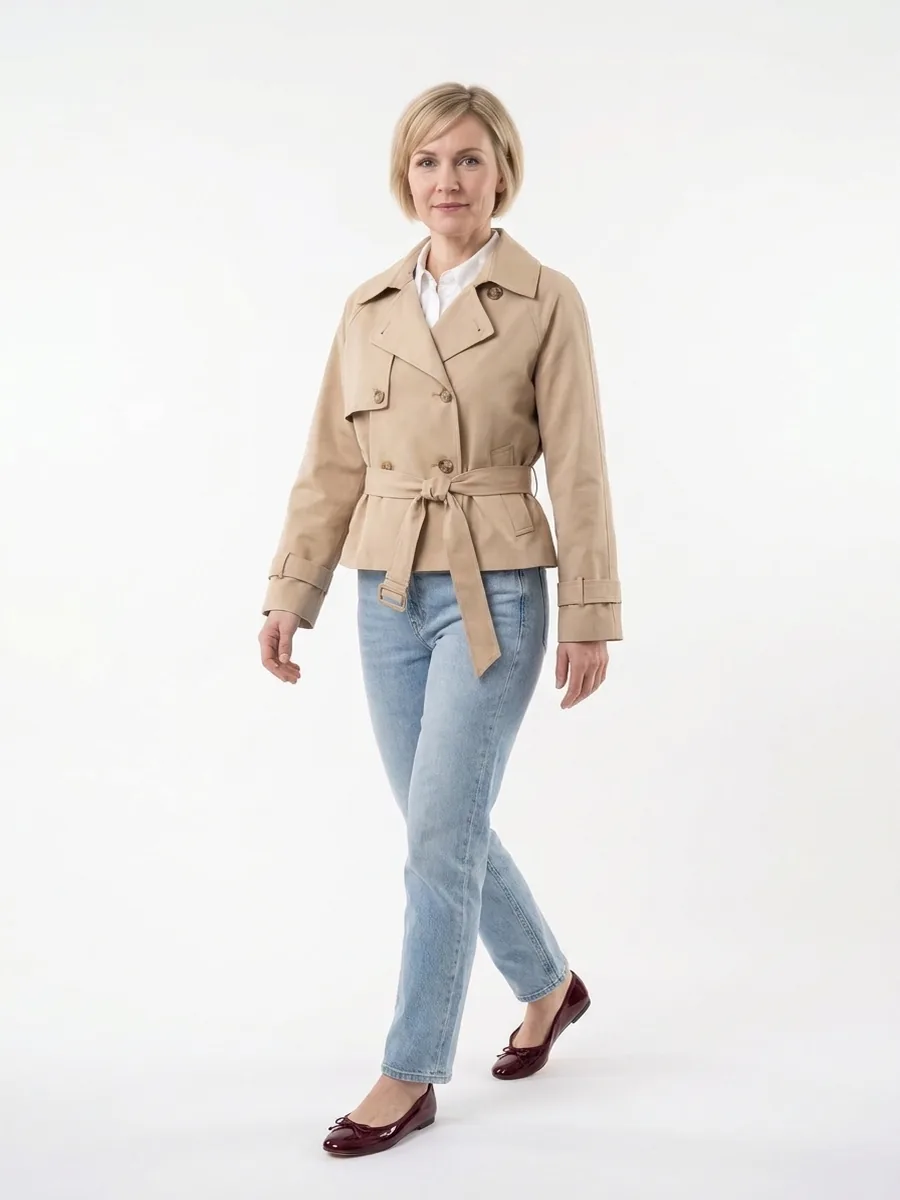
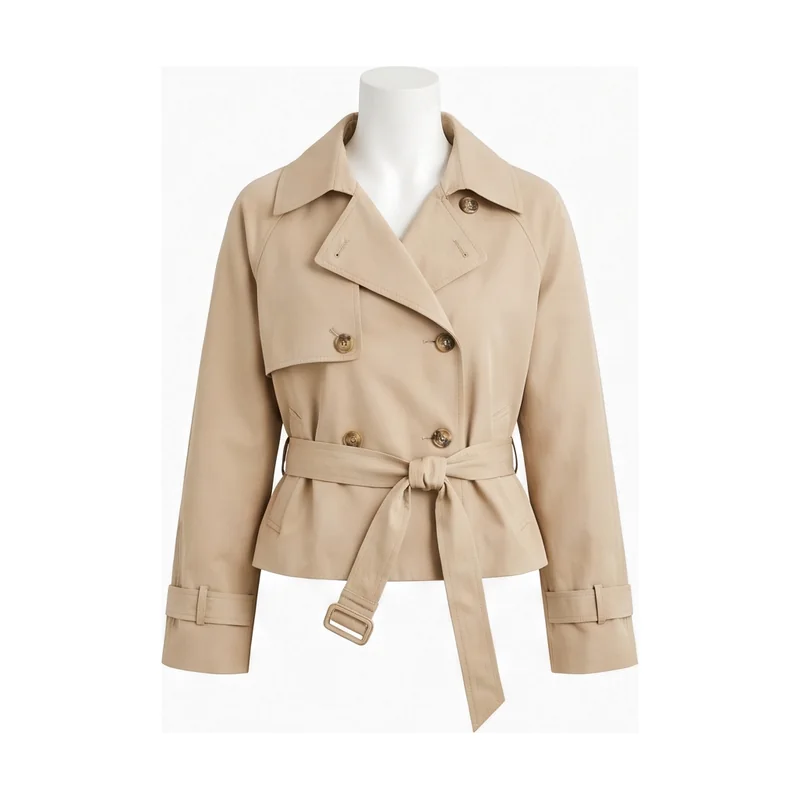 Sand cropped trenchNew
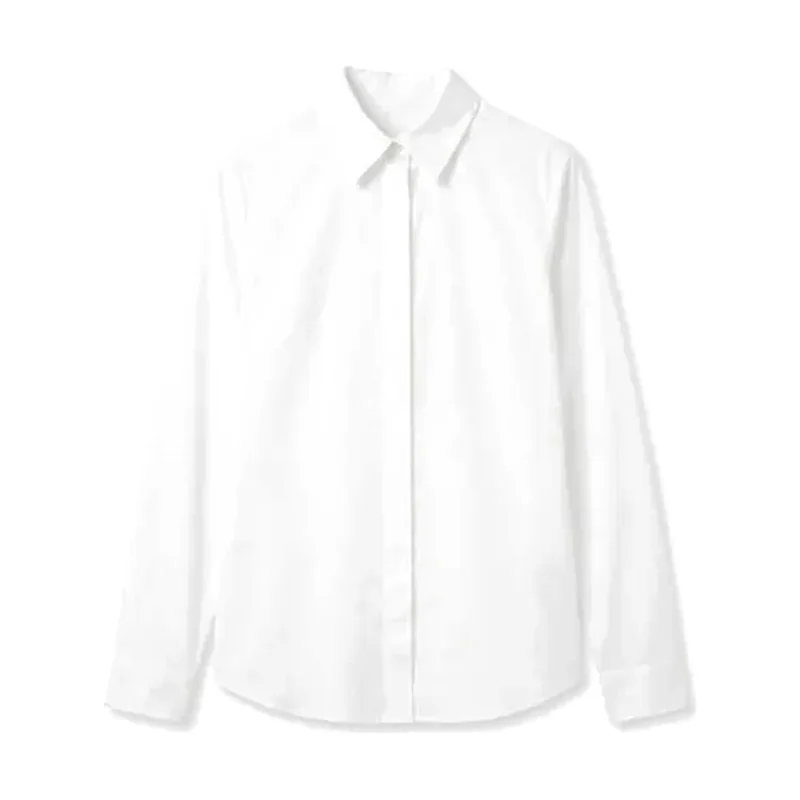 White poplin shirtYours
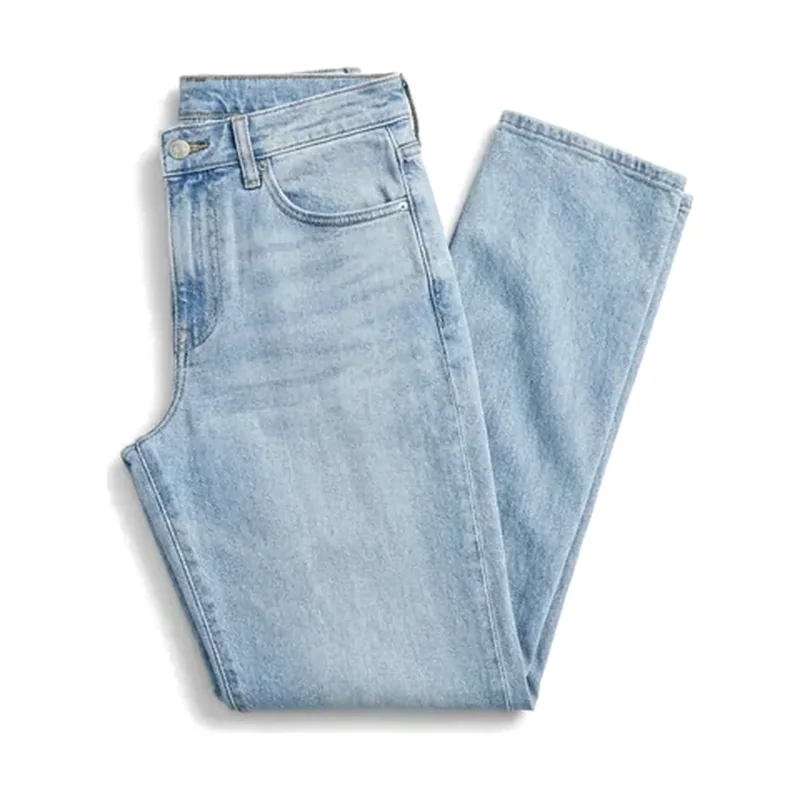 Light-wash straight jeansYours
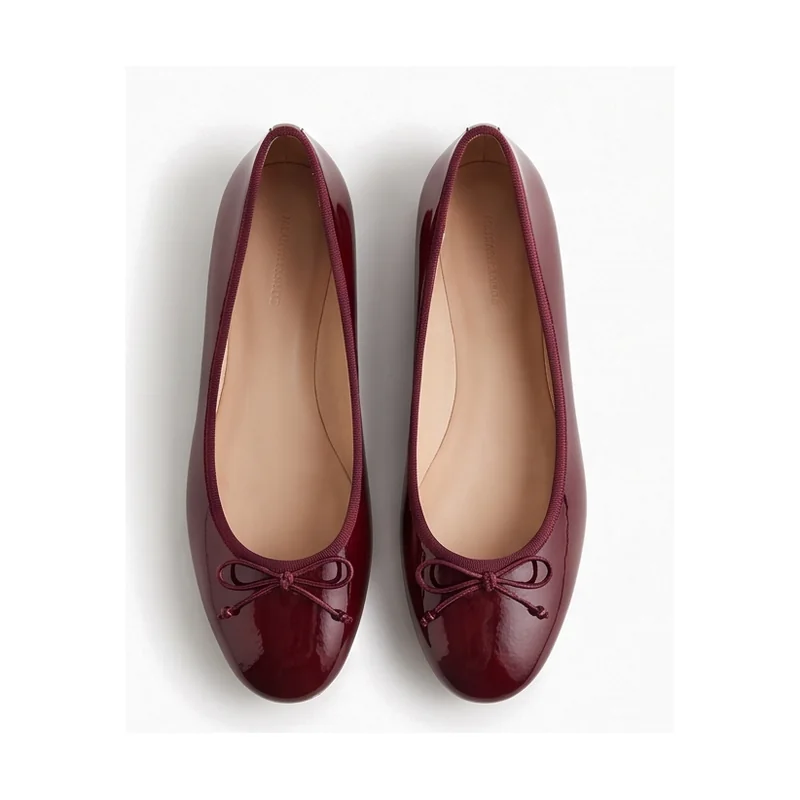 Burgundy ballet flatsNew
Already yours · bought before
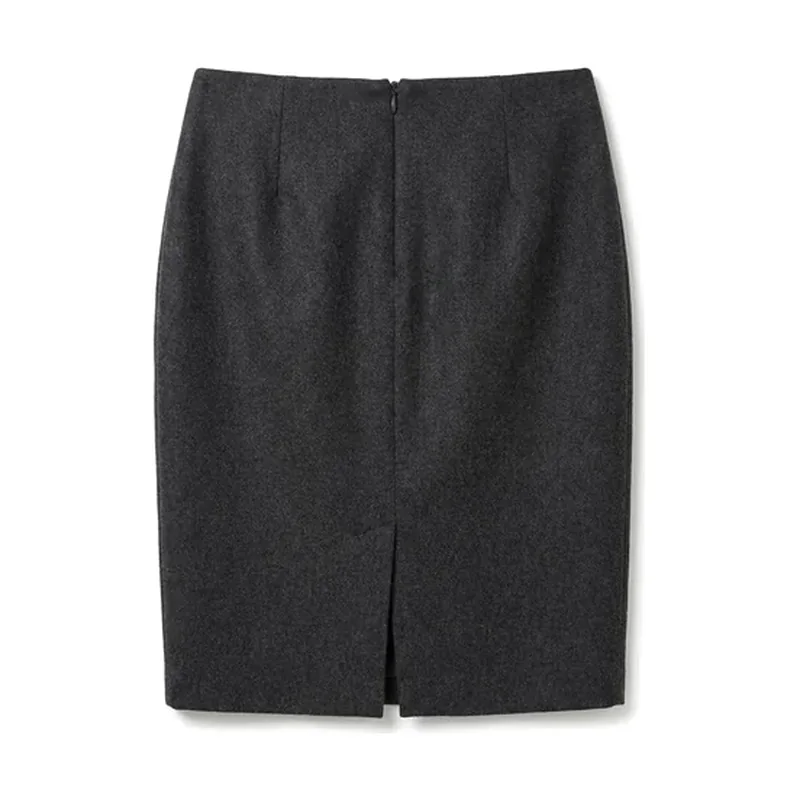
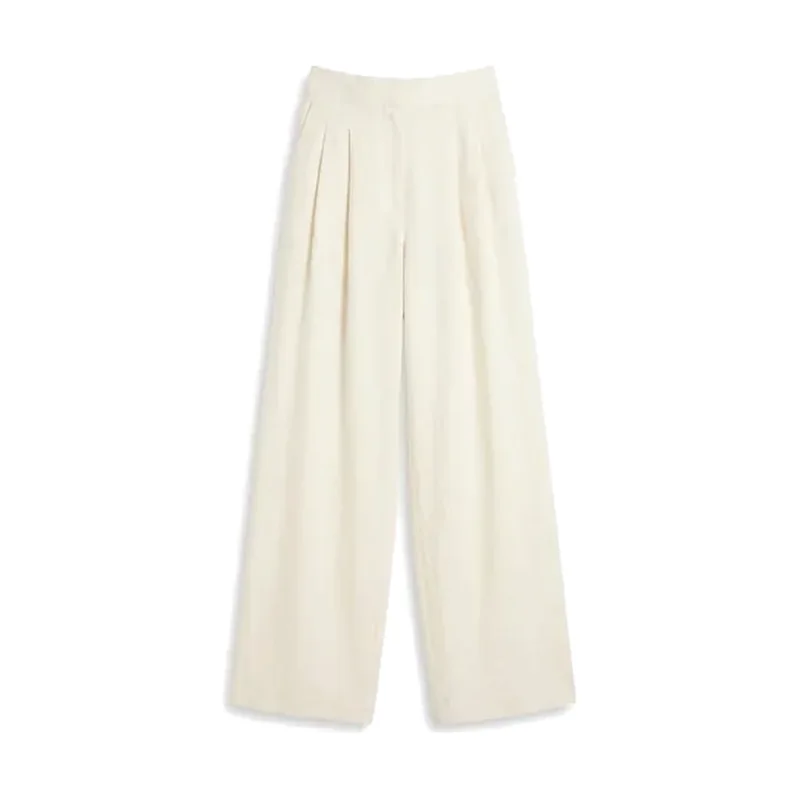
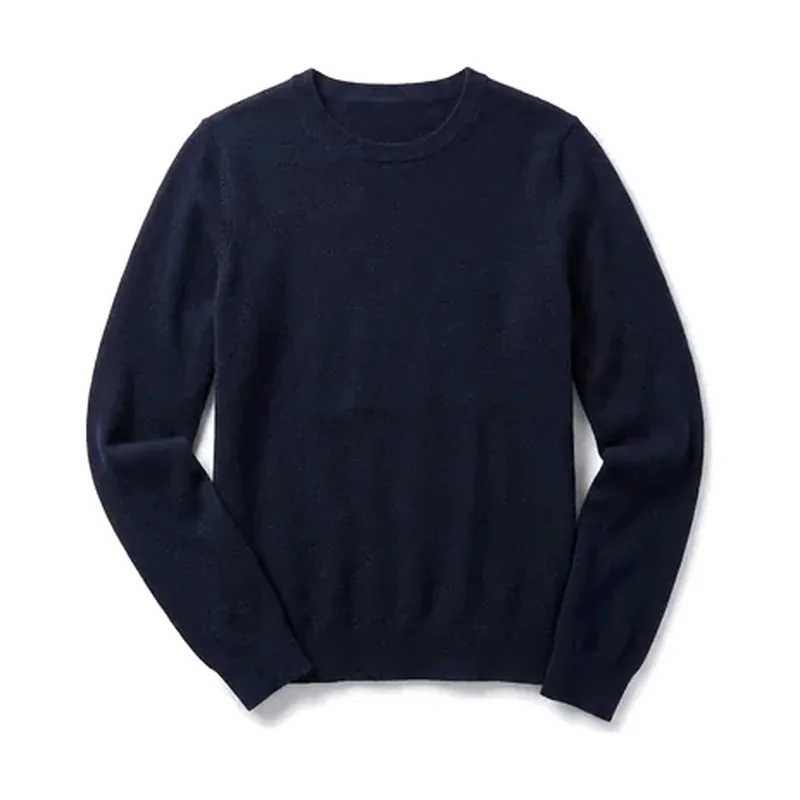
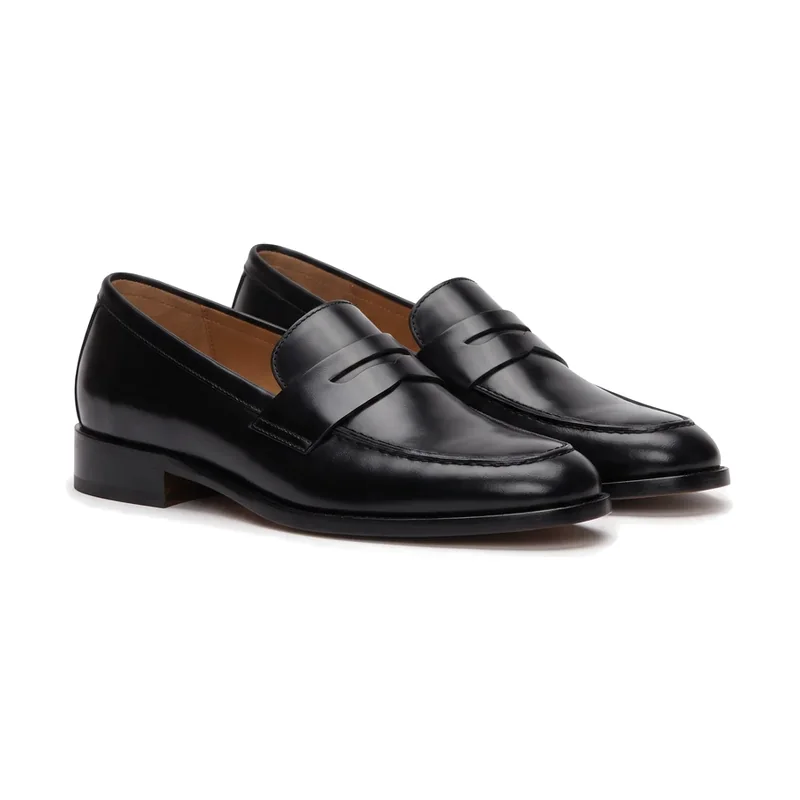
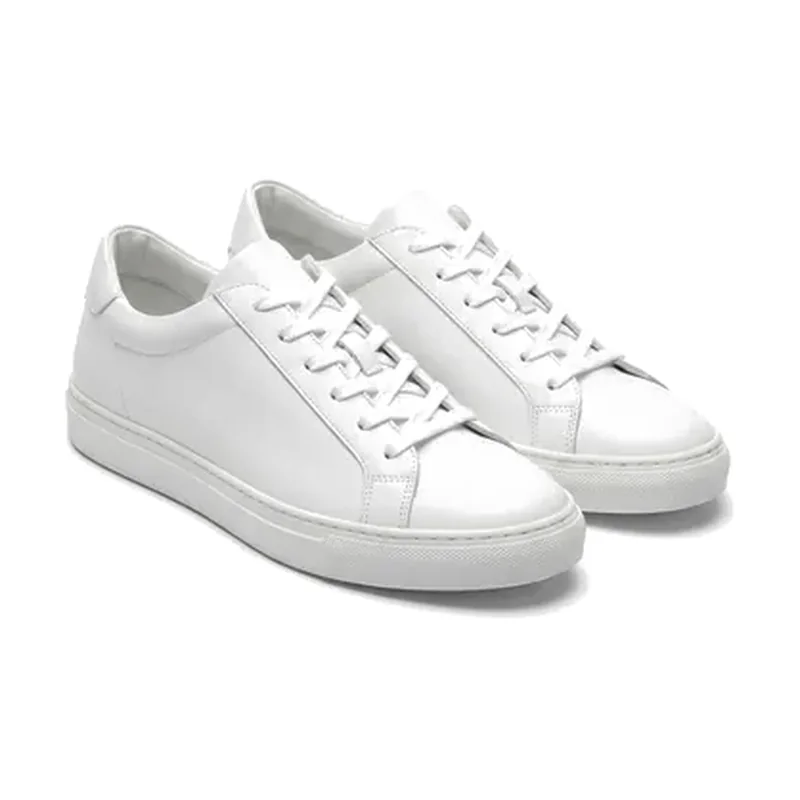
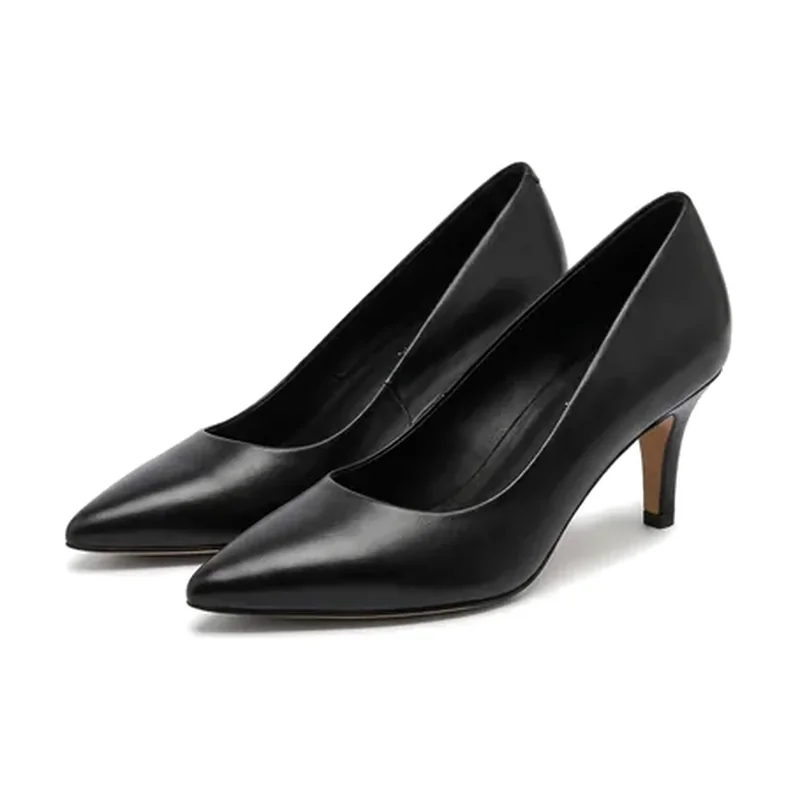
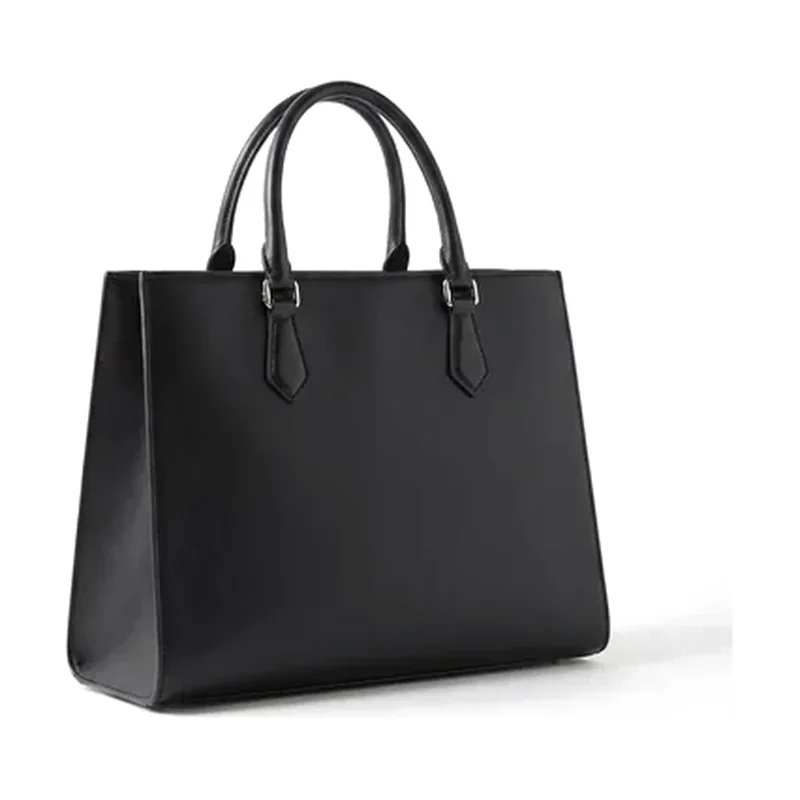
Runs on Personalised Recommendations and Personalised Content: purchase history and style profile in, looks that mix owned and new pieces out. You decide which channels get them.
The modules
Every module is available through our REST API and in the Shopify app.
-
Personalised Recommendations
03 · Personalisation, CRM & in-store
Products and looks based on style preferences, likes and previous purchases.
-
Personalised Content
03 · Personalisation, CRM & in-store
Personal looks for email and WhatsApp instead of one newsletter for everyone.
-
In-store Styling Assistant
03 · Personalisation, CRM & in-store
Looks from the store’s own range on a tablet or screen, for the sales team or the customer.
-
Styling in your brand app
03 · Personalisation, CRM & in-store
“Style it with” on every product, with try-on, new looks for pieces she already bought, and looks to save and share.
-
QR codes in the print catalogue
03 · Personalisation, CRM & in-store
A QR code next to every look: scan it and land on the product page with the whole look, more ideas and try-on.
Common questions
Which data does personalisation need?
Signals you already have: past purchases, likes, searches or a short style-profile form. Personalisation works for signed-in customers in shop and app, and for your CRM. The data stays yours and is processed under a data processing agreement.
How does styling work in the store?
On a tablet or screen, for the sales team or the customer: pick or scan an item and see looks from the store’s range. It works with one store and its stock data, and can add pieces from the online range.
Do the looks only use our products?
Yes. Outfits are built only from your own catalogue, across your categories, and sold-out items are replaced.
Who owns the enriched product data?
You do. You own your product data, your customer data and your content. We use your product data to deliver the service for your shop, and nothing brand-identifiable is shared with other clients. On Shopify, the enriched attributes are written back to your store.
Your catalogue,
styled
Tell us about your shop and your KPIs. We prepare your offer and a demo on your own product pages, ready within 1 day.