
Sell across categories
Complete the Look: Outfits for every product
Complete the Look is a mixNmatch module that adds complete, on-brand outfits to every product page and to the cart, built automatically from your own catalogue across clothing, shoes, bags and accessories.
An outfit generator for your shop: looks and outfit bundles on the product page and in the cart, so shoppers buy the outfit, not only the piece.
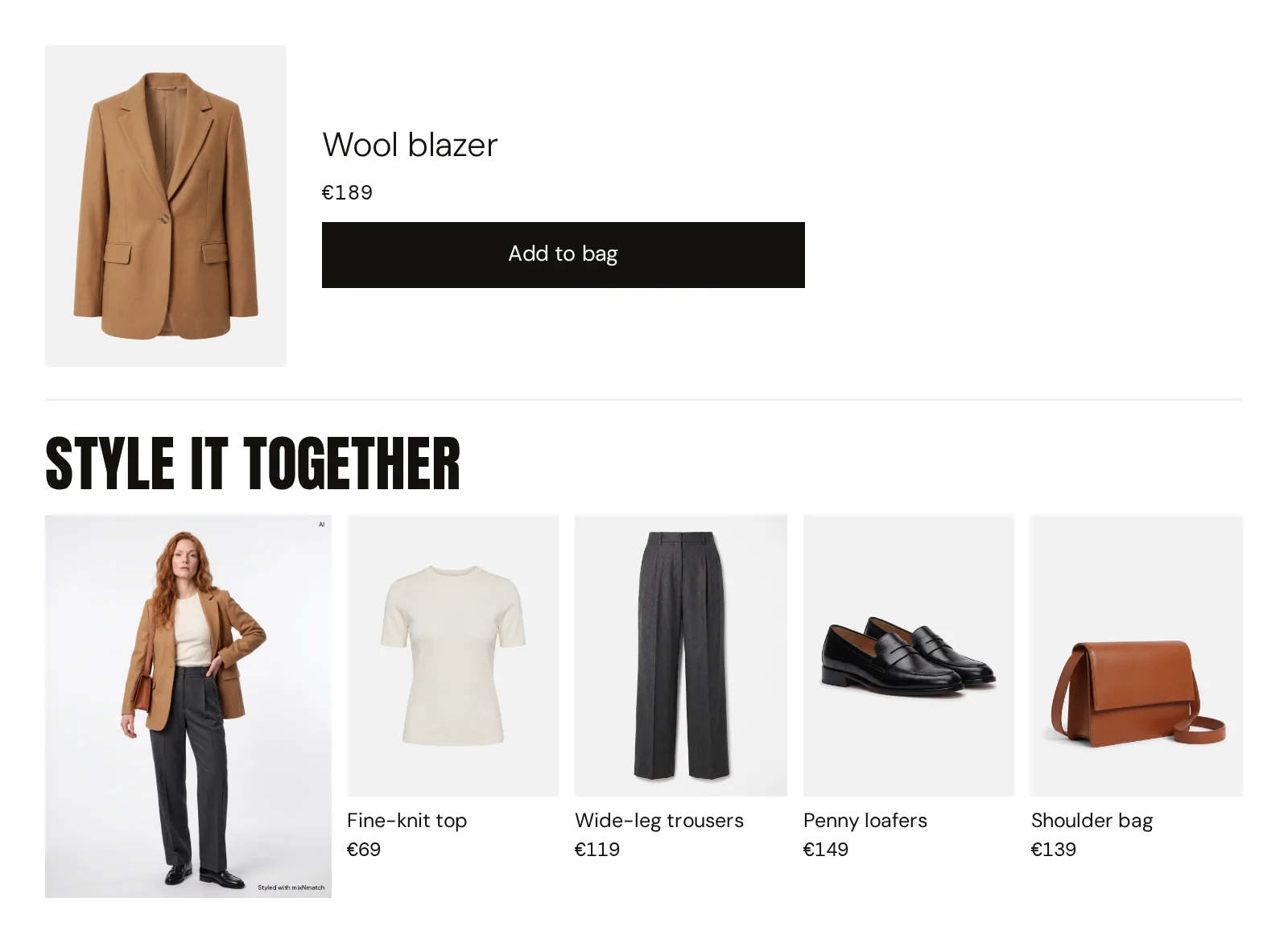
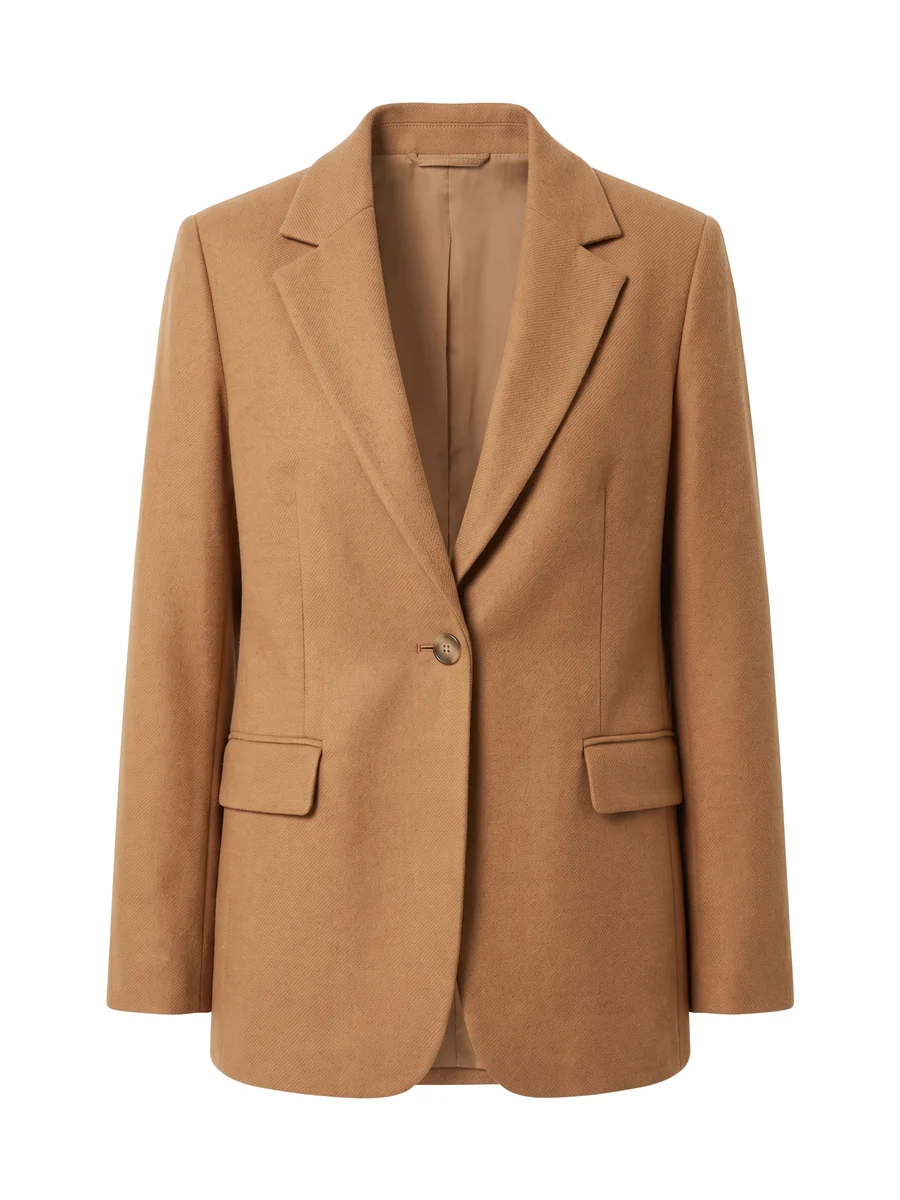
In and out
What your shop already has goes in. What mixNmatch adds comes out, marked in yellow.
InProduct page
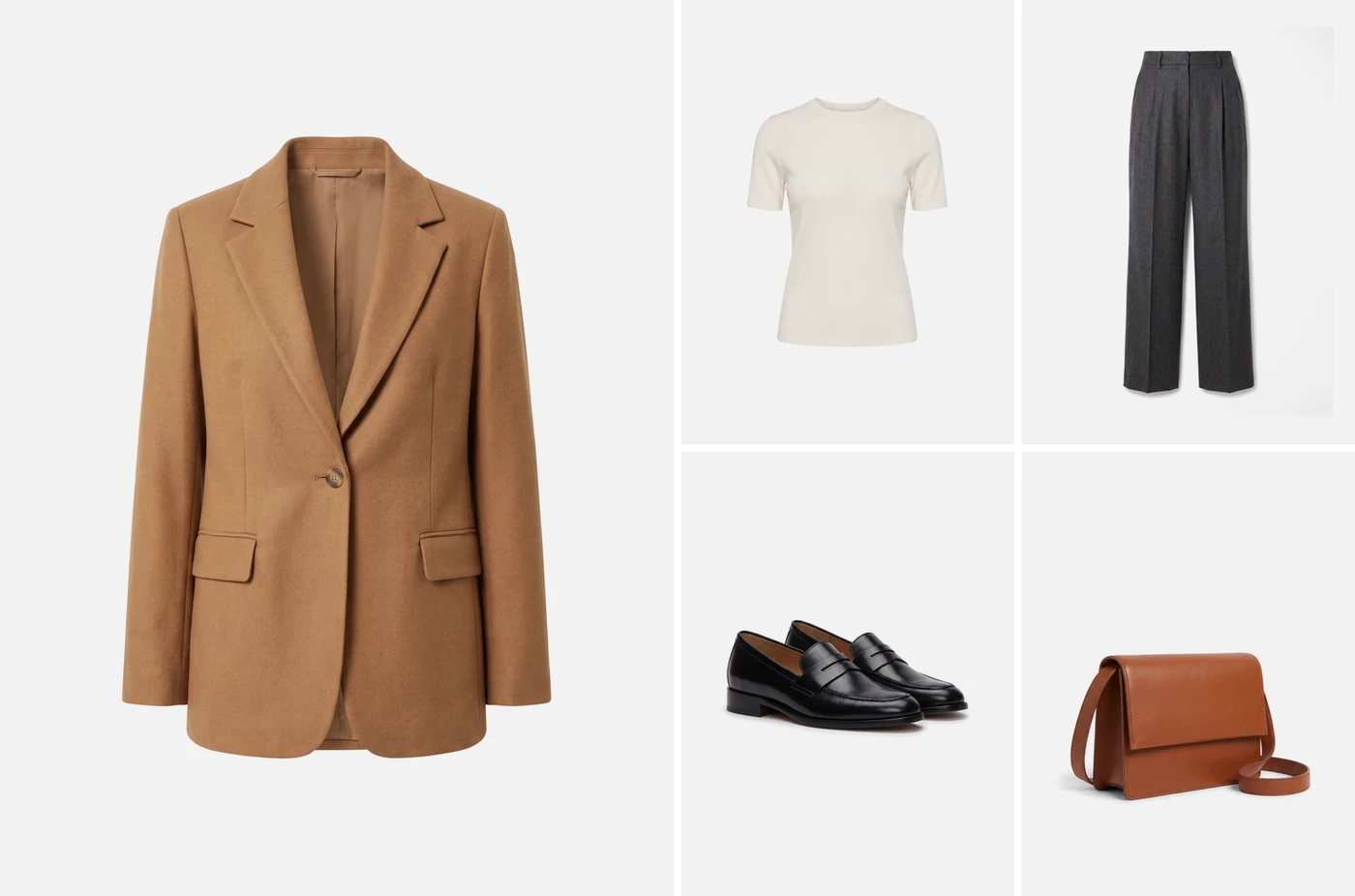
OutThe look created
What does Complete the Look do on a product page?
Complete the Look places a complete outfit next to every product, built automatically from your own range.
Read more
A shopper looking at a tailored blazer sees it styled with a top, trousers, a scarf and loafers that you actually sell, with a dress-up and a dress-down variant. Each piece has alternatives, the look can be refined in the shopper’s own words, and sold-out items are replaced automatically.
It covers clothing, shoes, bags and accessories, and only ever recommends products from your own catalogue.
How do outfit bundles increase basket value?
Most fashion shops sell well in their core category and less well in the others.
Read more
Outfit bundles change the path through the shop: every product page shows pieces from your secondary categories in a context where they make sense, and the whole look can go into the basket at once.
We measure average order value, time on page, the share of baskets with more than one category and engagement with looks, against a baseline or in an A/B test.
Market benchmarks for styling and discovery overall, including first reports from in-house solutions of fashion flagships, point to around 20 per cent higher average order value.
How do the looks stay on brand?
The engine is fashion-native: it understands occasion logic, outfit coherence and style vocabulary, and it learns the aesthetic of your range.
Read more
At the start we set the style direction together, for example which categories may be combined and which pieces never appear in the same look. In the mixNmatch Console your team can review looks before they go live, each with a short styling tip. In every setup, the customer, the relationship and the data stay with you.
How it works
It moves Average order value Pieces per basket
Also called: outfit generator, outfit bundles, shop the look, cross-selling by style
- 01
Start from any product
The look is built around the piece the shopper is looking at.
- 02
Styled from your range
Across clothing, shoes, bags and accessories, by your style rules and only from what is in stock.
- 03
Shown your way
Below the product, beside the gallery or as a try-on view. Your team can review looks first.
- 04
Refined and bought
The shopper swaps a piece or asks in their own words, then adds all to the cart.
Compared with
today
| mixNmatch | “Similar products” | “Customers also bought” | Hand-made looks | |
|---|---|---|---|---|
| A complete outfit across categories | Yes | No | No | Yes |
| For every product in the range | Yes | Yes | Yes | No |
| Stays current when stock changes | Yes | Yes | Yes | No |
| Can be refined in the shopper’s own words | Yes | No | No | No |
What a shop could do with it
- Application example01How a shoe or bag brand could sell more apparelEvery shoe page could show a complete outfit from the brand’s own range.
- Application example02How a multi-brand store could style across its brandsOutfits that could combine the labels a store carries, on every product page and in the cart.
Three views
Three ways to show the look on your product page. You choose the one that fits your theme.
01Below the product
A try-on tile and the pieces of the look in one band under the product. 02Beside the gallery
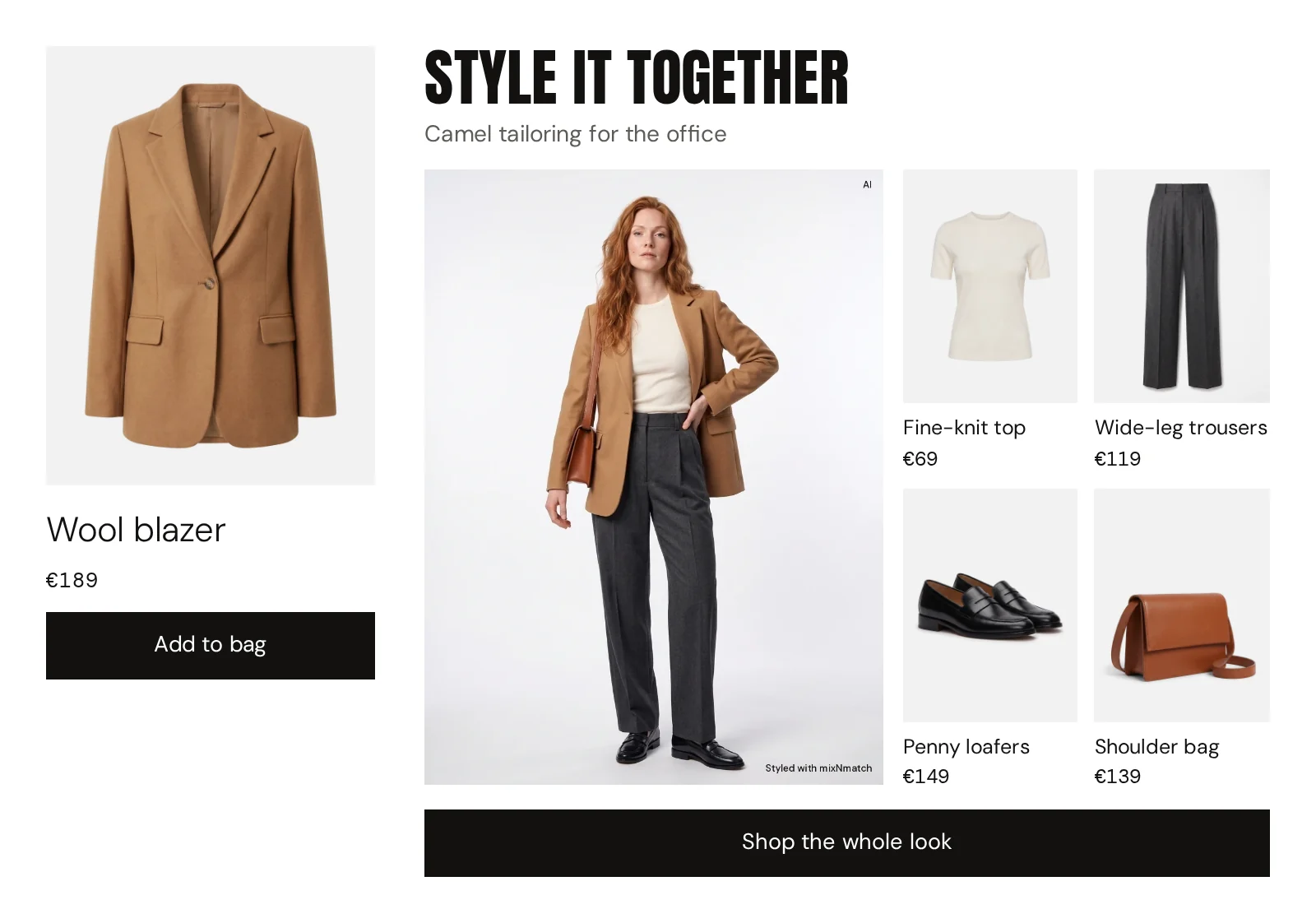
A large try-on next to the product pictures, with small cards for each piece. 03Try-on view
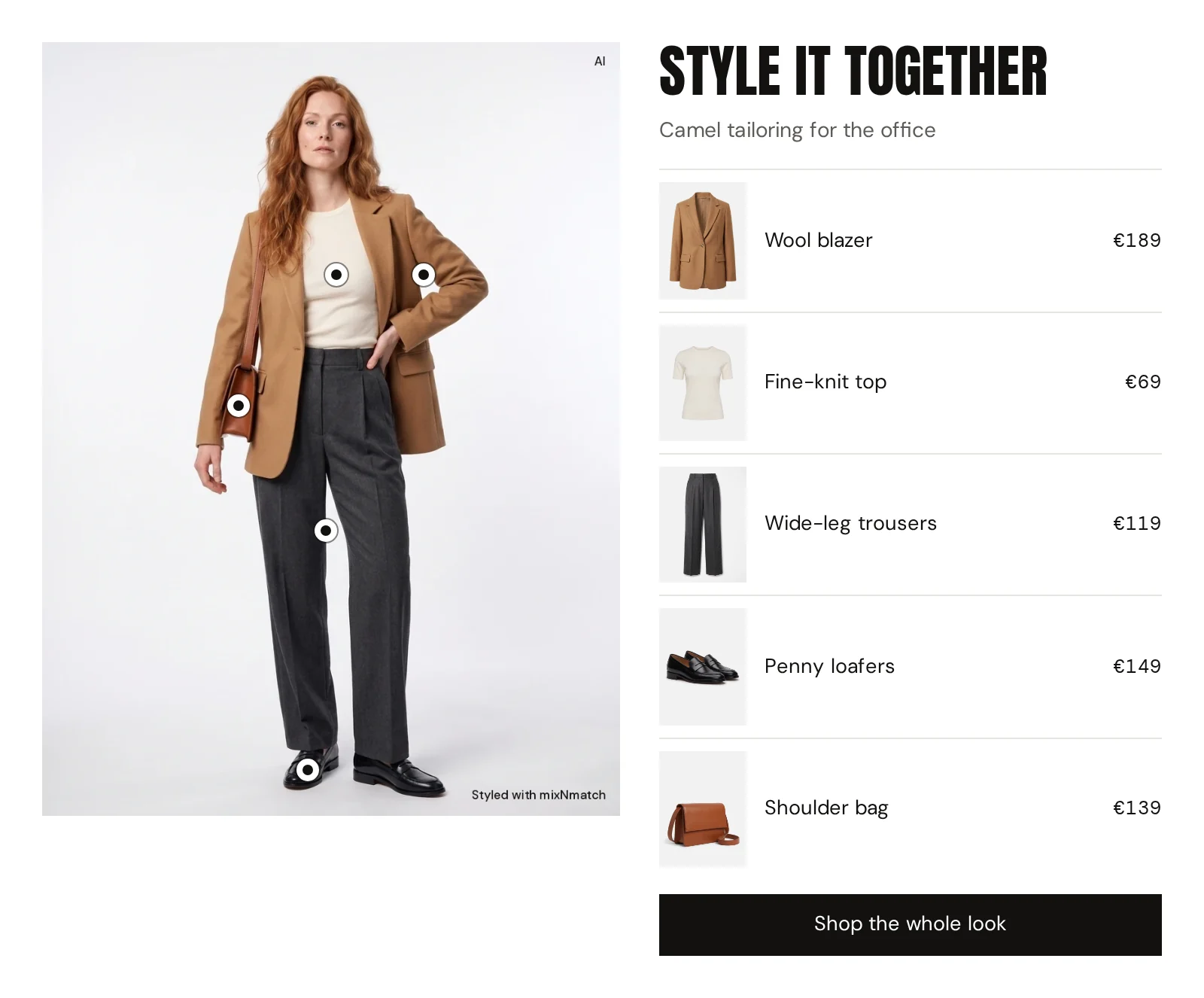
The try-on first, the pieces of the look in a column beside it.
Cart completion
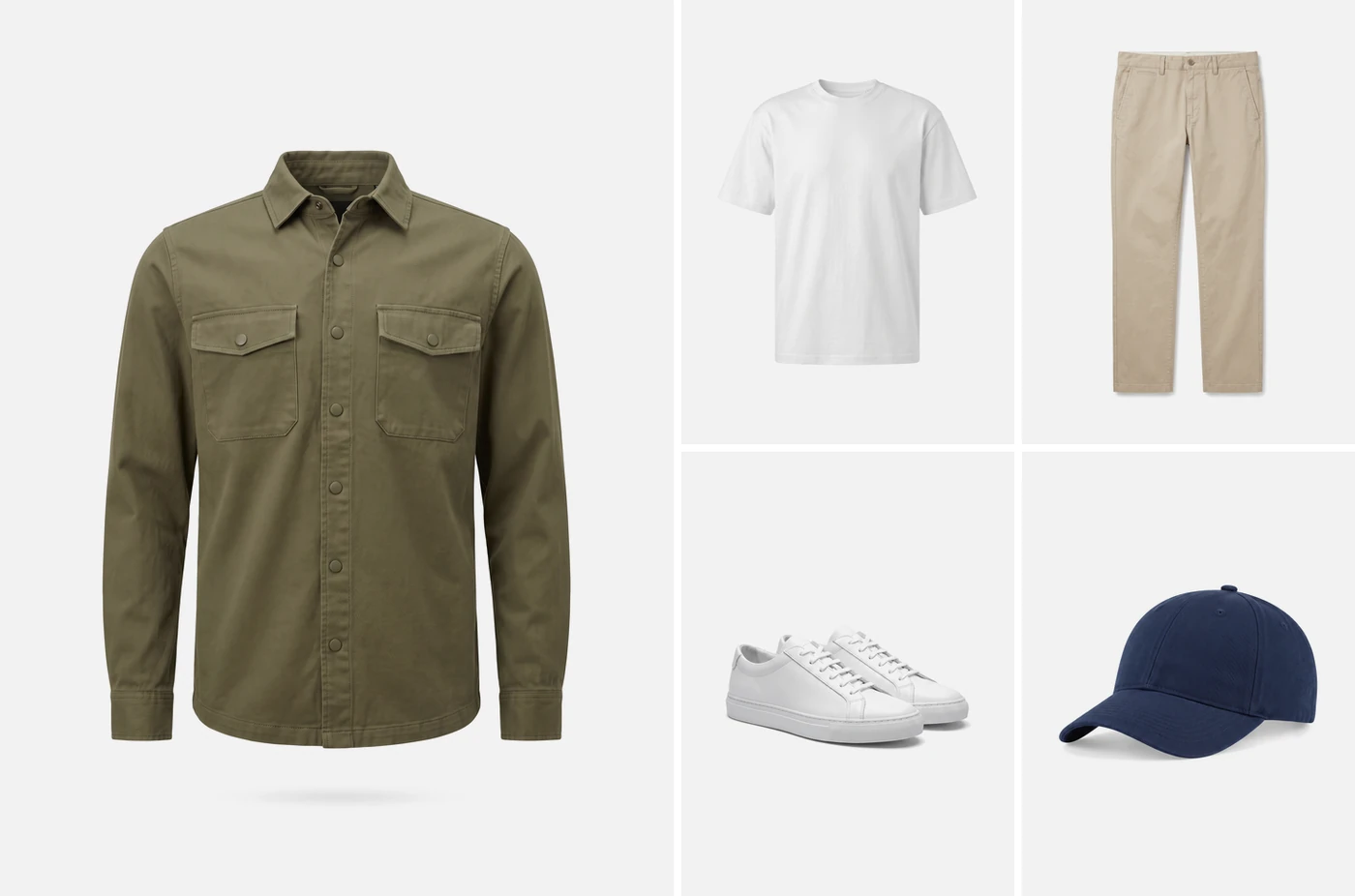
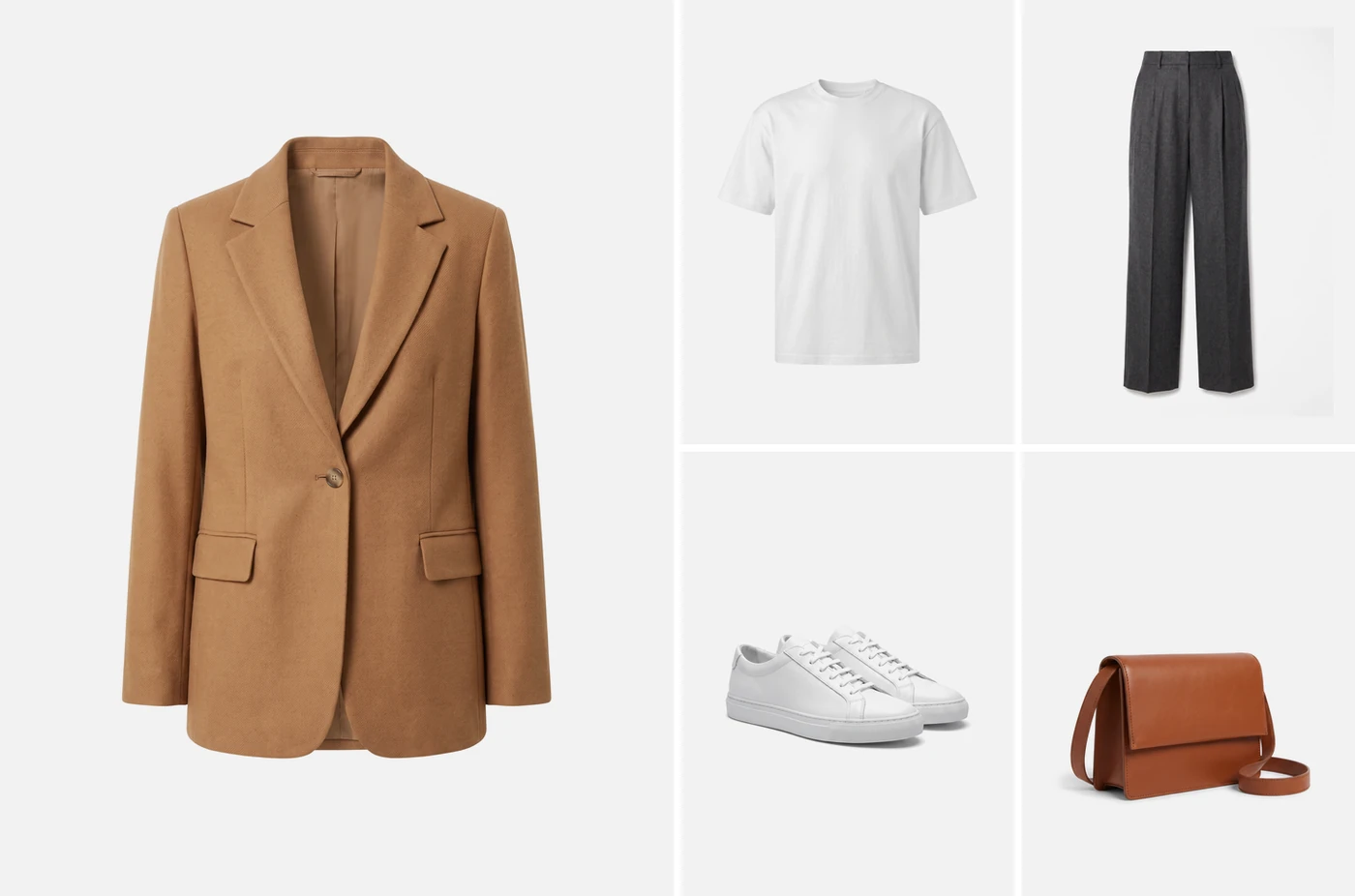
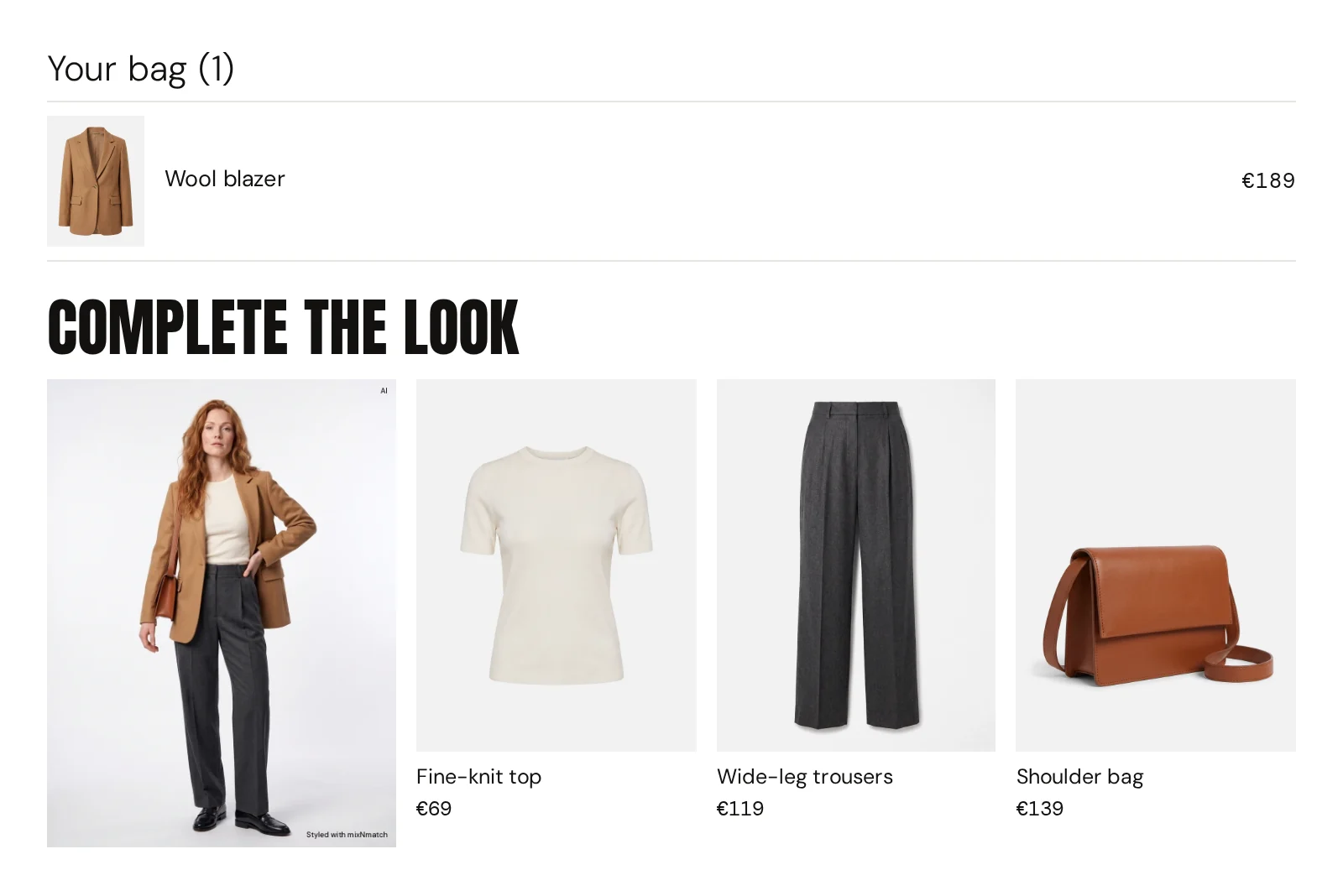
The cart completes the look, with new pieces clearly marked.
What is already in the basket becomes several wearable looks, each with one to three pieces from your other categories.
Cross-selling, rethought
Shoppers think in looks. Most shops show lists.
94%
of customers abandon shopping due to irrelevant results.
Cross-selling on the product page
Todaydoes not scale
- “Similar products”Five more of the same, never what goes with it.
- “Customers also bought”Based on past orders, not on style.
- Hand-made looksStyled by your team, for a few products, until the next drop.
With mixNmatchstyles itself
- A look for every productGenerated from your whole catalogue, across categories.
- Always up to dateNew arrivals are styled automatically; sold-out pieces are replaced.
- On brand, at scaleYour styling rules, applied to 300 or 300,000 products.
A styling team can put together a few dozen looks per drop. The catalogue grows by hundreds of products each season, and every sold-out piece breaks a look. mixNmatch styles every product of the catalogue, follows your rules, replaces sold-out items and styles new arrivals as they come in.
How looks are made
Every look is built from your data and your rules, and checked three times before a customer sees it.
InWhat goes in
Enriched product data
colour, material, style, occasion and season per item
Your styling rules
style worlds, combination rules, priorities
The personal profile
preferences, purchases, behaviour
LogicmixNmatch styling algorithms
- Does it go together?
- Does it fit the brand?
- Does it suit her?
Only items in stock, as listed in your feed.
OutWhat comes out
- Alternative items similar pieces to swap in
- Styling suggestions complementary items for a product
- Complete looks finished outfits from any starting piece
- Personal suggestions from profile and purchases
- Capsules per season or occasion
How styling reaches your customers
-
01
Pre-generated looks
Fast: a finished look on every product.
- Looks for every product, ready in advance
- Optional review by your team in the mixNmatch Console
-
02
Live looks
Flexible: a fitting look for any request.
- The customer swaps a piece, a colour or a style
- Also in her own words, e.g. “more elegant shoes”
-
03
Looks per customer
Personal: looks in real time.
- Based on style profile, preferences and purchases
- For signed-in customers in shop and app
What we usually recommend: 1 and 2 combined. Pre-made looks that customers can still adjust; sold-out items are replaced by fitting alternatives.
The modules
Every module is available through our REST API and in the Shopify app.
-
Complete the Look
02 · Complete the Look
On-brand outfits on every product page, across clothing, shoes, bags and accessories, with alternatives per piece. Only from your catalogue.
-
Cart completion
02 · Complete the Look
Shows the looks that can be built around what is already in the cart, with new pieces from your other categories.
-
Capsule Creation
02 · Complete the Look
Via REST API: available for rapid custom co-design and piloting
Season or theme capsules of 8 to 15 products that combine into many outfits, for campaigns, landing pages and newsletters.
-
Looks wall
02 · Complete the Look
A feed of generated outfits and try-on looks for your home page, category pages or a page of its own.
Common questions
What is the difference between outfit bundles and product bundles?
A product bundle sells fixed sets, often at a discount. An outfit bundle is a styled look: pieces from different categories that go together, built for each product from your current range and updated when stock changes. The shopper can swap single pieces or put the whole look in the basket.
Can the looks also appear in the cart and in newsletters?
Yes. Cart completion shows the looks that can be built around what is already in the basket, and the same looks can be used for capsules on landing pages, a looks wall and personal newsletters.
Do the looks only use our products?
Yes. Outfits are built only from your own catalogue, across your categories, and sold-out items are replaced.
How do you make sure the looks fit our brand?
The engine learns your range and your style rules. We set up the style direction together at the start. Your team can review looks in the mixNmatch Console before they go live.
Your catalogue,
styled
Tell us about your shop and your KPIs. We prepare your offer and a demo on your own product pages, ready within 1 day.