
AI styling in fashion retail
Application examples: How fashion brands and retailers could use AI styling
Typical situations in fashion shops and how the building blocks could address them: what goes in, what mixNmatch does, what comes out, and where it shows.
Hypothetical application examples, not customer stories or results.
Application example 01Brands known for one category
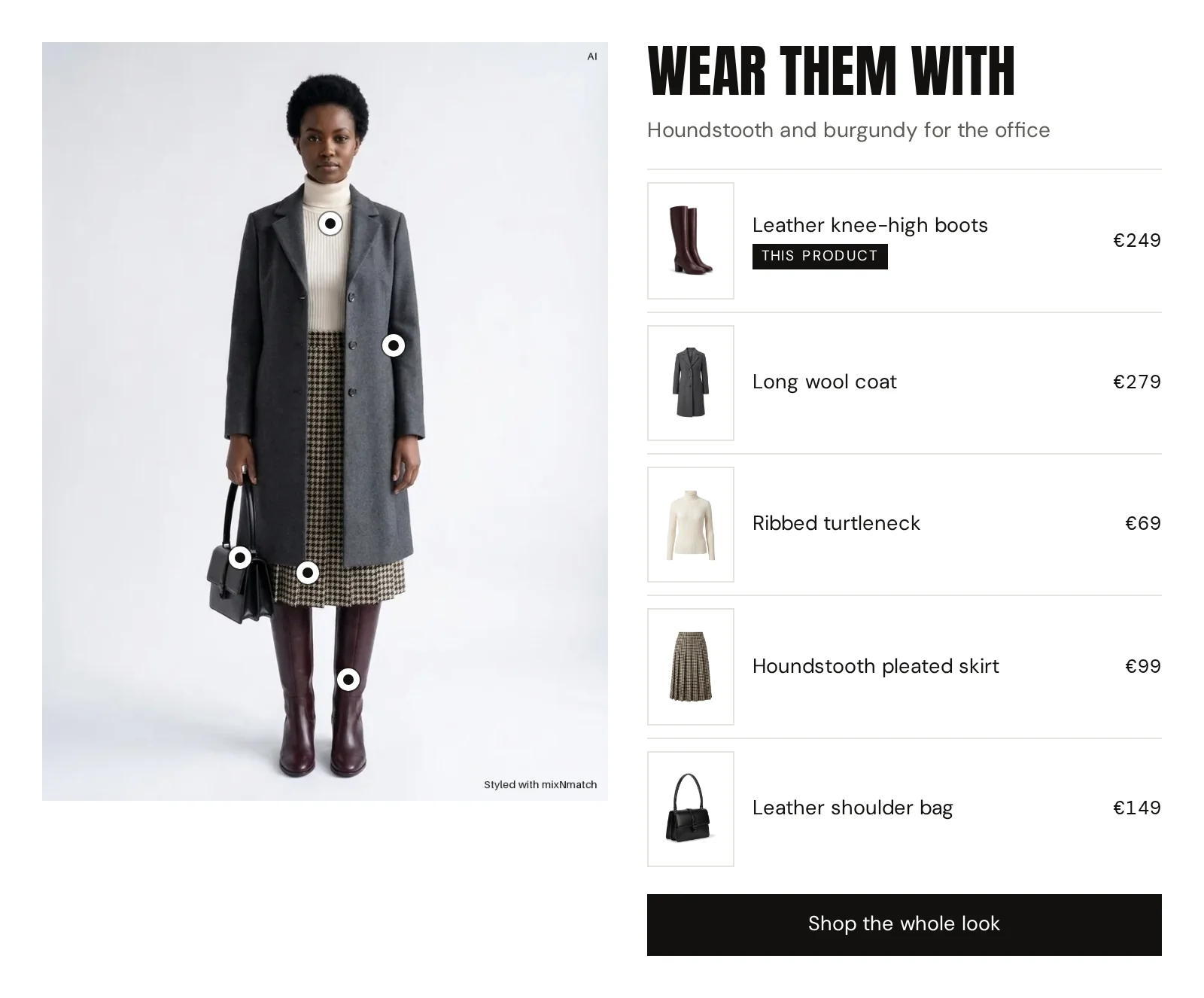
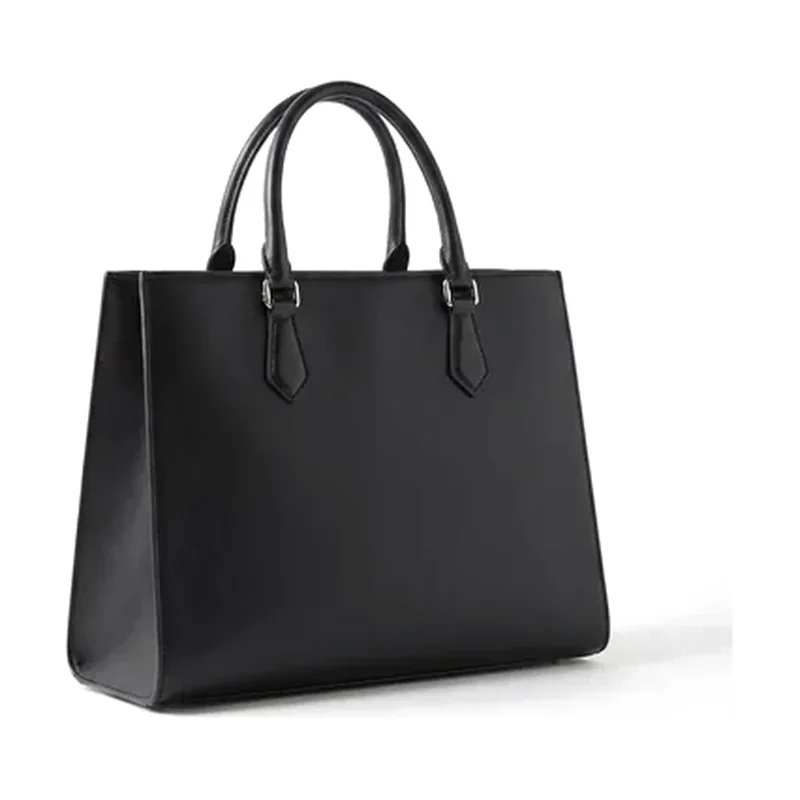
How a shoe or bag brand could sell more apparel
SituationA fashion brand known for its shoes or bags also carries dresses, trousers and knitwear, but shoppers leave with shoes, if anything.
InInput
The product feed and the shoe’s product page
mixNmatchWhat mixNmatch does
Complete the Look could style every shoe and every bag into a complete outfit from the brand’s own range, with alternatives per piece and a dress-up and a dress-down variant; cart completion could continue in the basket.
Where it shows
What it enables for the brand
- Apparel and bags could appear where the shoe is decided on
- More pieces per basket, across categories
- Only the brand’s own products; sold-out pieces replaced
OutOutput
A complete outfit on every shoe page, and looks around the cart
Application example 02Boutiques, concept stores and multi-brand retailers
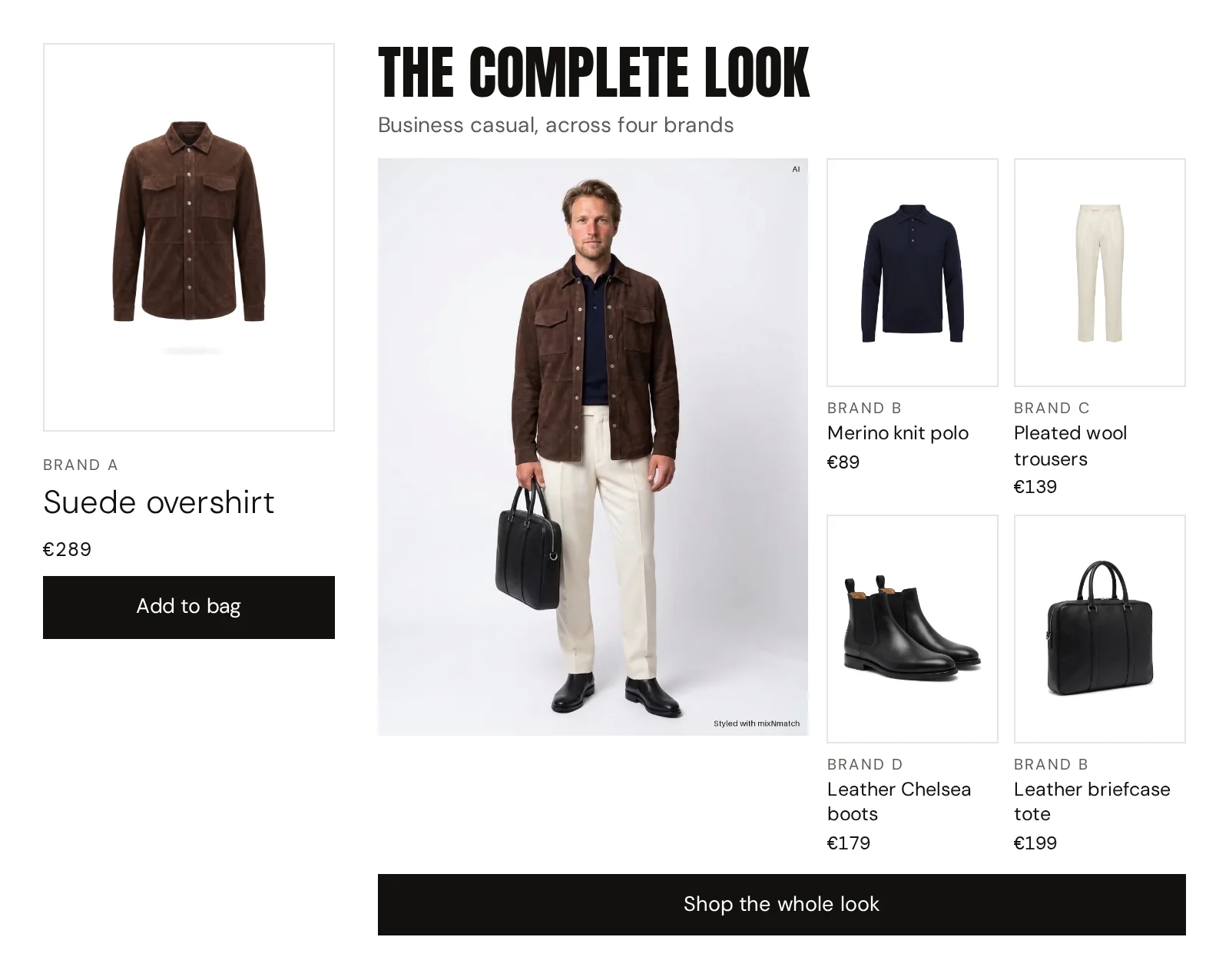
How a multi-brand store could style across its brands
SituationA multi-brand fashion store curates well in the shop, but online the same range turns into long lists sorted by brand.
InInput
Supplier feeds with mixed attributes
mixNmatchWhat mixNmatch does
Smart Product Tags could first give every supplier’s products the same attributes; Complete the Look could then build outfits across all the labels the store carries.
Where it shows
What it enables for the brand
- The curation could become visible online
- More items per basket, across brands and categories
- Smaller labels could be seen as reliably as well-known ones
OutOutput
Cross-brand looks on every product page
Application example 03Brands and retailers with hand-maintained product data
How a thin product feed could become AI-ready
SituationA fashion shop keeps its tags by hand, in one language, differing from season to season.
InInput
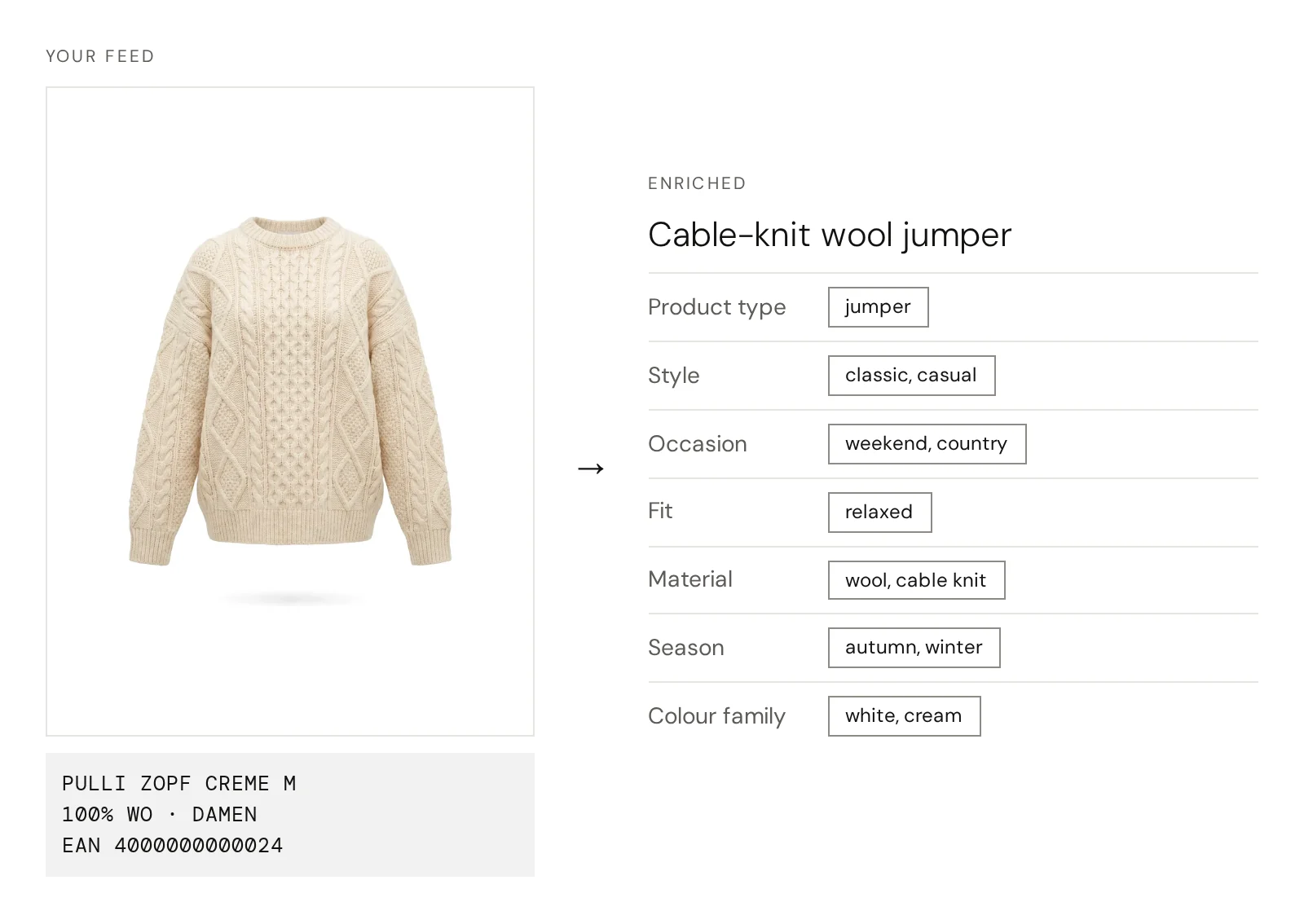
The product feed: title, description, image, category
mixNmatchWhat mixNmatch does
Smart Product Tags could read every product like a stylist and add style, occasion, fit, material, season and colour family; GEO for LLM Visibility could map the catalogue to a standard taxonomy and write texts AI assistants can read.
Where it shows
What it enables for the brand
- Less manual master-data work; new products enriched automatically
- Search and filters by style, occasion and fit
- Products eligible to be recommended by AI assistants; nobody can guarantee a ranking
OutOutput
Enriched, consistent attributes and AI-readable texts for every product
Application example 04Shops with large, multi-category assortments
How a large shop could answer occasions in search
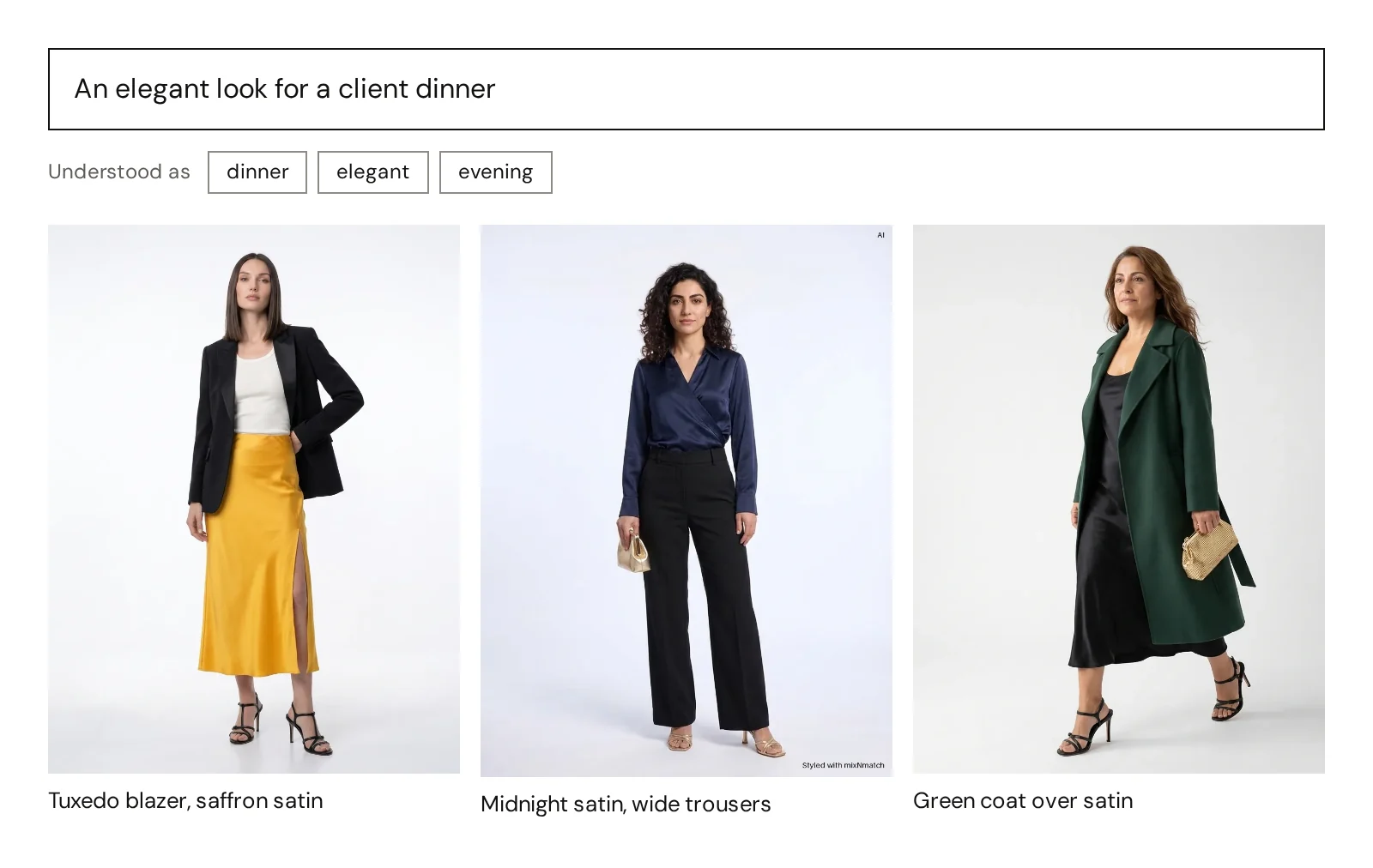
SituationA large multi-category shop gets requests such as “an elegant look for a client dinner”, and its keyword search answers with nothing.
InInput
A search query in the shopper’s own words, or a photo
mixNmatchWhat mixNmatch does
AI search could understand the occasion, the style and the feeling behind the request and answer with matching products and complete looks; the styling assistant could refine them in a chat.
Where it shows
What it enables for the brand
- Shoppers could find products in their own words, or with a photo
- Answers with complete looks bring other categories into view
- An addition to the current search, not a replacement
OutOutput
Looks and pieces that fit the request
Application example 04Search in looks, step by step
An AI stylist
in your shop
A visitor asks your styling assistant, in a chat or in your shop’s search bar, and gets a whole look from your range back: on a model, and in the basket with one click. An invented example.
-
01They ask the stylist
They say what they need, in their own words.
The occasion, the style, what matters to them: typed into the chat of your styling assistant or into your shop’s search bar, like a message to a friend. No filters to set.
Something polished but relaxed for a gallery opening tonight
-
02The stylist answers with a look
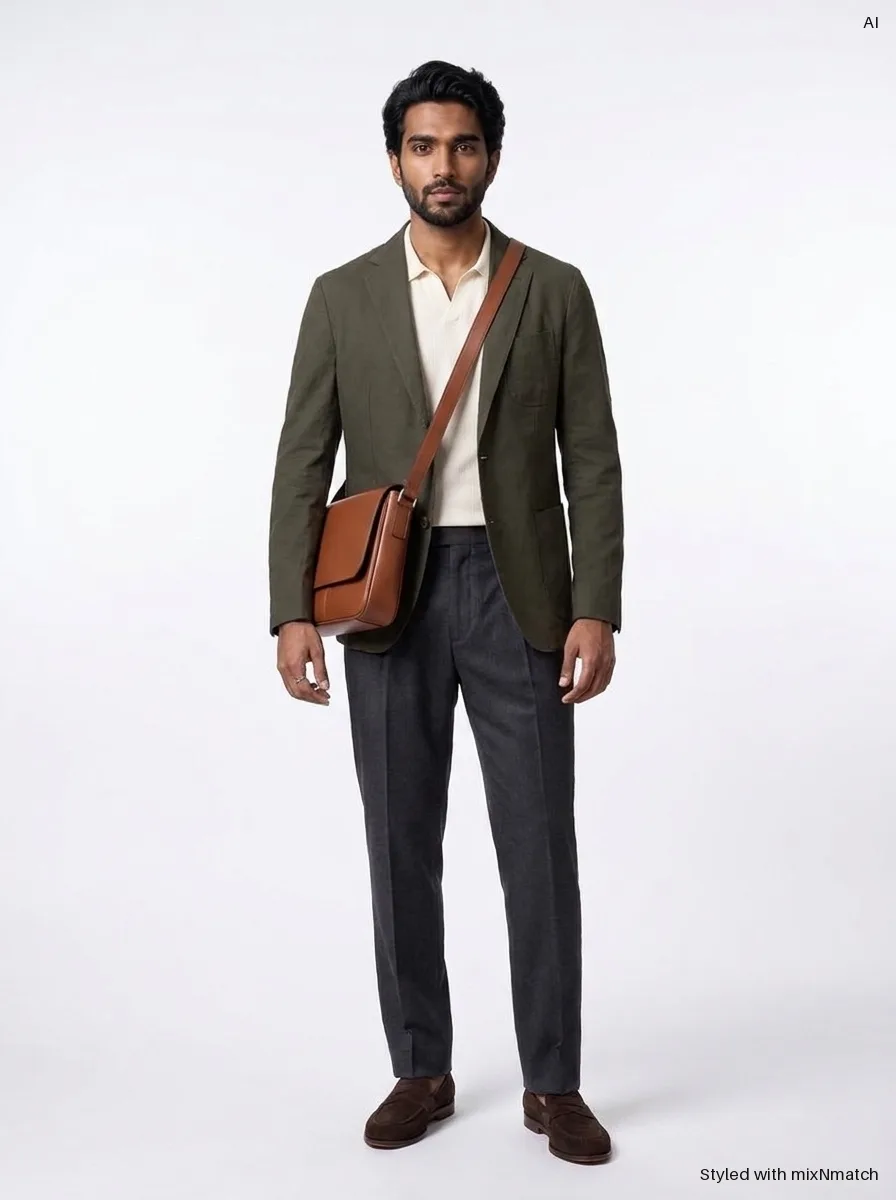
The answer is a whole look from your range.
Pieces from your own range that work together, instead of a list of single products. The next look is one question away.
Here is a whole look for it, from our range.
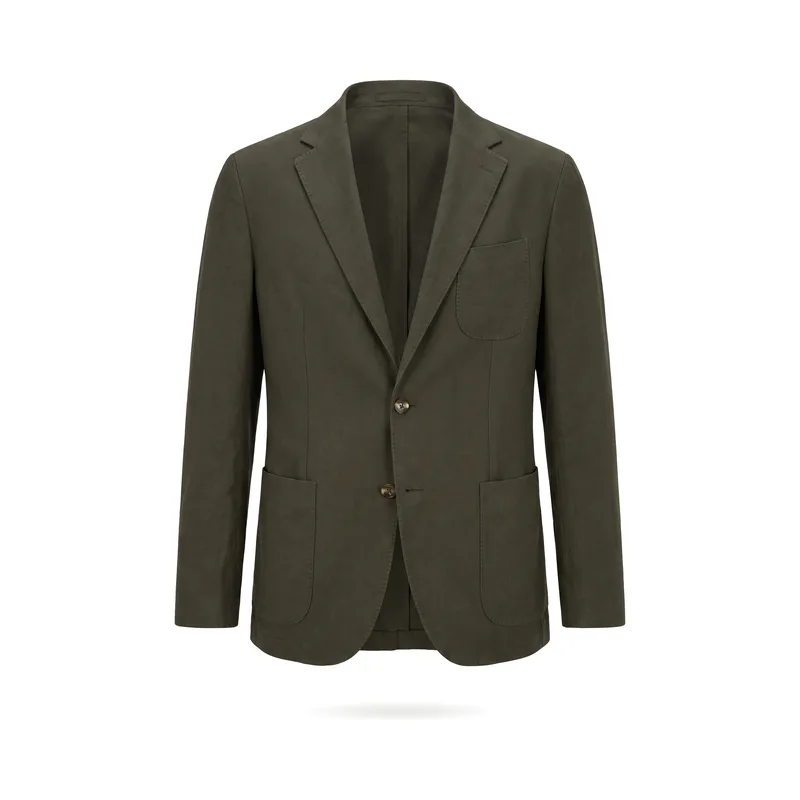 Your brand
Unstructured cotton-linen jacket
189 €
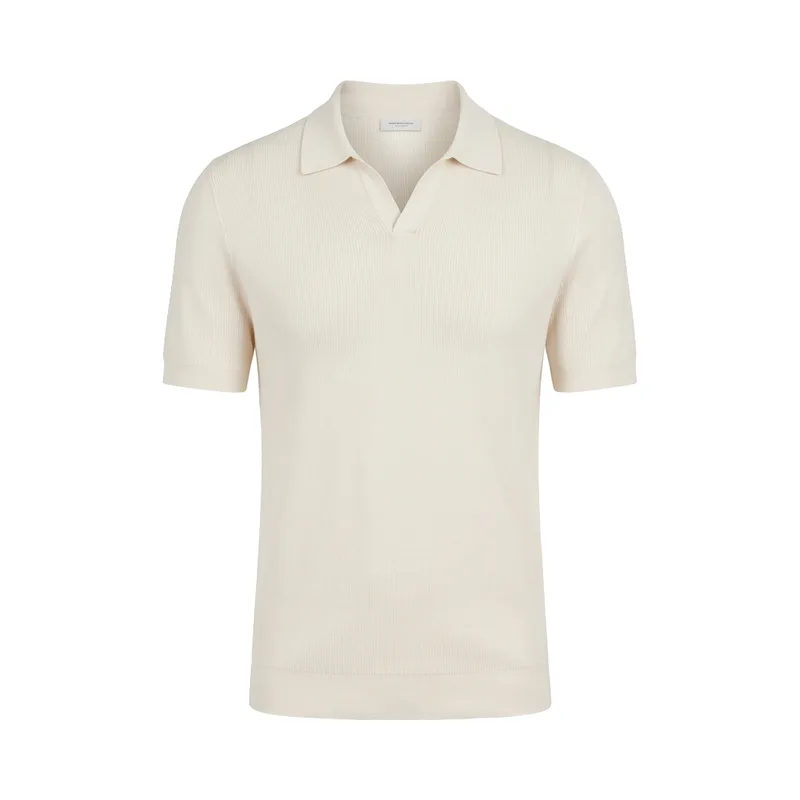 Your brand
Knitted polo shirt
69 €
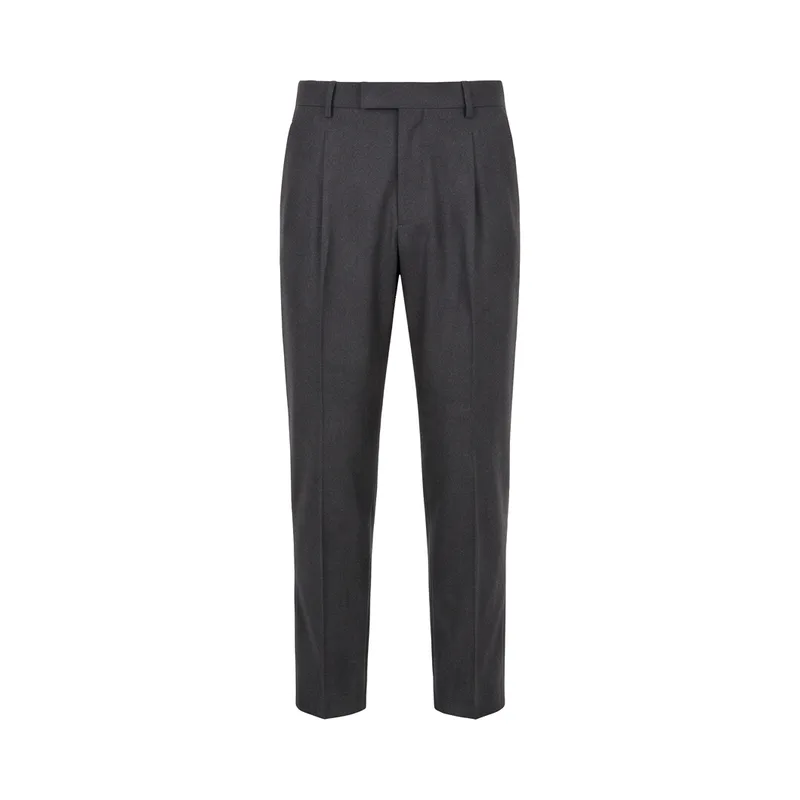 Your brand
Pleated wool trousers
119 €
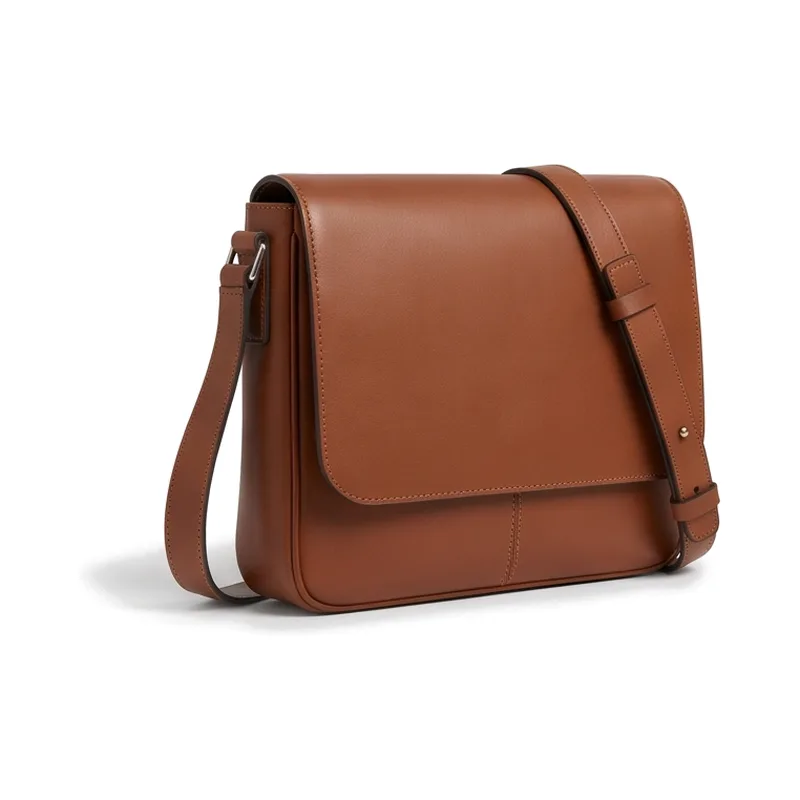 Your brand
Leather messenger bag
149 €
 Your brand
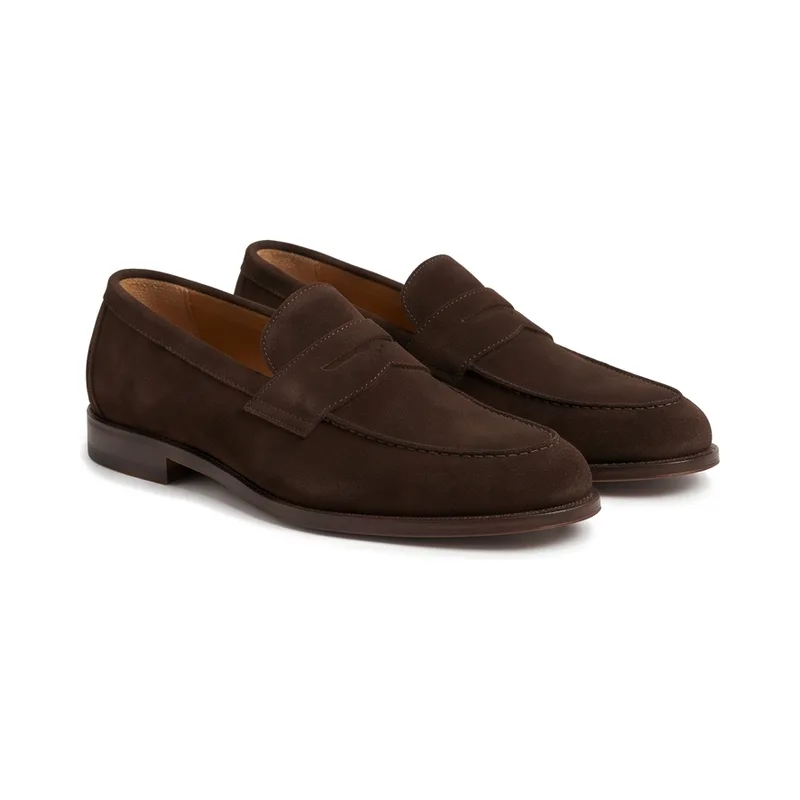
Suede penny loafers
139 €
-
03They try it on
They see it on a person before they buy.
On one of your AI models, or on their own photo, which stays private. Every try-on carries an AI label.
-
04They buy the whole look
One click puts the complete outfit in your basket.
Every piece lands in your shop’s basket, at your price. Or they save the look and ask the stylist for the next one.
Application example 05Brands whose shoppers hesitate over colour, cut and fit
How a brand could give shoppers confidence before buying
SituationA fashion brand’s shoppers wonder how a colour works with their skin tone and whether the pieces look good together.
InInput
The look and the shopper’s chosen AI model, or her own photo
mixNmatchWhat mixNmatch does
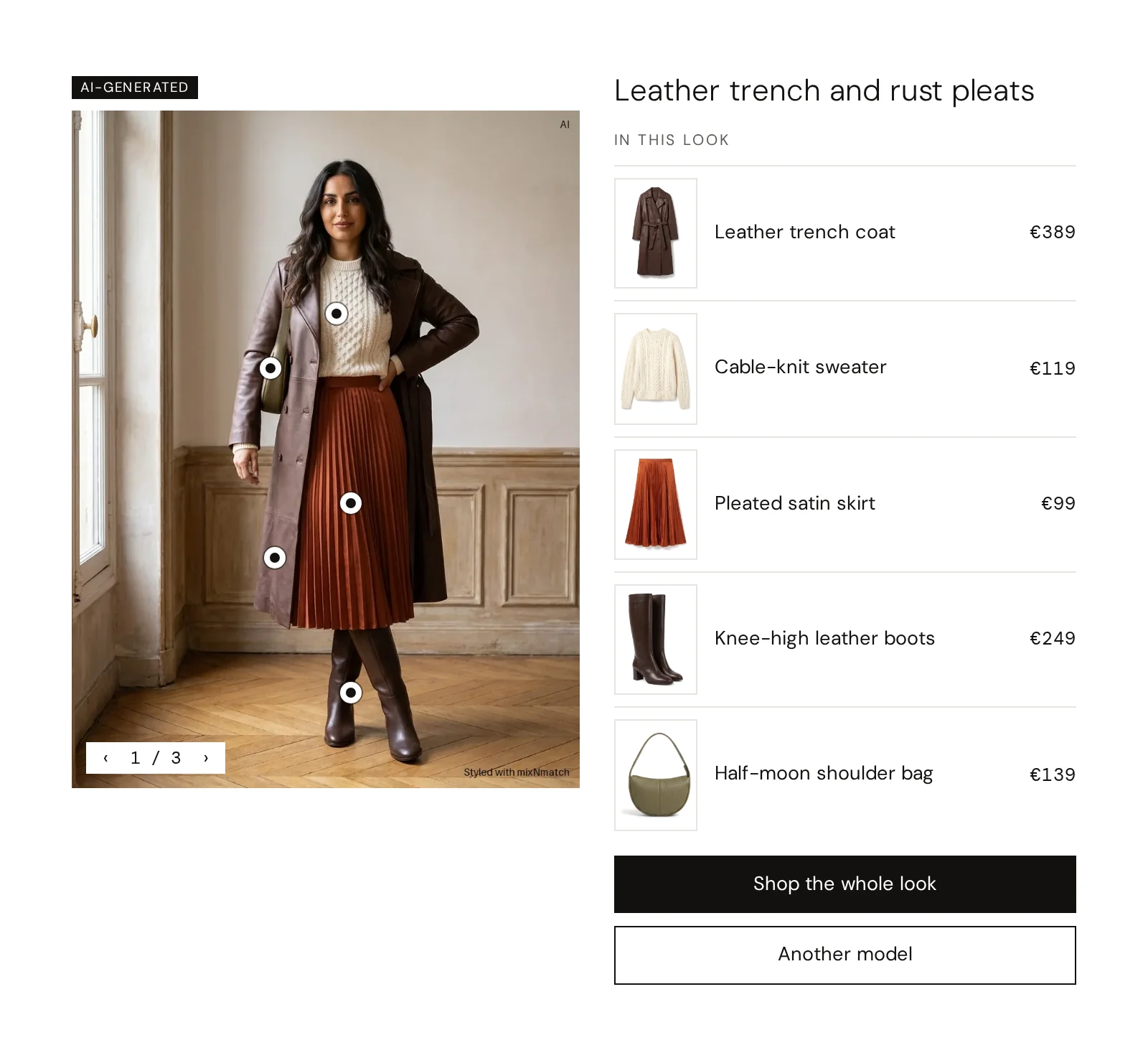
Virtual try-on could show single pieces or complete looks on one of several AI models or on the shopper’s own photo, with dots on every piece and versions to switch between; every image labelled as AI-generated.
Where it shows
What it enables for the brand
- More confidence at the moment of decision
- More engagement on the product page
- Fewer “wrong guess” orders
Modules
OutOutput
The look on a person, before the purchase
Application example 06Brands and stores that sell through advice
How a retailer with stores could offer advice everywhere
SituationA fashion retailer’s best sales assistants ask about the occasion and put a look together; online and on a quiet shift that advice is missing.
InInput
A customer’s question, in the shop or at the point of sale
mixNmatchWhat mixNmatch does
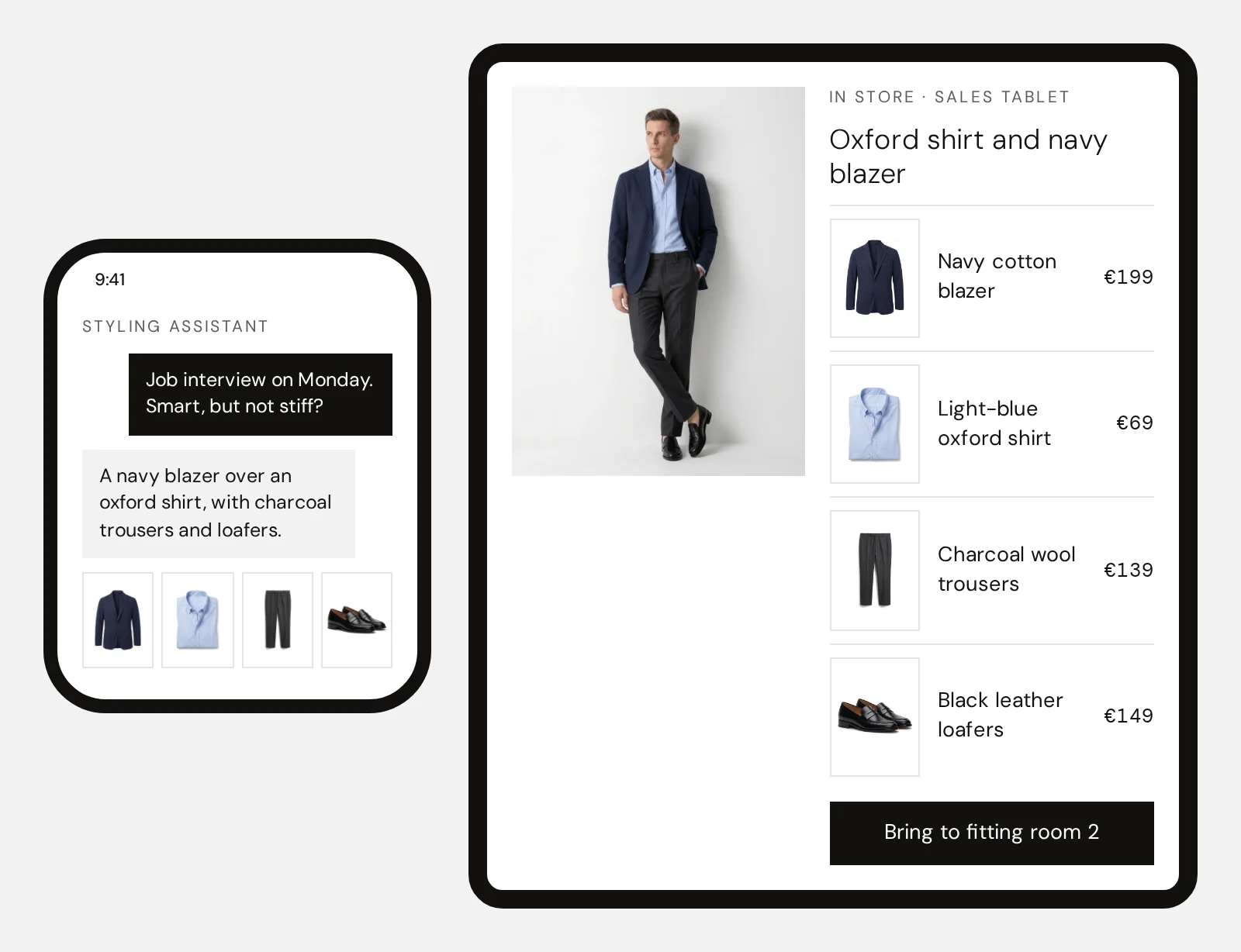
The AI styling assistant could answer in a chat with looks from the range; the In-store Styling Assistant could bring the same engine to a tablet in the store, and QR codes into the print catalogue.
Where it shows
What it enables for the brand
- Advice under the retailer’s brand; the customer and the data stay there
- The same style logic online, in the app and in the store
- Advice that does not depend on who is on shift
OutOutput
Looks and answers, online and on the shop floor
Application example 07Marketing and CRM teams
How a CRM team could send personal looks
SituationA fashion brand’s team styles every season launch and newsletter by hand and sends the same edit to everyone.
InInput
Purchases, likes and the current range
mixNmatchWhat mixNmatch does
Capsule Creation could compose 8 to 15 products that combine into many outfits; Personalised Content could send each customer looks that build on what she bought, for example “how to style your new trousers”.
Where it shows
What it enables for the brand
- Campaign looks without a styling session for each one
- Newsletters with looks that fit each customer
- Inspiration on home and category pages that stays current
OutOutput
A personal look in every newsletter
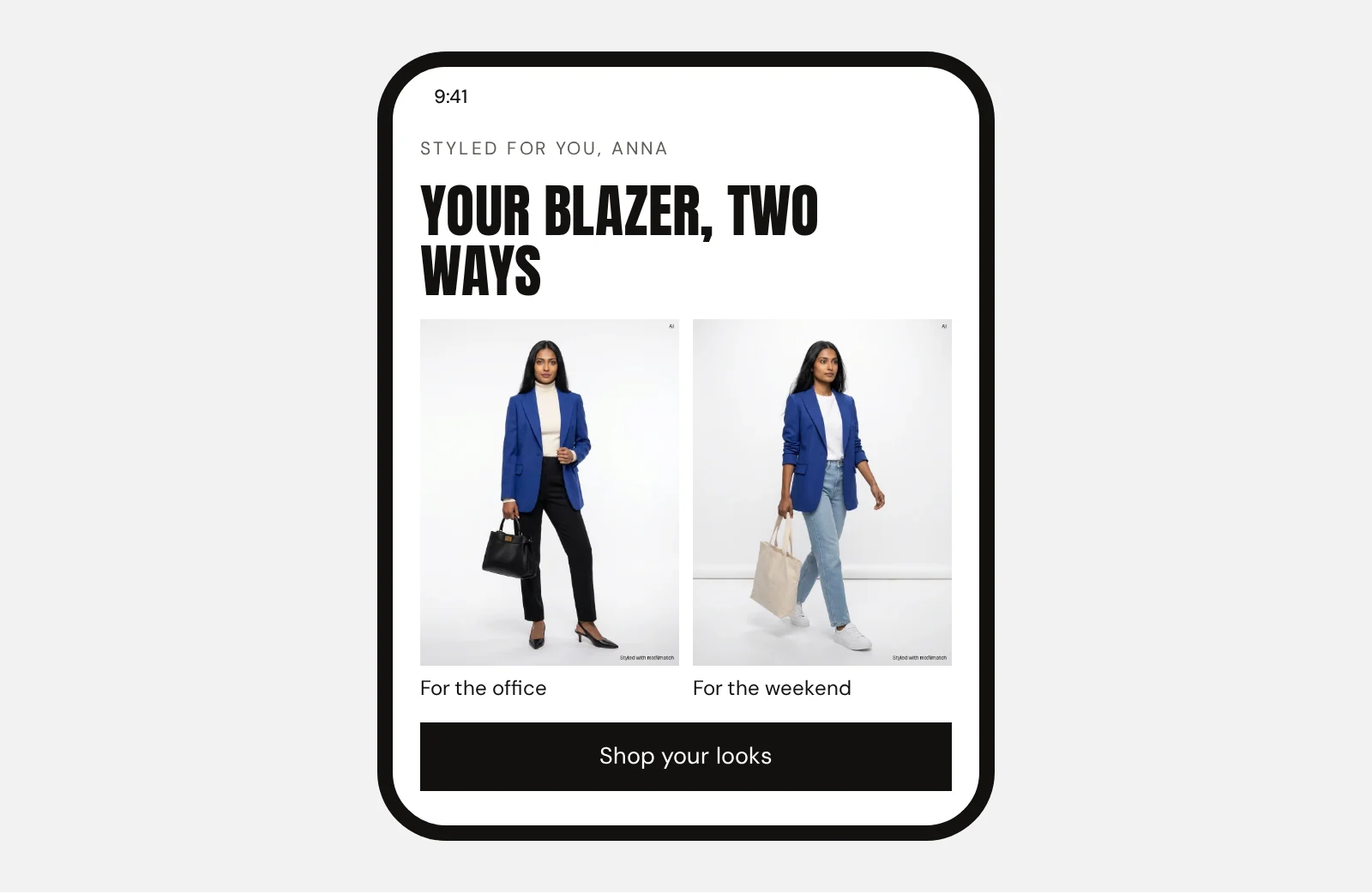
Personal looks for every customer
New in, already yours
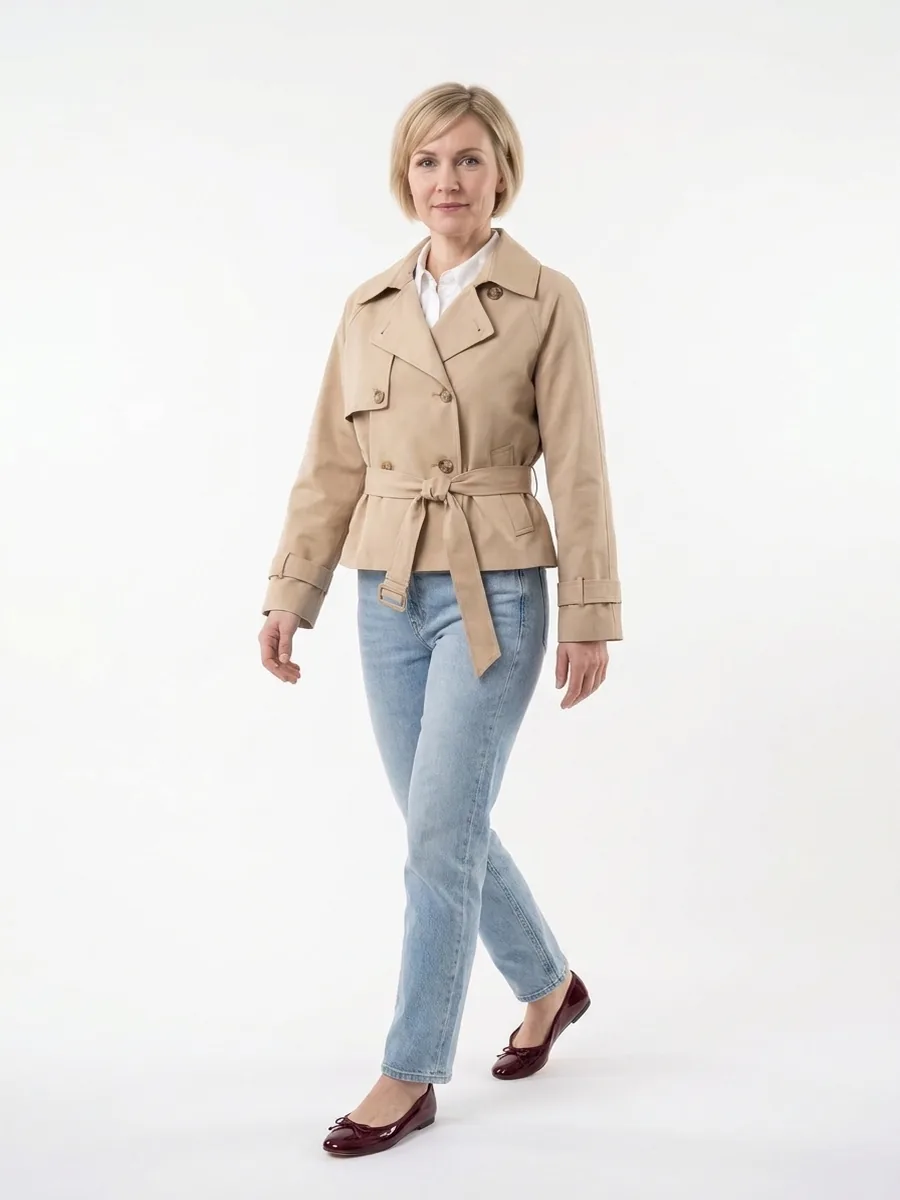
Inspiration from the new collection, combined with the pieces each customer already owns. In the online shop, the newsletter, the app and other 1:1 channels: the new arrivals sell because they make her wardrobe better.
After sign-in, on the home page: “New in, styled with your pieces”
New collection
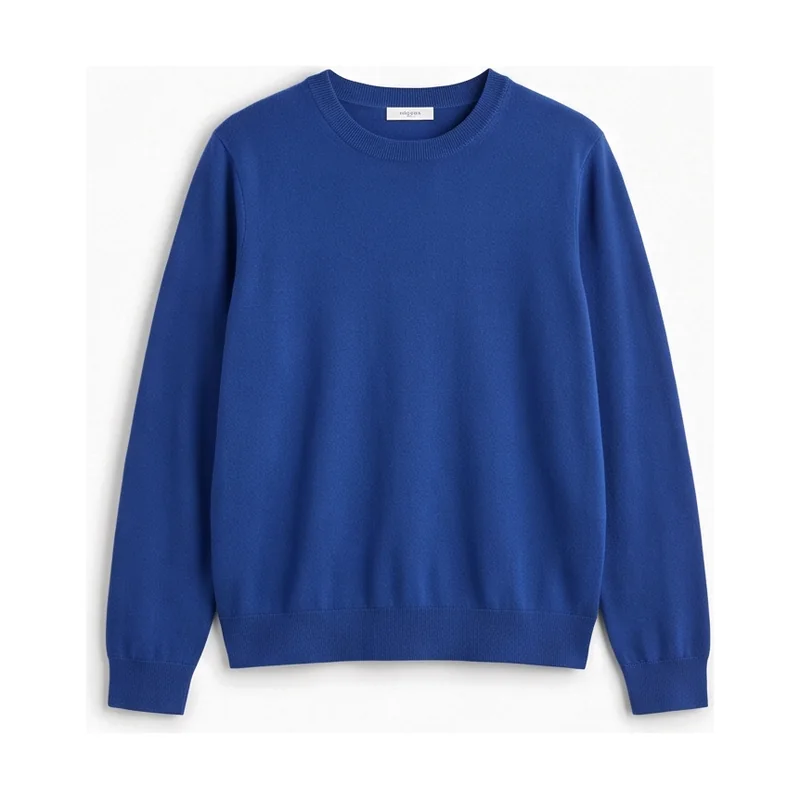
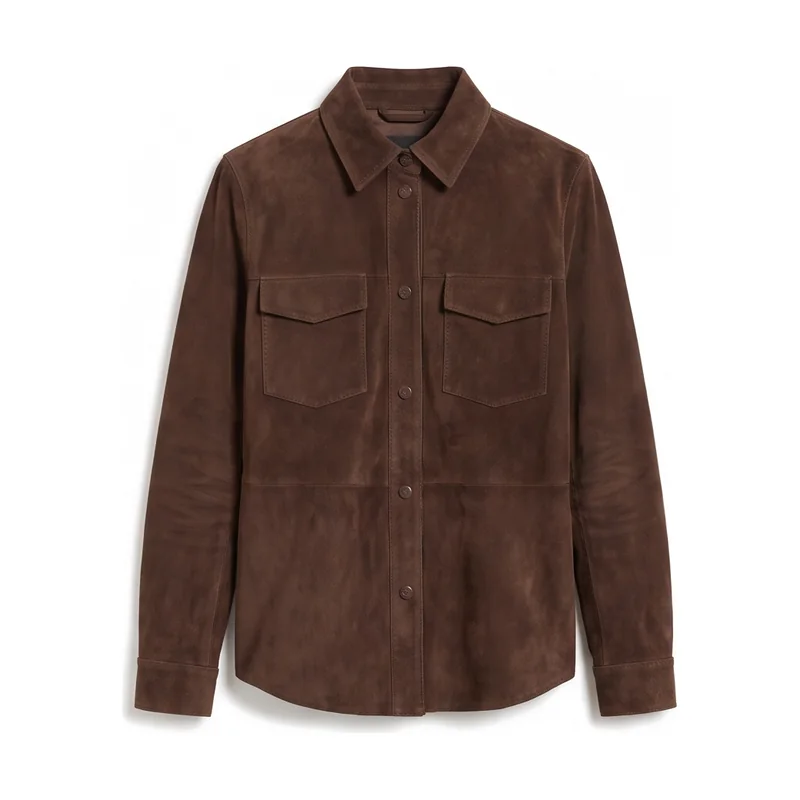
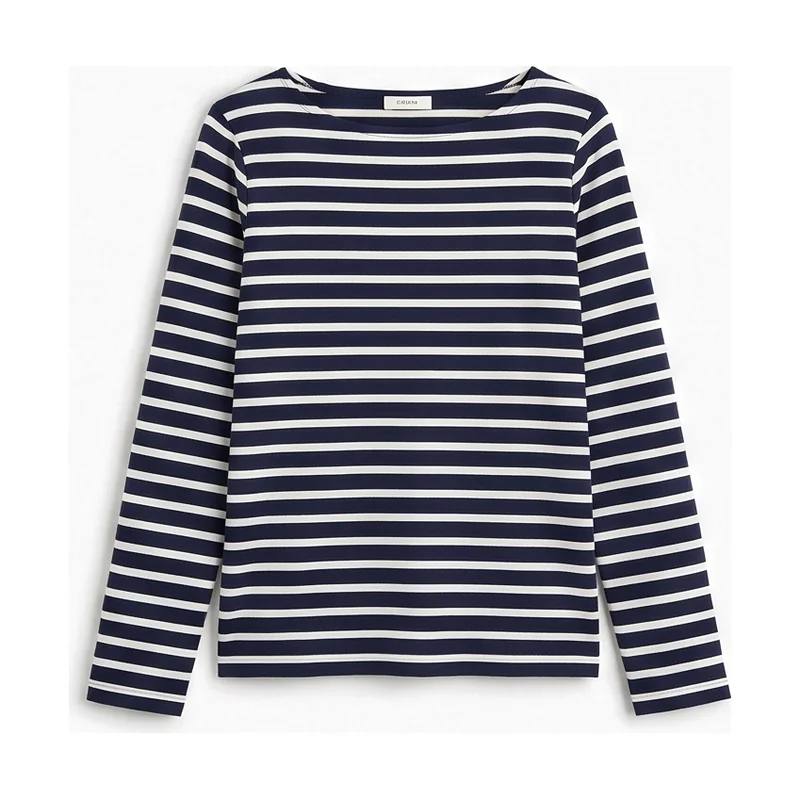
Look 1 of 4 · Weekend
Your shirt and jeans, a new trench
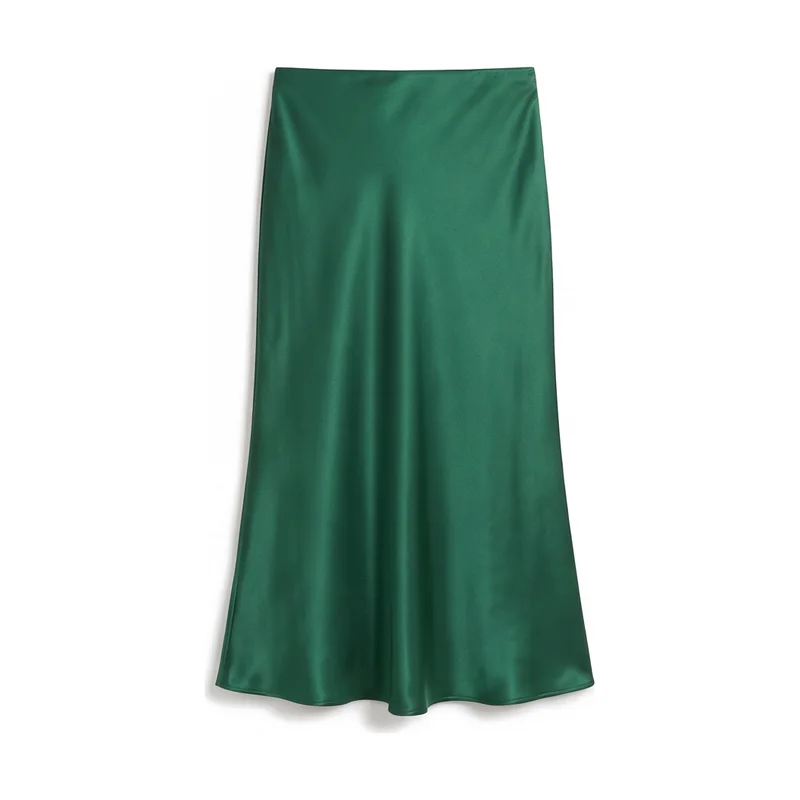
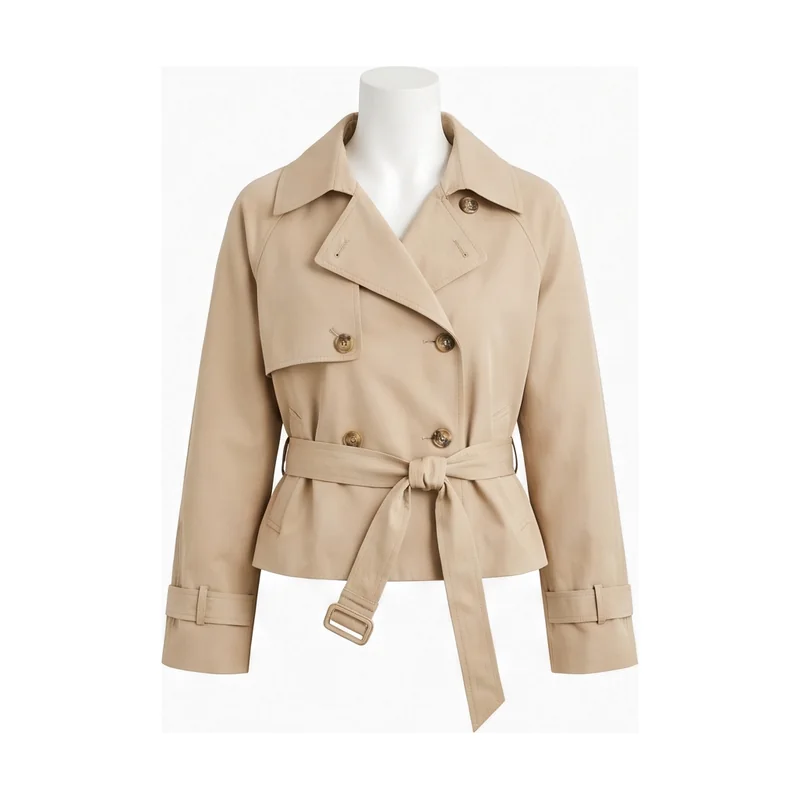 Sand cropped trenchNew
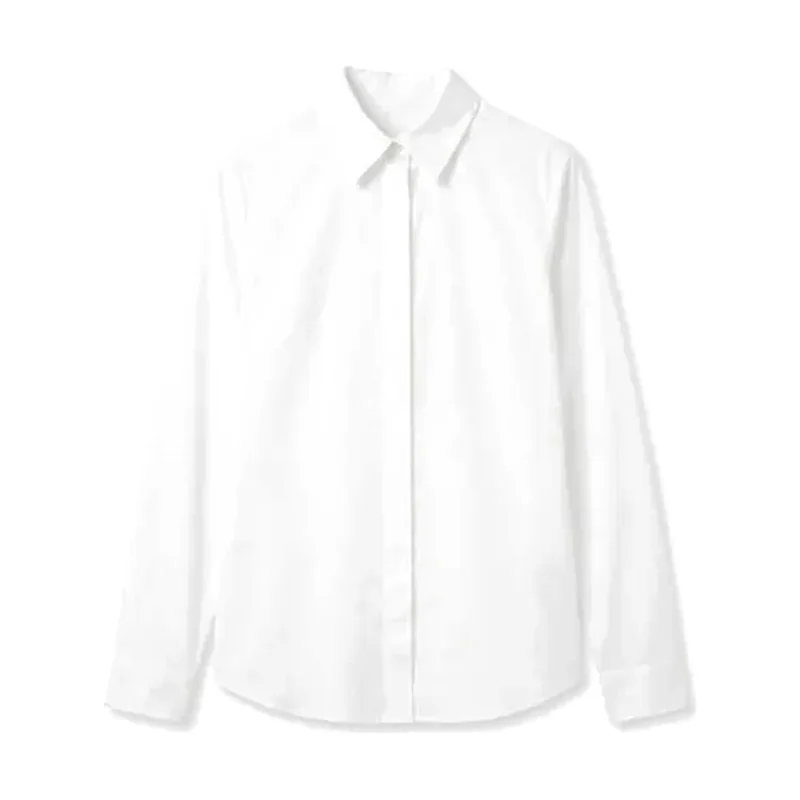 White poplin shirtYours
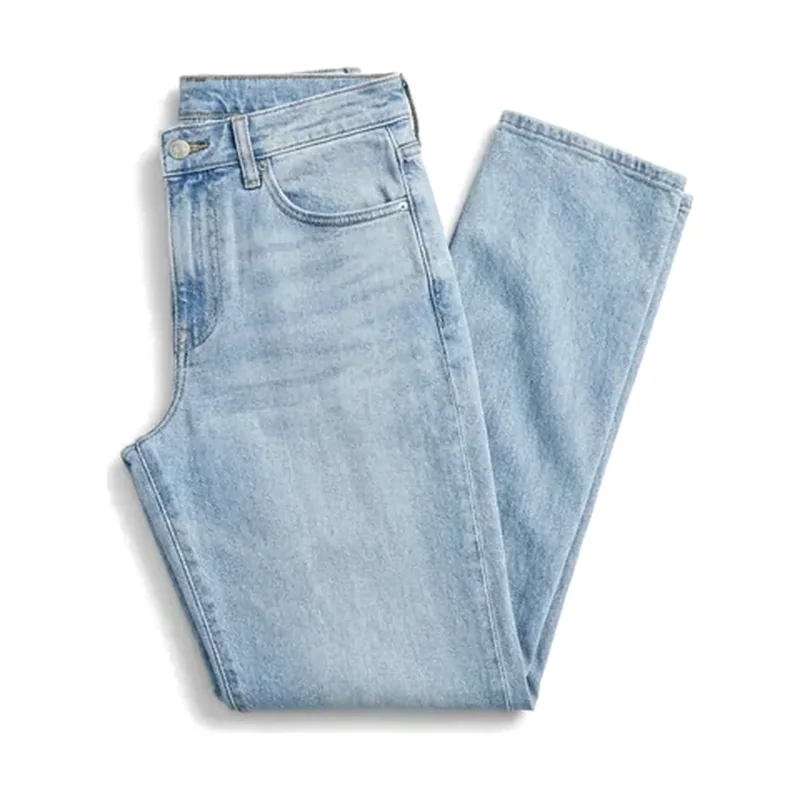 Light-wash straight jeansYours
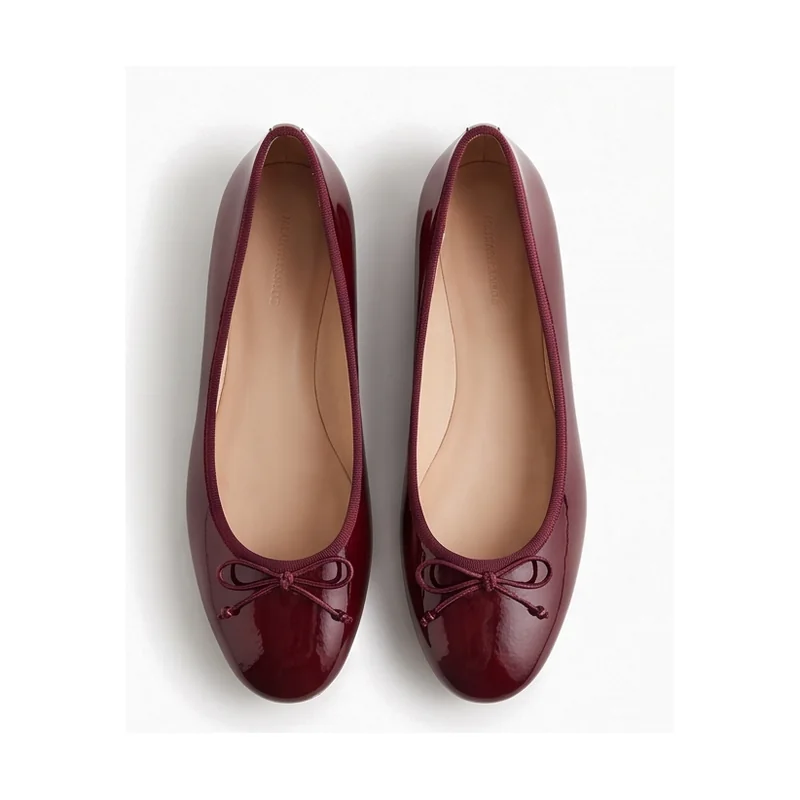 Burgundy ballet flatsNew
Already yours · bought before
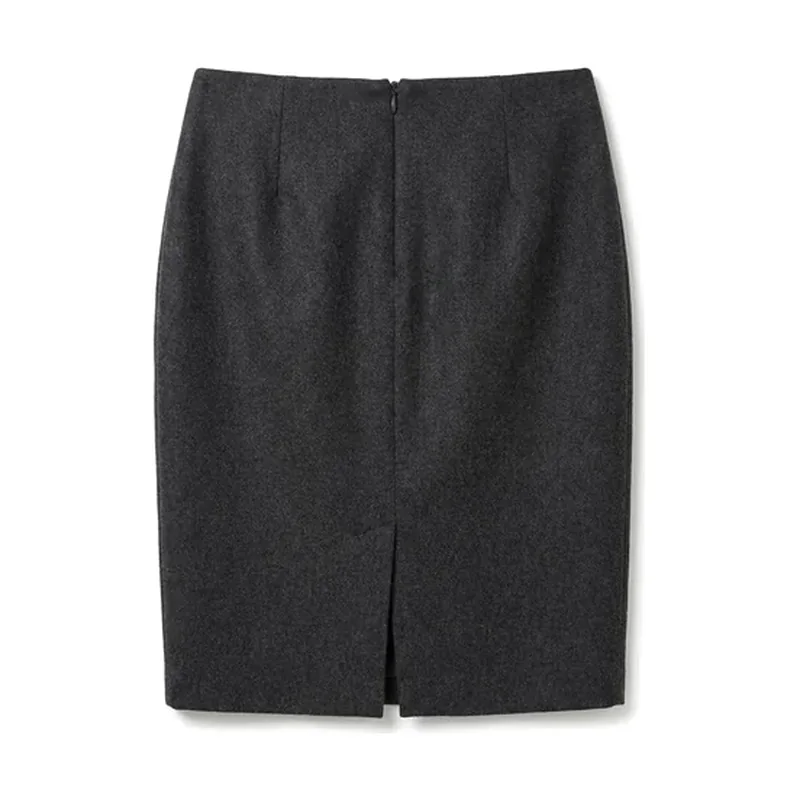
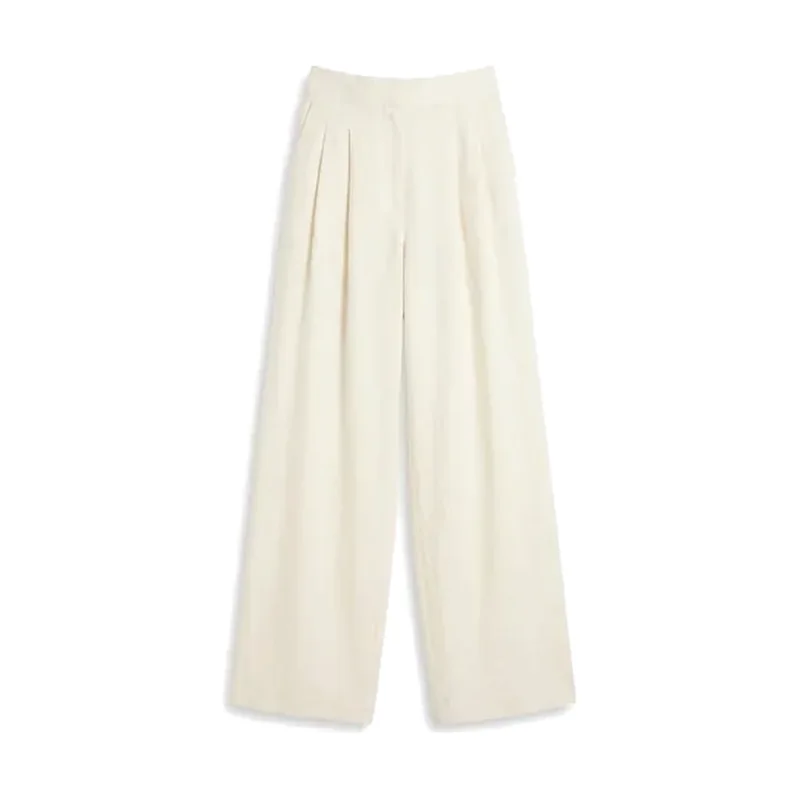
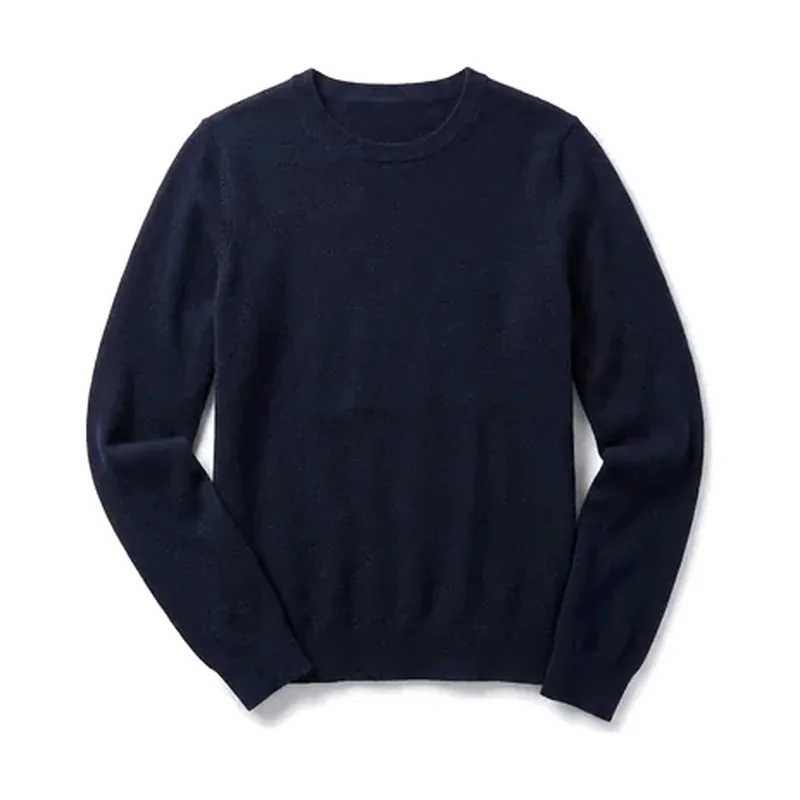
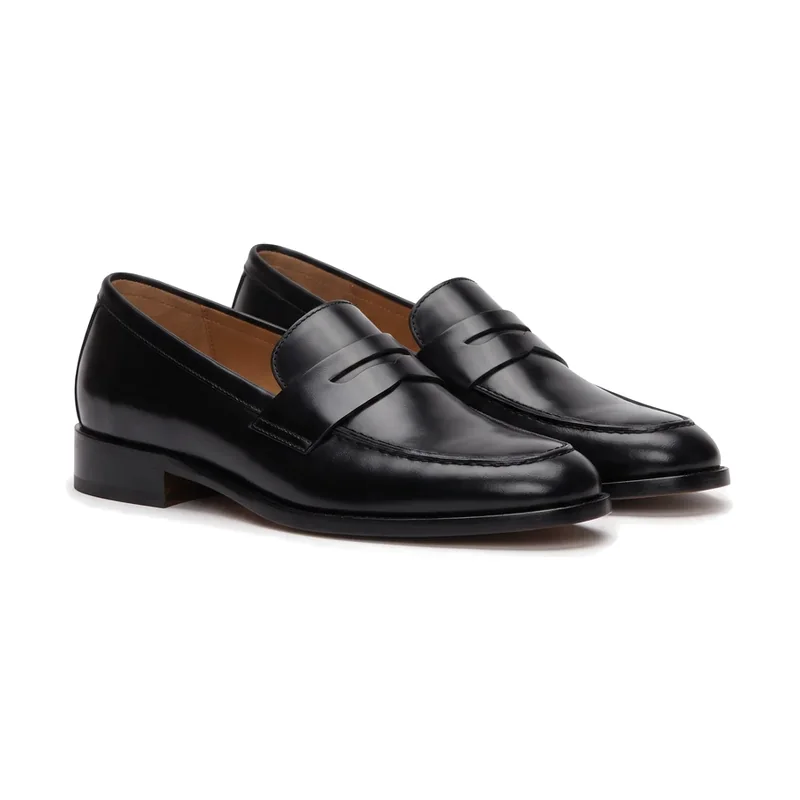
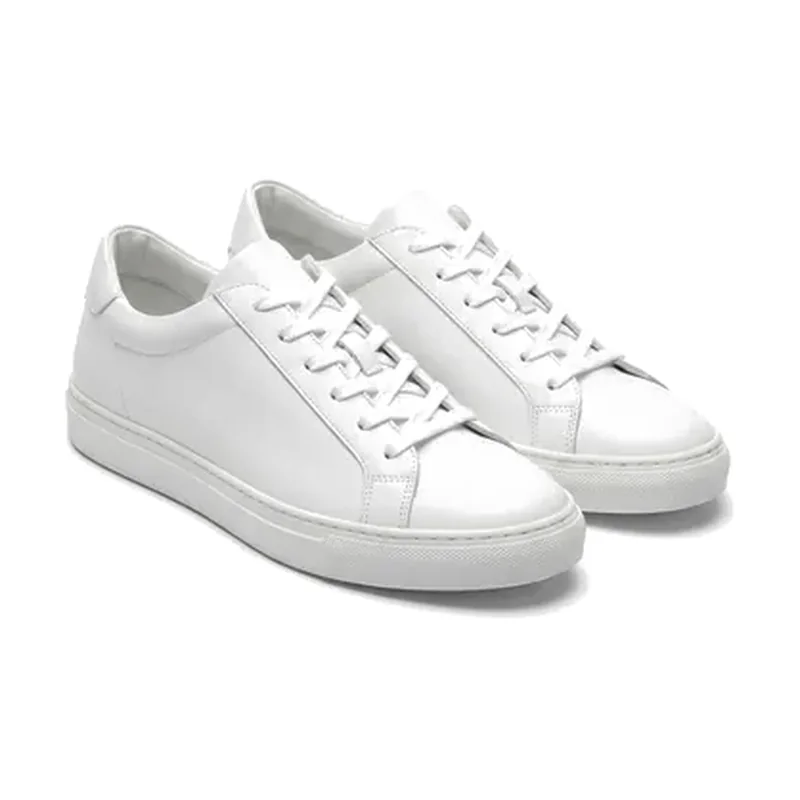
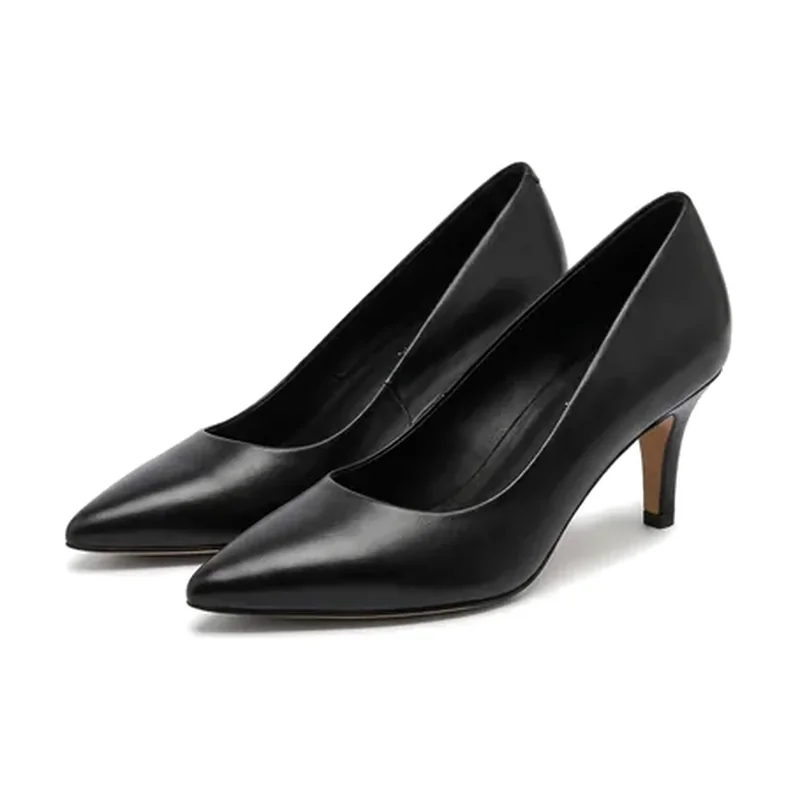
Runs on Personalised Recommendations and Personalised Content: purchase history and style profile in, looks that mix owned and new pieces out. You decide which channels get them.
Common questions
How do you measure success?
With KPIs we agree with you at the start: for looks and try-on mainly average order value and time on page, plus engagement, reactivation and conversion. We measure the impact against a baseline of your historical figures or, if you wish, with an A/B test. We set up the tracking with your team and review the success together.
What do you need from us to start?
Only your shop address: we build the custom demo from your own product pages. For the POC on your complete catalogue we then need your product feed with images, title, description, category, colour, price and availability, in whatever format you have: a Google Merchant feed, an API or your Shopify catalogue. Style, occasion and fit we add ourselves. Customer data is optional and only needed for personalisation.
Do the looks only use our products?
Yes. Outfits are built only from your own catalogue, across your categories, and sold-out items are replaced.
What is the Design Partner Circle?
A group of fashion brands on Shopify that help us shape the coming modules around their needs and pilot them with us. You get a direct line to our product team; in return, you give regular feedback, and if you want, we publish a joint use case with KPIs you have approved. More modules follow, based on what partner brands ask for.
Your catalogue,
styled
Tell us about your shop and your KPIs. We prepare your offer and a demo on your own product pages, ready within 1 day.