
From the rail to the fitting room
Styling in store: for fashion retailers with stores
The looks from your online shop, on the shop floor: scan a piece and see it styled from the store’s stock, bring the right sizes to the fitting room, and guide shoppers to the products and looks they came for.
Every store works differently. In a free consultation we define the right flow and use case for your store together, then pilot it in one store.
In-store styling
Walk in just to look around. Walk out styled.
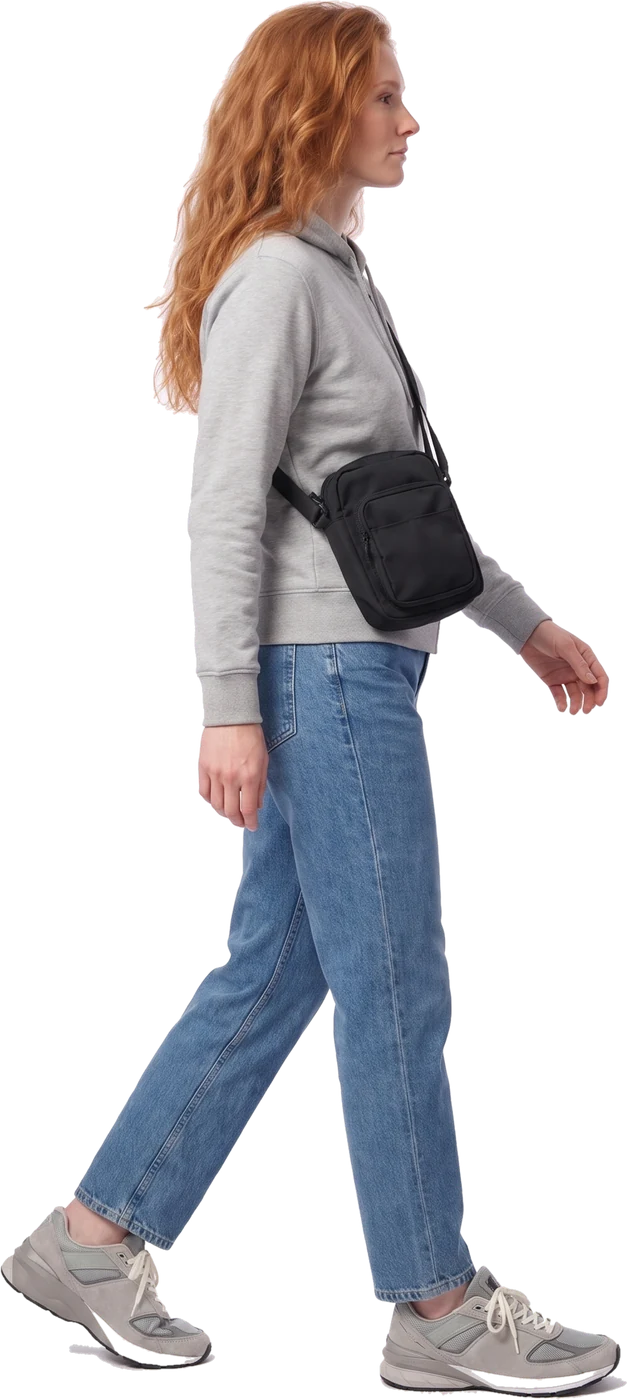
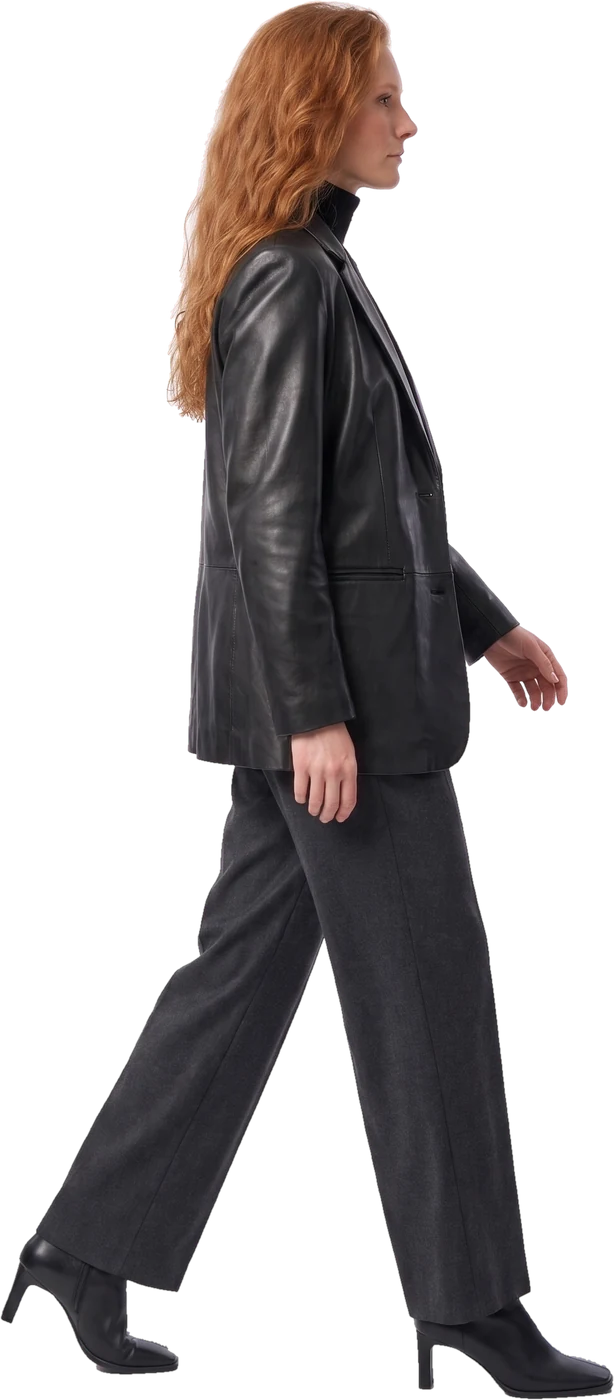
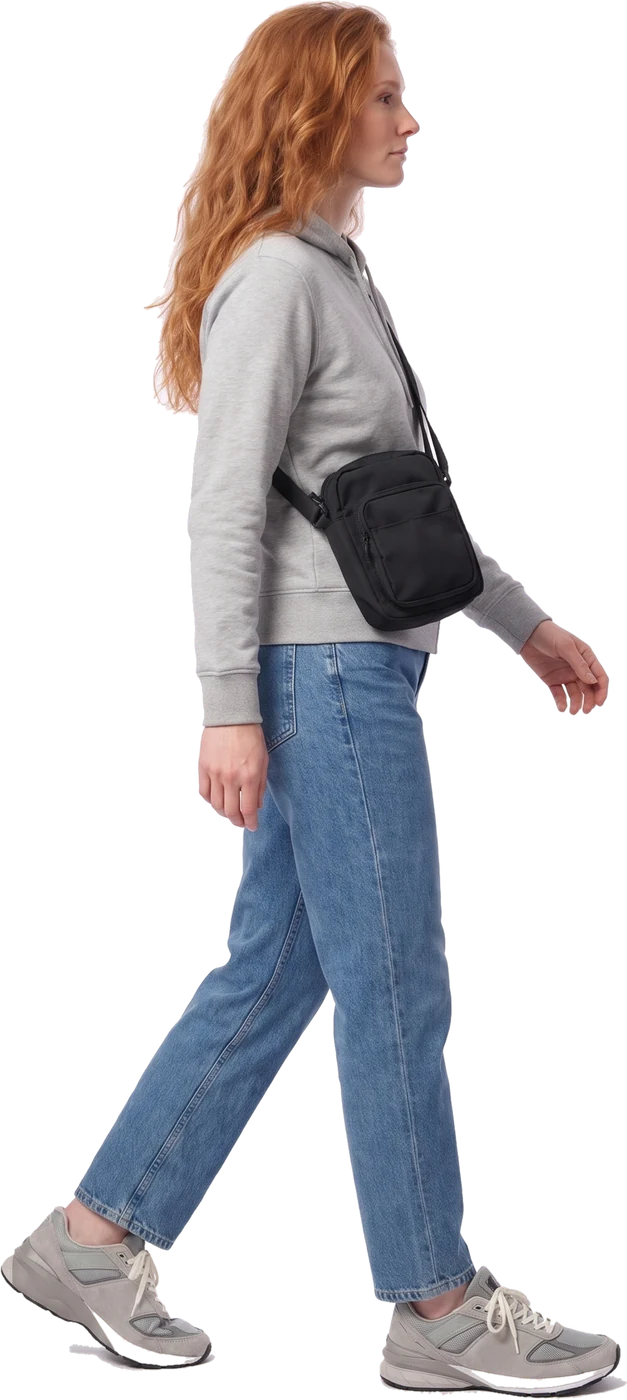
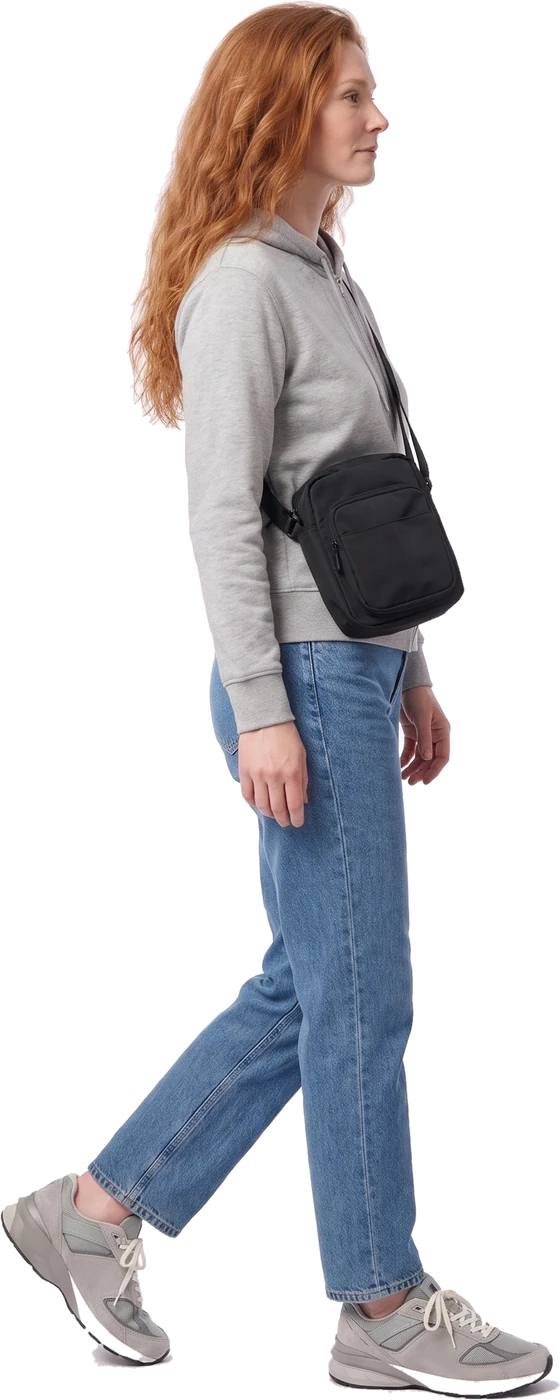
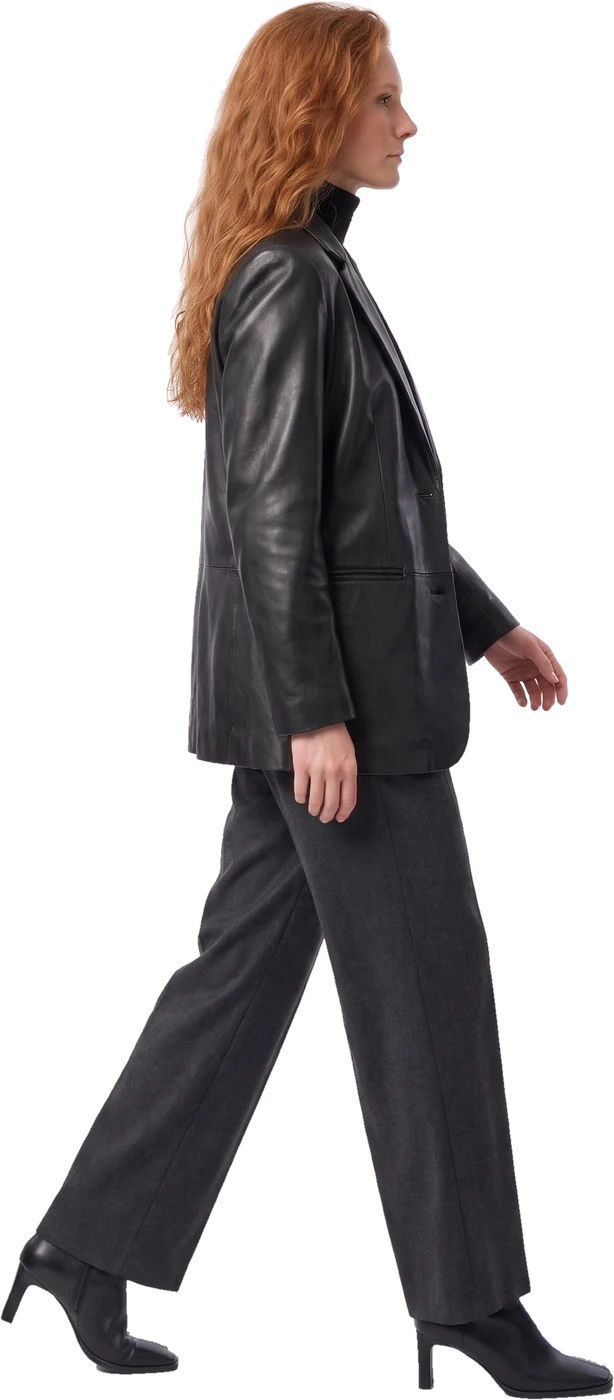
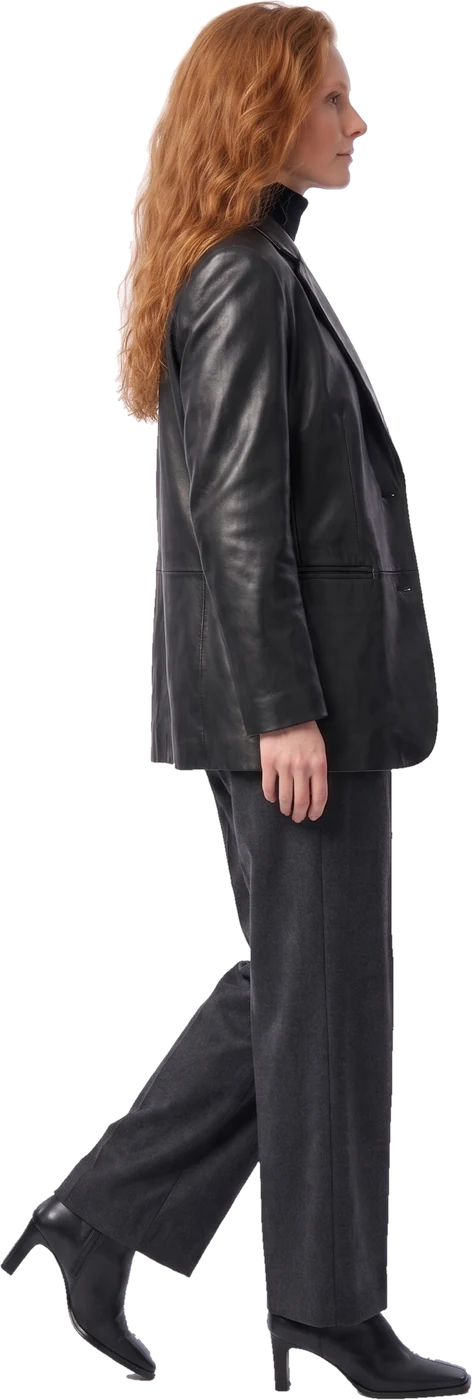
Styled from your store
- Black leather blazer
- Black rib turtleneck
- Charcoal wide-leg trousers
- Square-toe ankle boots
Use case 01For the sales team
Scan and style
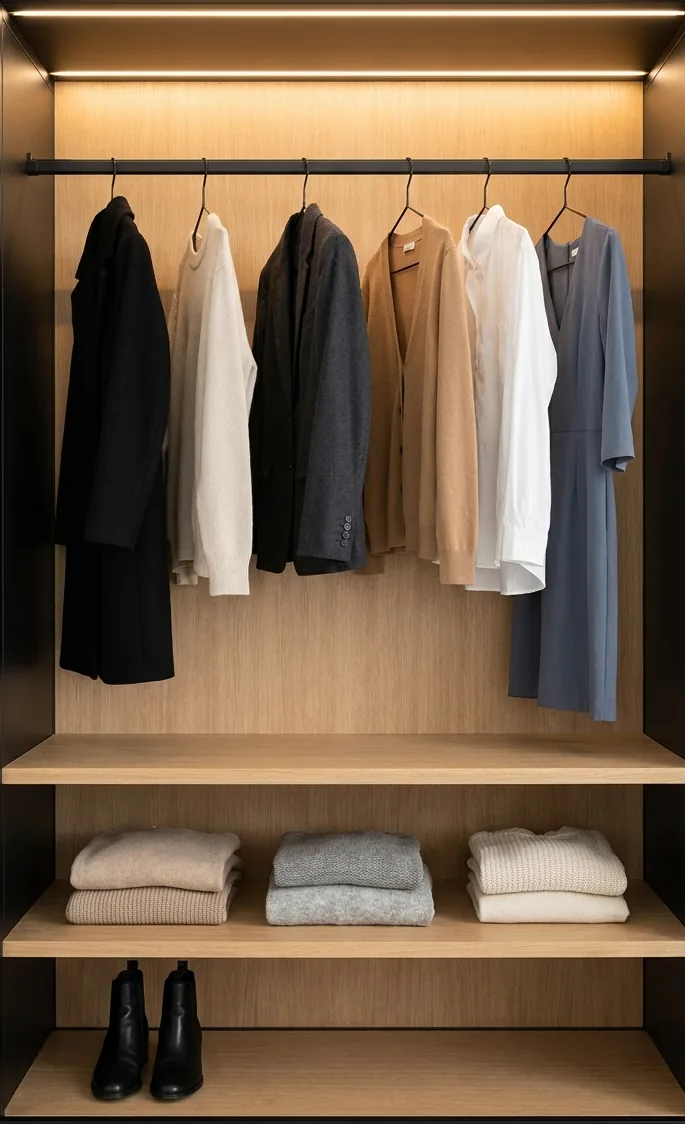
A tablet on the shop floor turns every sales assistant into a stylist. Scan a piece and see it styled three ways from this store’s stock, with the sizes on hand. Then have the pieces brought to the fitting room, or follow the route to where they hang.
On the rail · tap a piece to scan it
The tablet is for the sales team, or stands at a styling point for customers. The same screen works on the team’s phones.
Store styling
Your store
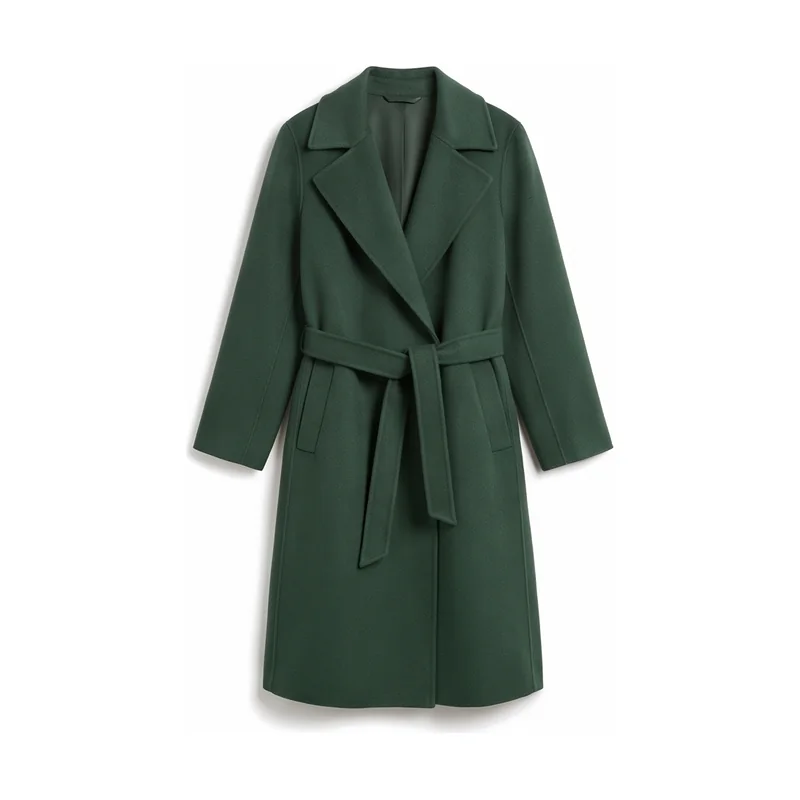
Scanned · Coats & jackets, A2
Green wool wrap coat
289 €
Wear it three ways, from this store
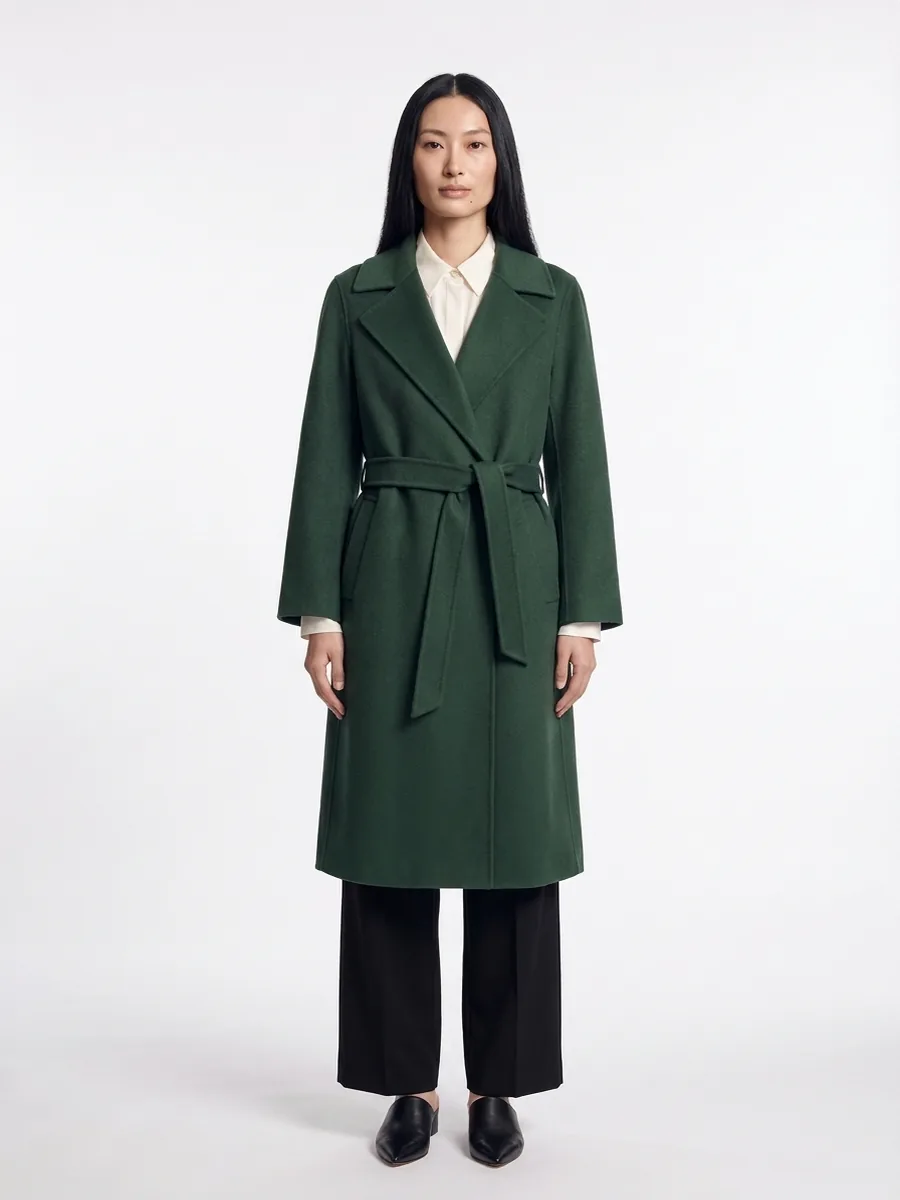 Office
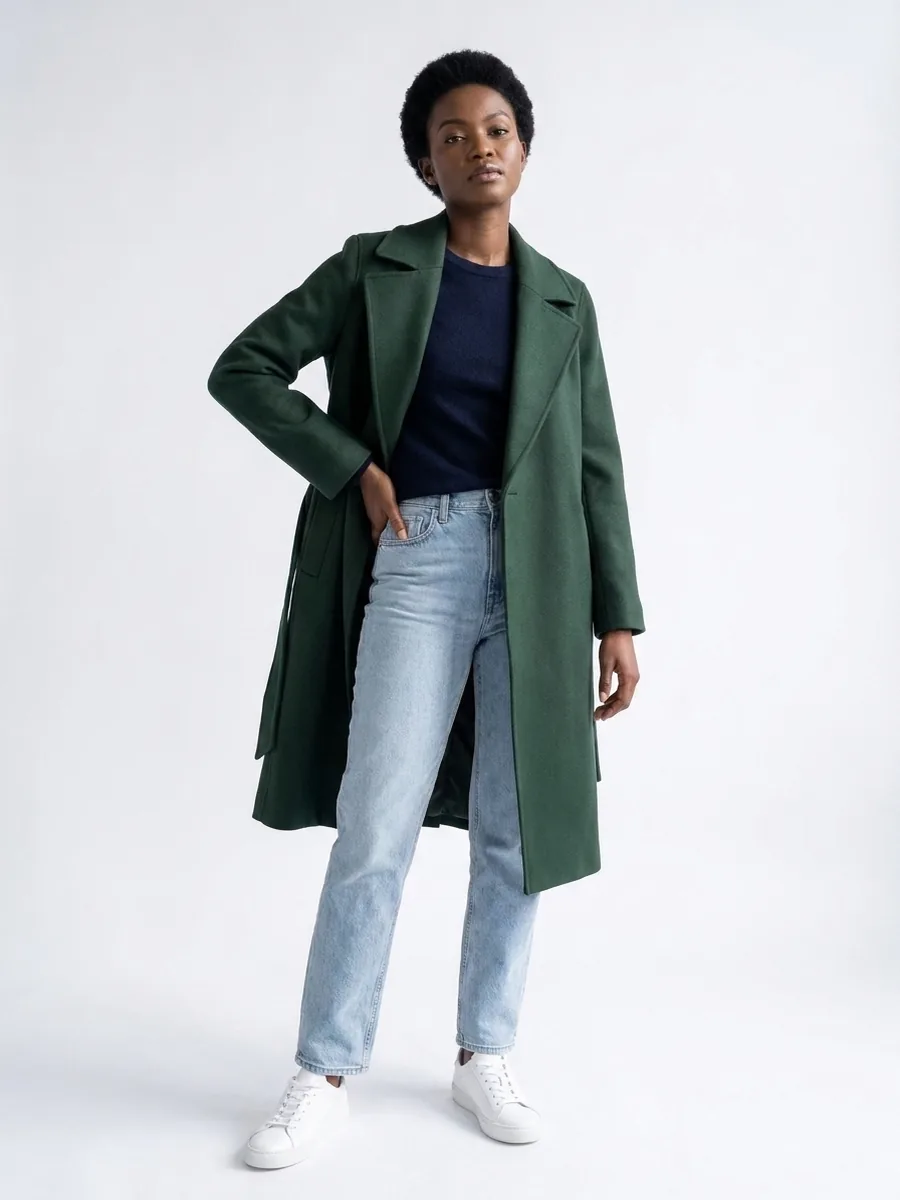 Weekend
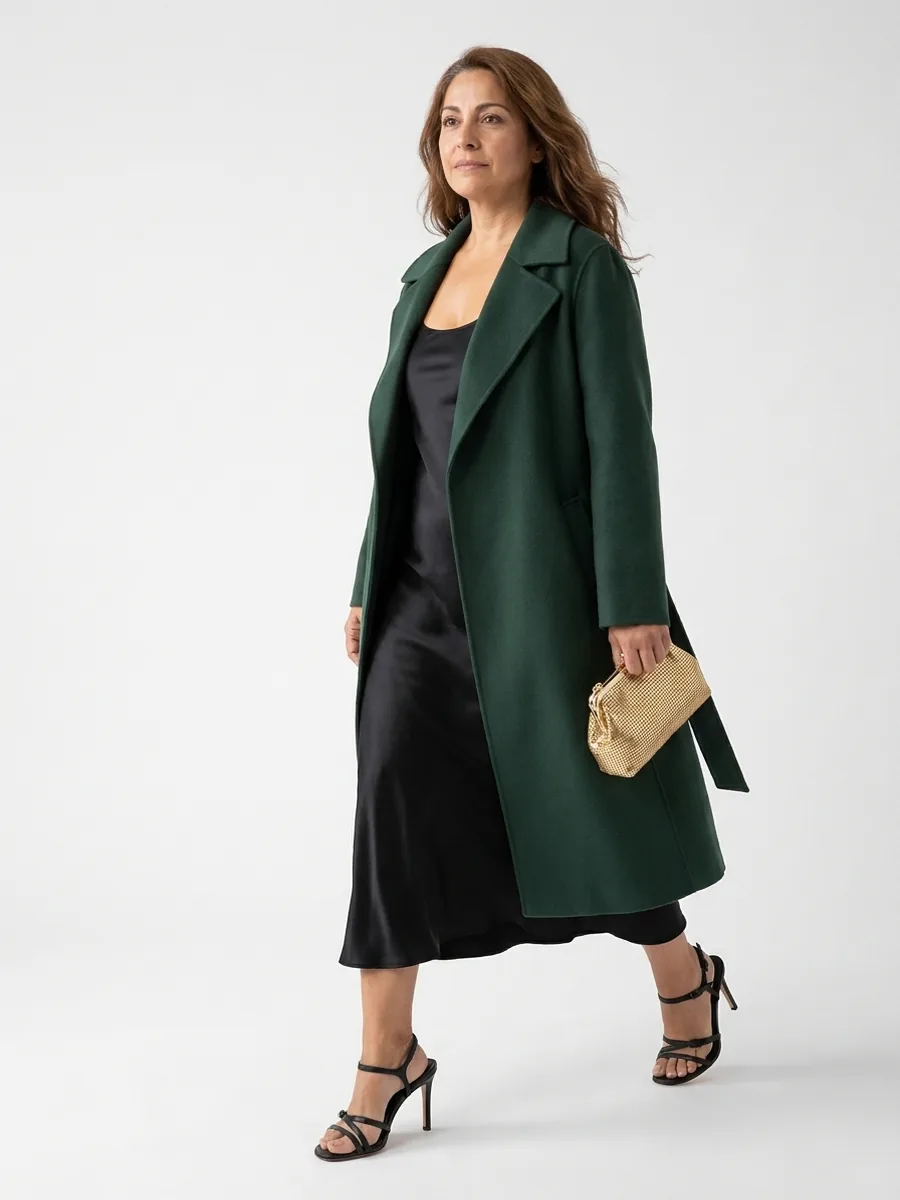 Evening
Where
Tablets or phones for the sales team, and a styling point near the fitting rooms.
Runs on
Complete the Look on the store’s own stock, plus one location field per product.
What it brings
More pieces per fitting, fewer walks to the stockroom, and sizes that are really there.
From idea to pilot
In-store flows depend on the store: its size, its team, its customers. So we start with your store, not with a product.
- 01
Free consultation
We look at your store, your team and your customers with you, and choose the flow: scan and style for the sales team, a guide for shoppers, or both.
- 02
Pilot in one store
On tablets or a screen with your products, the store’s stock and one location field per product. Requests to the fitting room go to the team’s phones or to your own system.
- 03
Measure, then roll out
Against a baseline or in an A/B setup between stores: pieces per purchase, fitting-room conversion and basket value. We review the results together.
Common questions
How does an in-store pilot start?
With a consultation. We look at your store, your team and your customers with you and choose the flow that fits: a tablet for the sales team, a screen for shoppers or both. Then we pilot it in one store and measure it against a baseline before you roll it out.
What does the store need to provide?
Your product feed, the stock per store and one location field per product, such as a zone or rail. A tablet or screen is enough to start; a request to the fitting room can go to the team’s phones or to your own store system.
Do the looks only use our products?
Yes. Outfits are built only from your own catalogue, across your categories, and sold-out items are replaced.
Who owns the enriched product data?
You do. You own your product data, your customer data and your content. We use your product data to deliver the service for your shop, and nothing brand-identifiable is shared with other clients. On Shopify, the enriched attributes are written back to your store.
Pilot it in
your store
Book a free consultation. Together we define the right flow and use case for your store, and how to pilot it.