Try the look on
Virtual try-on: for fashion e-commerce
Virtual try-on is a mixNmatch module that shows single products or complete looks on an AI model or on the shopper’s own photo, directly on your product page, before the purchase.
Shoppers see the outfit on a person before they buy. Every generated image is labelled as AI-generated.
In and out
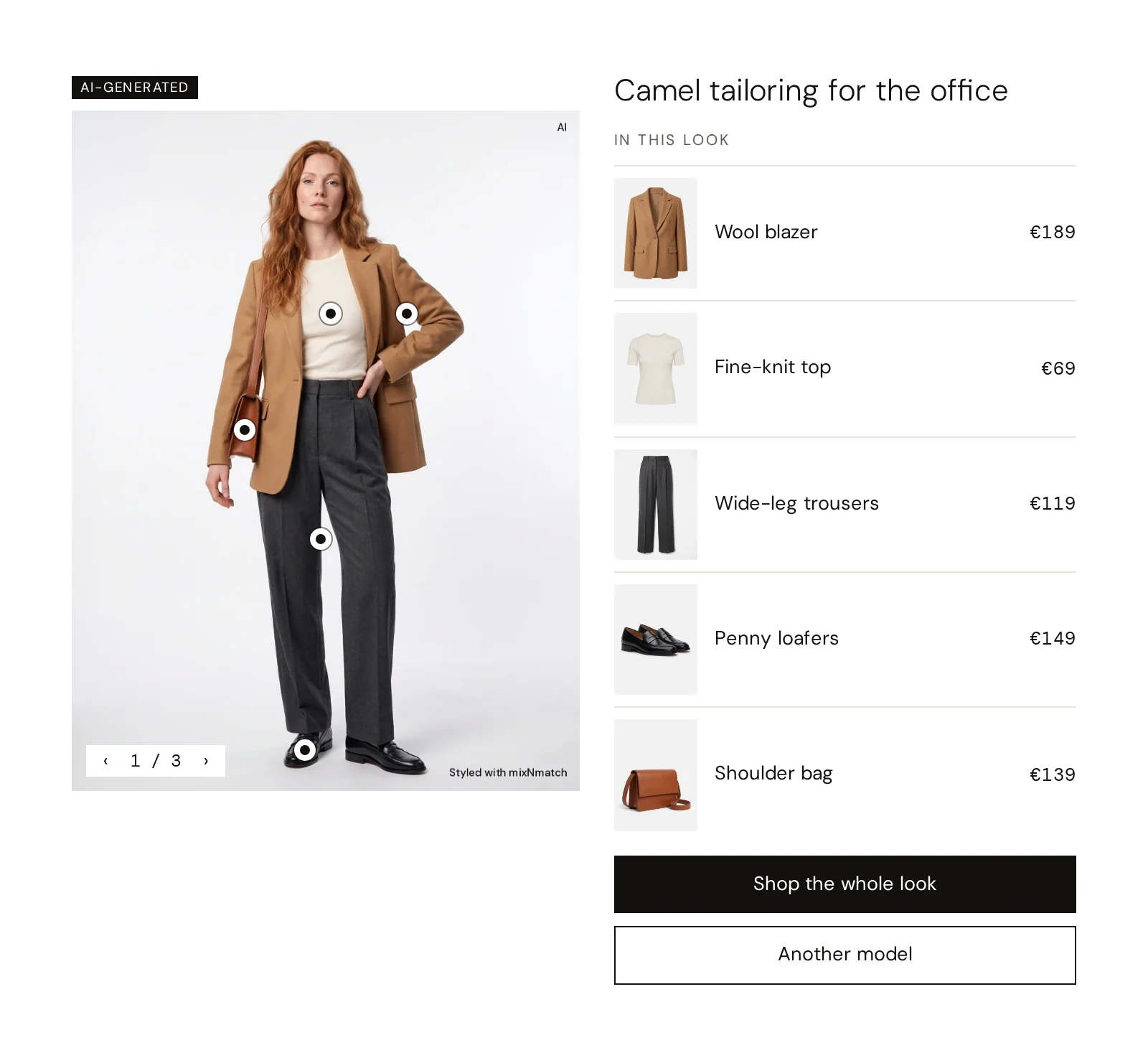
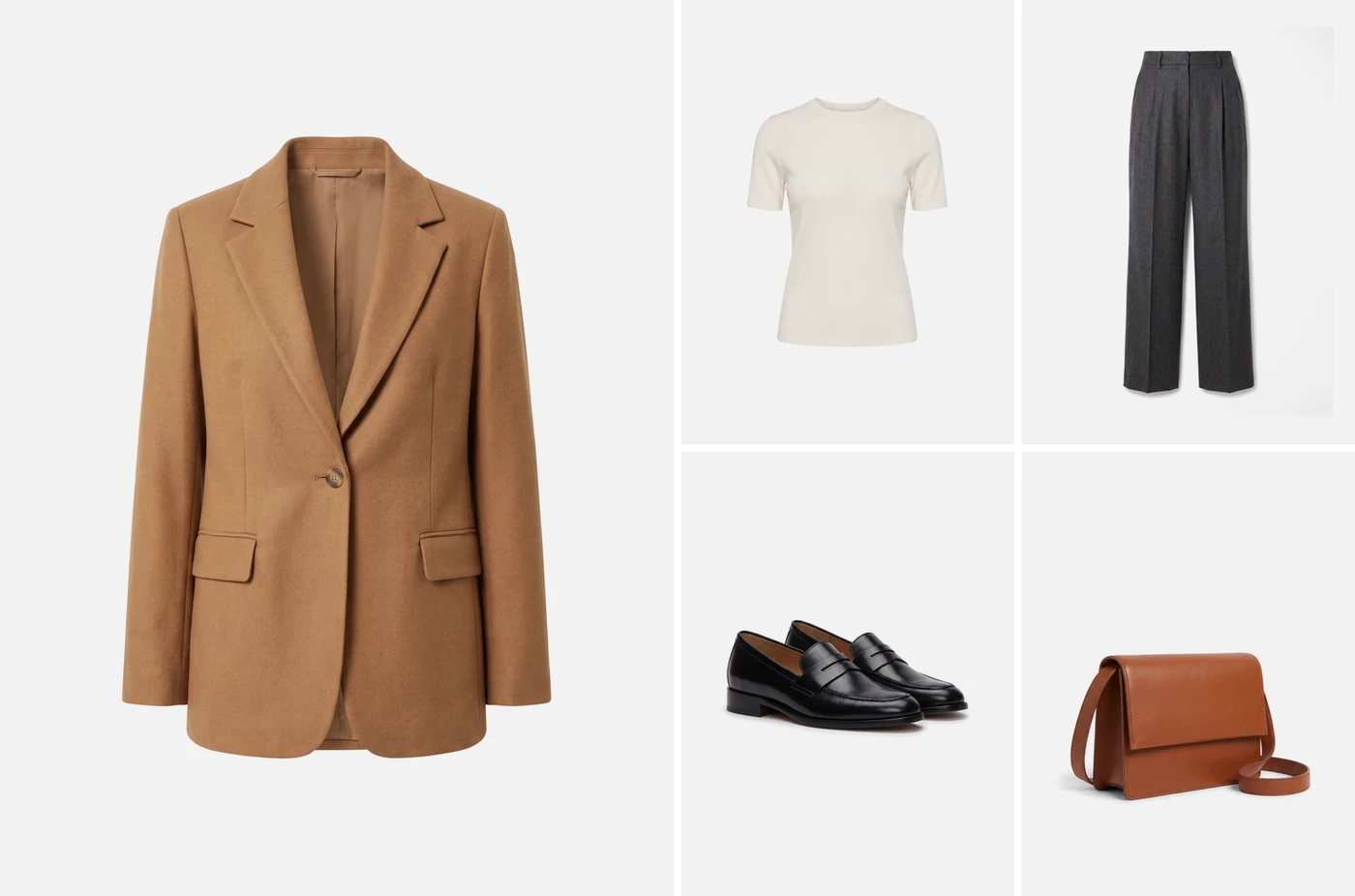
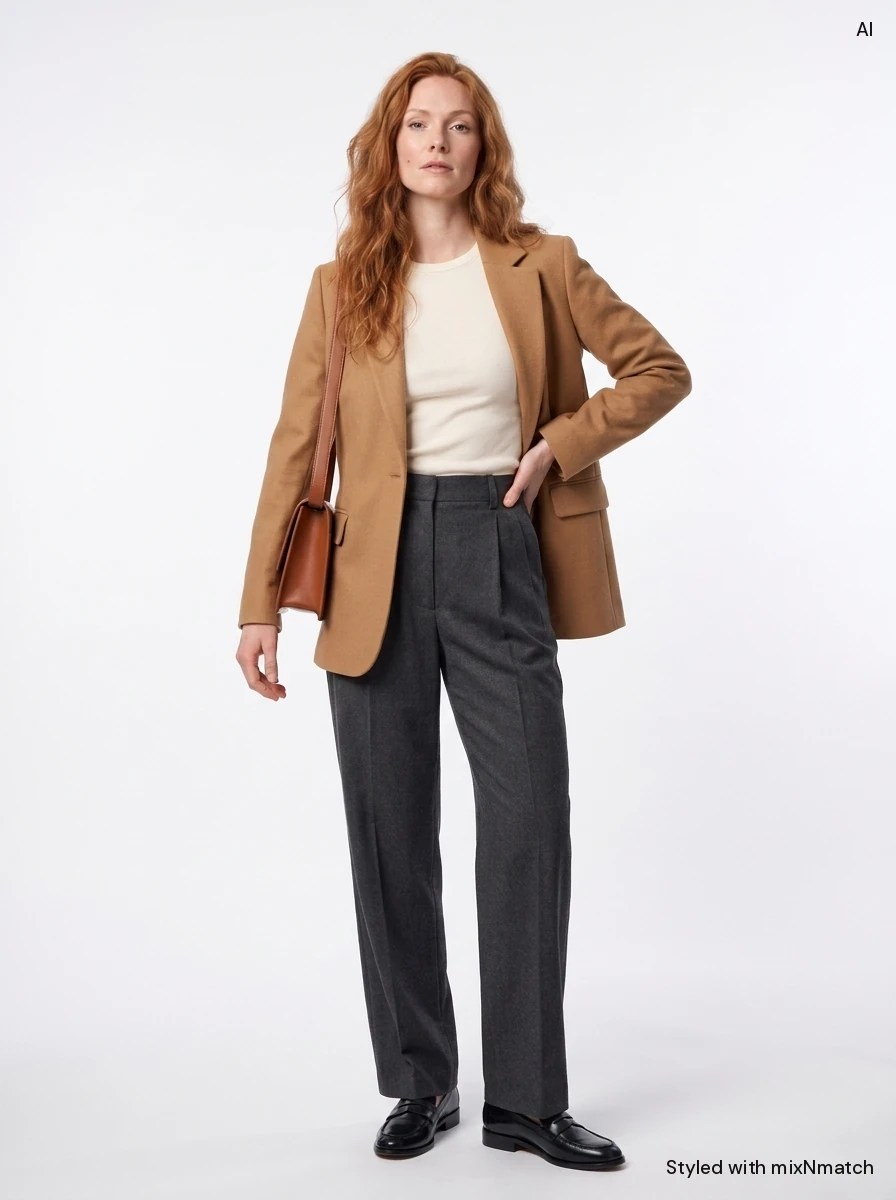
What your shop already has goes in. What mixNmatch adds comes out, marked in yellow.
InThe look and an AI model
OutThe try-on
What does virtual try-on show the shopper?
Virtual try-on lets shoppers see a product, or a whole look, on a person before they buy.
Read more
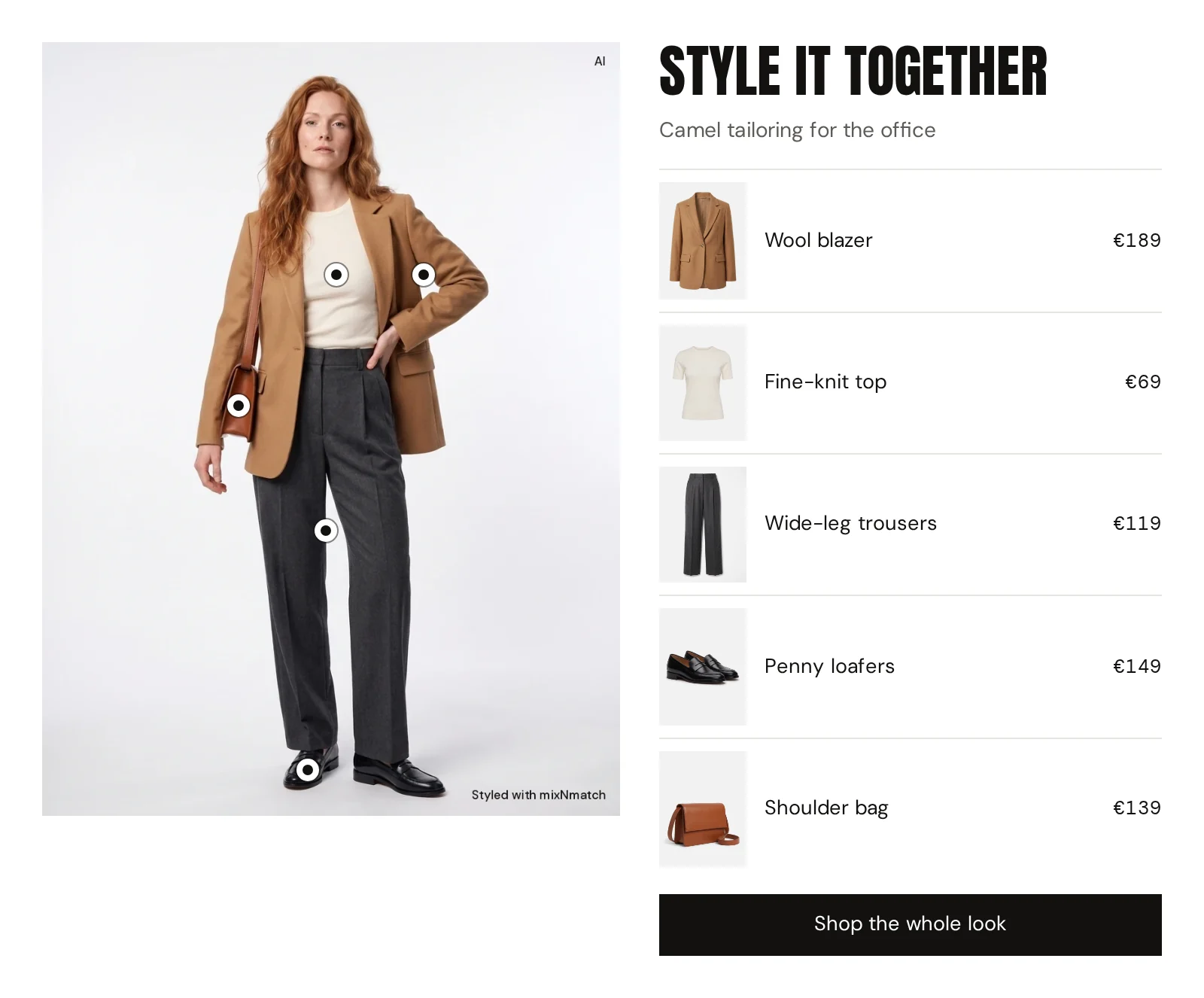
They choose one of several AI models or upload their own photo, and see how the blazer, the trousers and the scarf from your range look together on them. A dot sits on every piece, the list beside the image names the look, and arrows switch between versions.
Because it works with complete looks, try-on and Complete the Look strengthen each other.
What does virtual try-on change for a fashion shop?
Uncertainty is a main reason why fashion purchases stall or come back: how a colour works with the skin tone, whether a cut suits the shape, how the pieces look together.
Read more
Try-on answers these questions at the moment of decision, keeps shoppers on the page and reduces “wrong guess” orders.
Market benchmarks for styling and discovery overall, including first reports from in-house solutions of fashion flagships, point to up to 27 per cent fewer returns; for a mid-sized brand, 27 per cent fewer returns is roughly 140 tonnes less CO₂ per year.
We measure add-to-cart, time on page, engagement and, where the data allows, the return rate.
How are try-on photos and AI images handled?
Shoppers’ photos are processed only to create the try-on, and only with their clear consent; where personal data is processed we sign a data processing agreement (AVV / DPA under Art. 28 GDPR) with you.
Read more
Every AI-generated image is labelled as such, in line with the EU AI Act, on the image itself. On-model Product Imagery uses the same visual AI for your own content: from two or three product shots it creates on-model images for product pages and the catalogue, with your approval before anything is published.
How it works
It moves Add-to-cart Returns
Also called: AI try-on, virtual fitting room, on-model imagery
- 01
Take the look
A single product or a complete look from your range.
- 02
Choose the person
One of several AI models, or the shopper’s own photo with clear consent.
- 03
See it on
The whole outfit in one image, labelled as AI-generated, with a dot on every piece.
- 04
Compare and buy
Arrows switch between versions, and each dot leads to its product.
Compared with
today
| mixNmatch | Single-item try-on | Model photography | |
|---|---|---|---|
| The whole look in one image | Yes | No | Yes |
| On a chosen model or the shopper’s photo | Yes | Yes | No |
| Built from your current range | Yes | No | No |
| Versions to compare | Yes | No | No |
What a shop could do with it
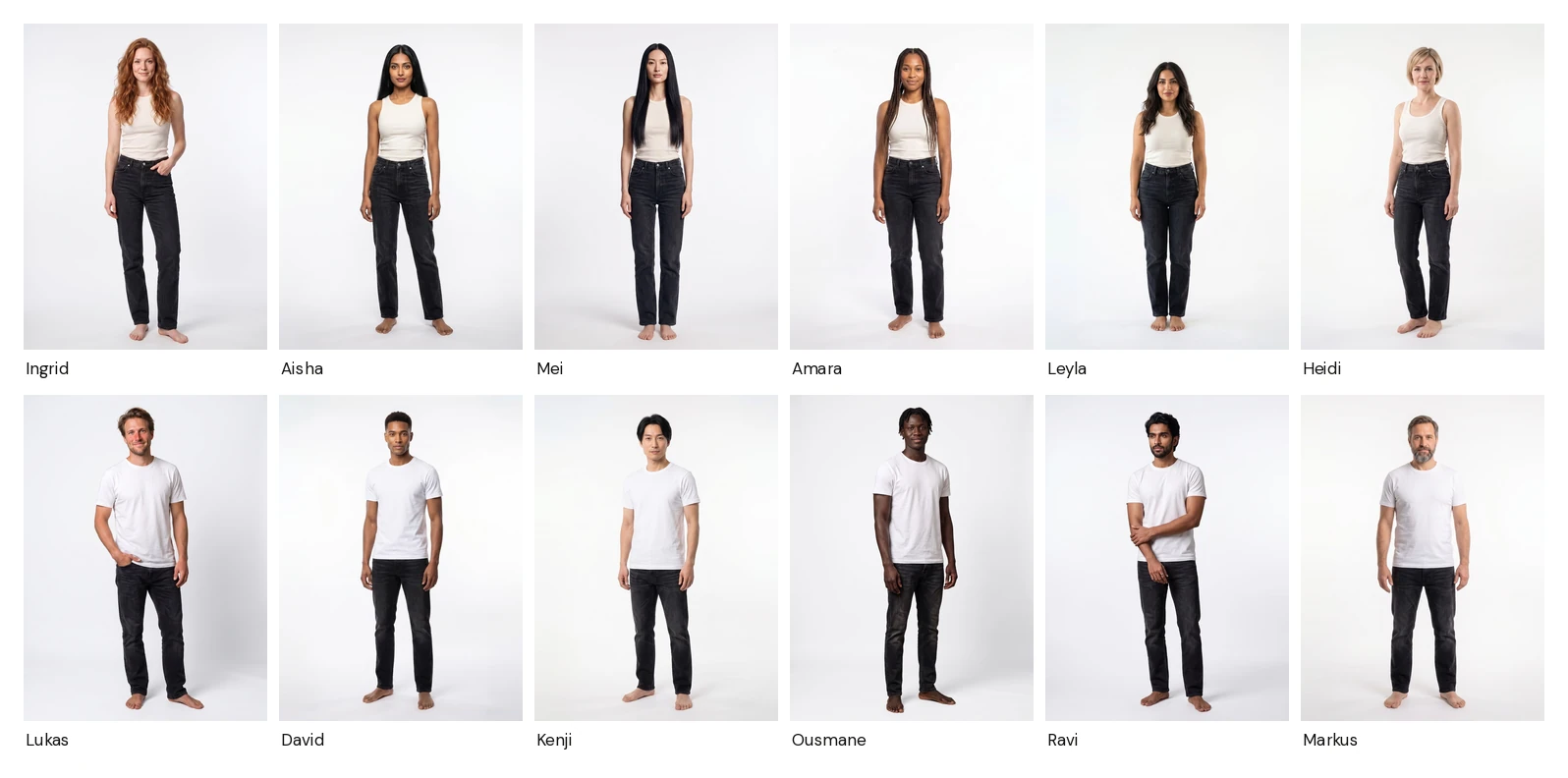
Many models
Shoppers choose the AI model closest to them, or their own photo. Dots mark every piece; arrows switch between versions.
-
Virtually tried on
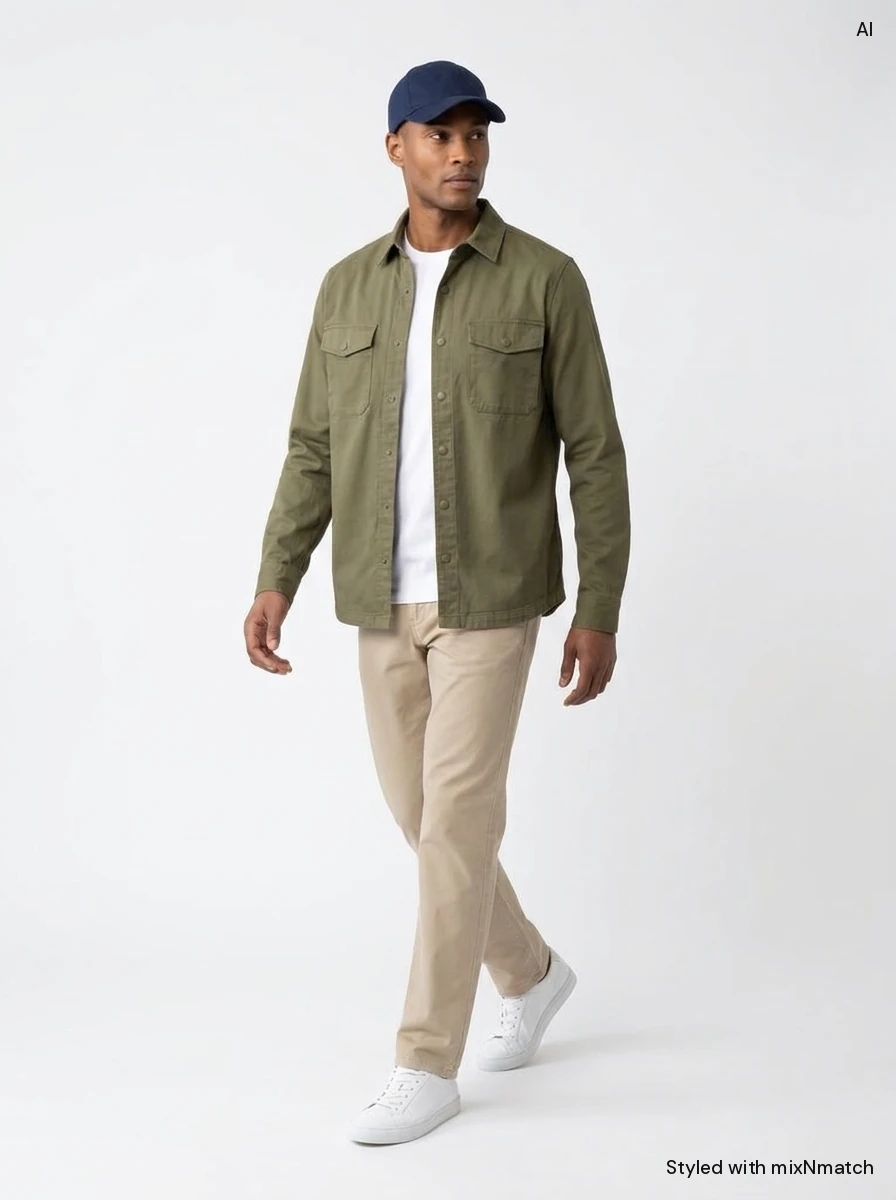 Virtually tried on
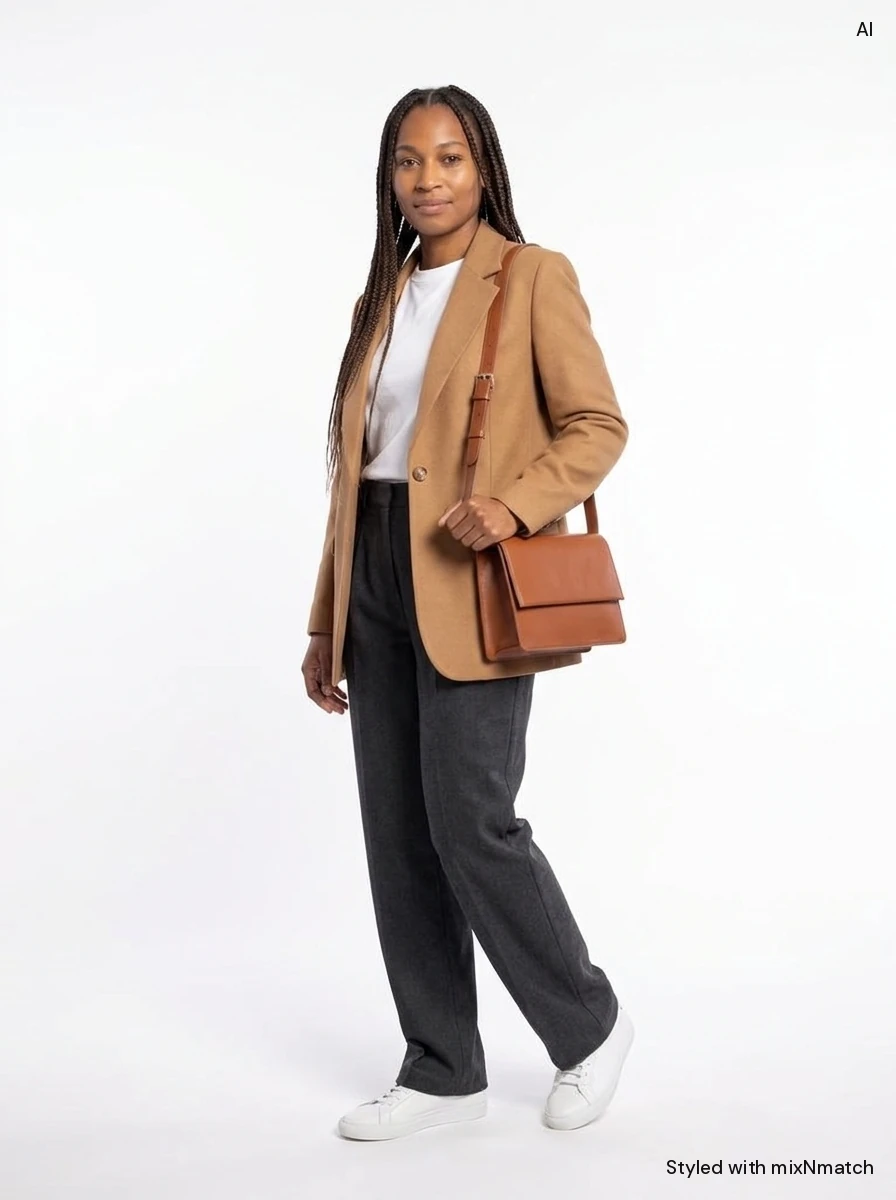 Virtually tried on
Try-on view
On the product page, the try-on can lead: a large image first, the pieces of the look beside it.
The modules
Every module is available through our REST API and in the Shopify app.
-
Virtual try-on
02 · Virtual try-on
Single pieces or complete looks on one of several AI models or on the shopper’s own photo, with versions to switch between. Labelled as AI-generated.
-
On-model Product Imagery
02 · Virtual try-on
Turns two or three product shots without a model into catalogue-style on-model images, with your approval before publishing.
Common questions
Which models can shoppers choose for the try-on?
Several AI models of different genders, ages, backgrounds and body shapes, or their own photo. Every generated image is labelled as AI-generated.
What do the dots and arrows in the try-on window do?
A dot sits on every piece of the look: a tap shows that product. The arrows switch between versions of the look, so the shopper can compare variants on the same model before deciding.
What can the generated try-on photos be used for?
Try-ons on AI models are content you can use on different pages and channels, to give customers further inspiration. For try-ons with a shopper’s own photo, made with clear consent, you define the retention and privacy policy yourself. For registered users, you could for example offer a private view of all the looks they created, as a personal look book. Every generated image is labelled as AI-generated.
Are AI images labelled?
Yes. Try-on and generated imagery are marked as AI-generated, following the EU AI Act.
What about GDPR and data protection?
We are an EU provider and process data in line with the GDPR. App and data are hosted in the EU; AI sub-processors are listed in the data processing agreement, which we sign with you wherever personal data is involved, for example try-on photos. Your data stays yours.
Your catalogue,
styled
Tell us about your shop and your KPIs. We prepare your offer and a demo on your own product pages, ready within 1 day.